
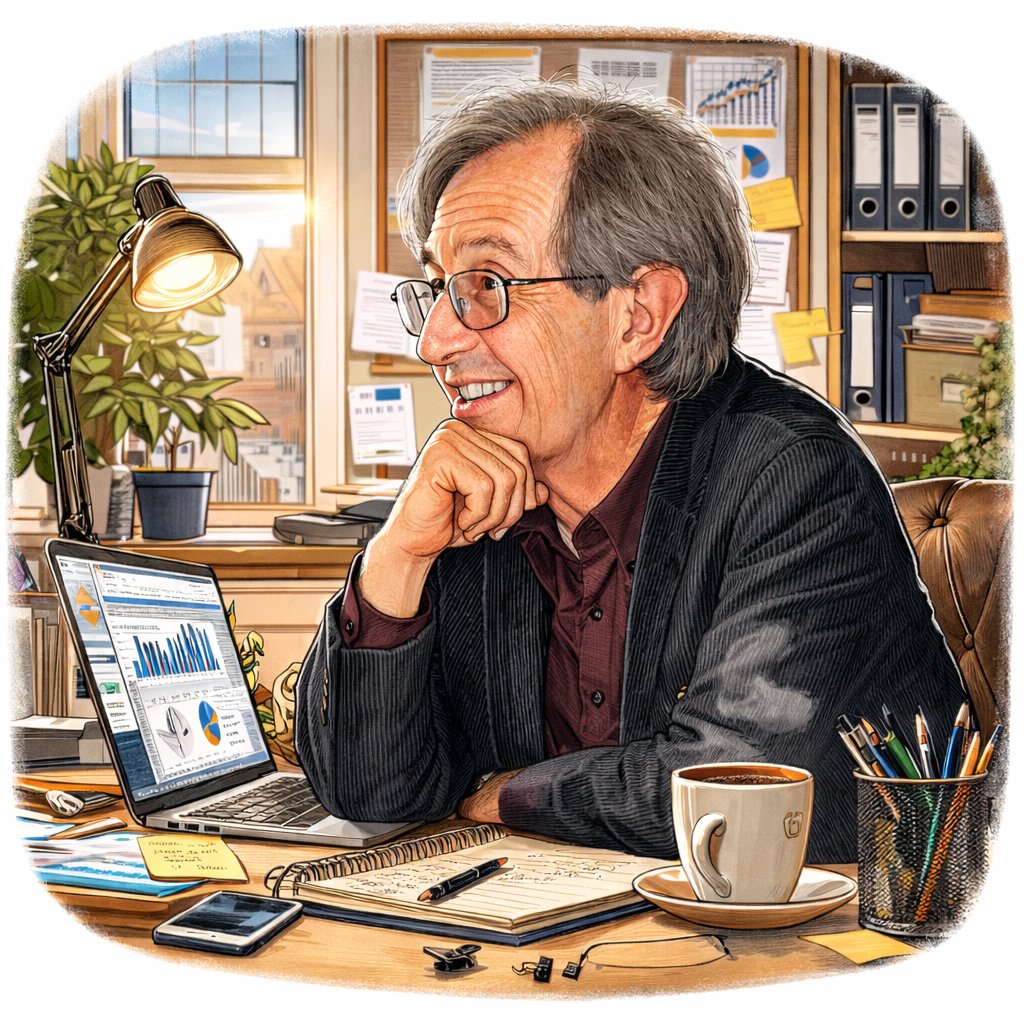
ChatGPT Caricature sample 4
Use the viral me-and-my-job prompt pattern while refining it for better likeness and cleaner portrait framing.
Anydraw AI
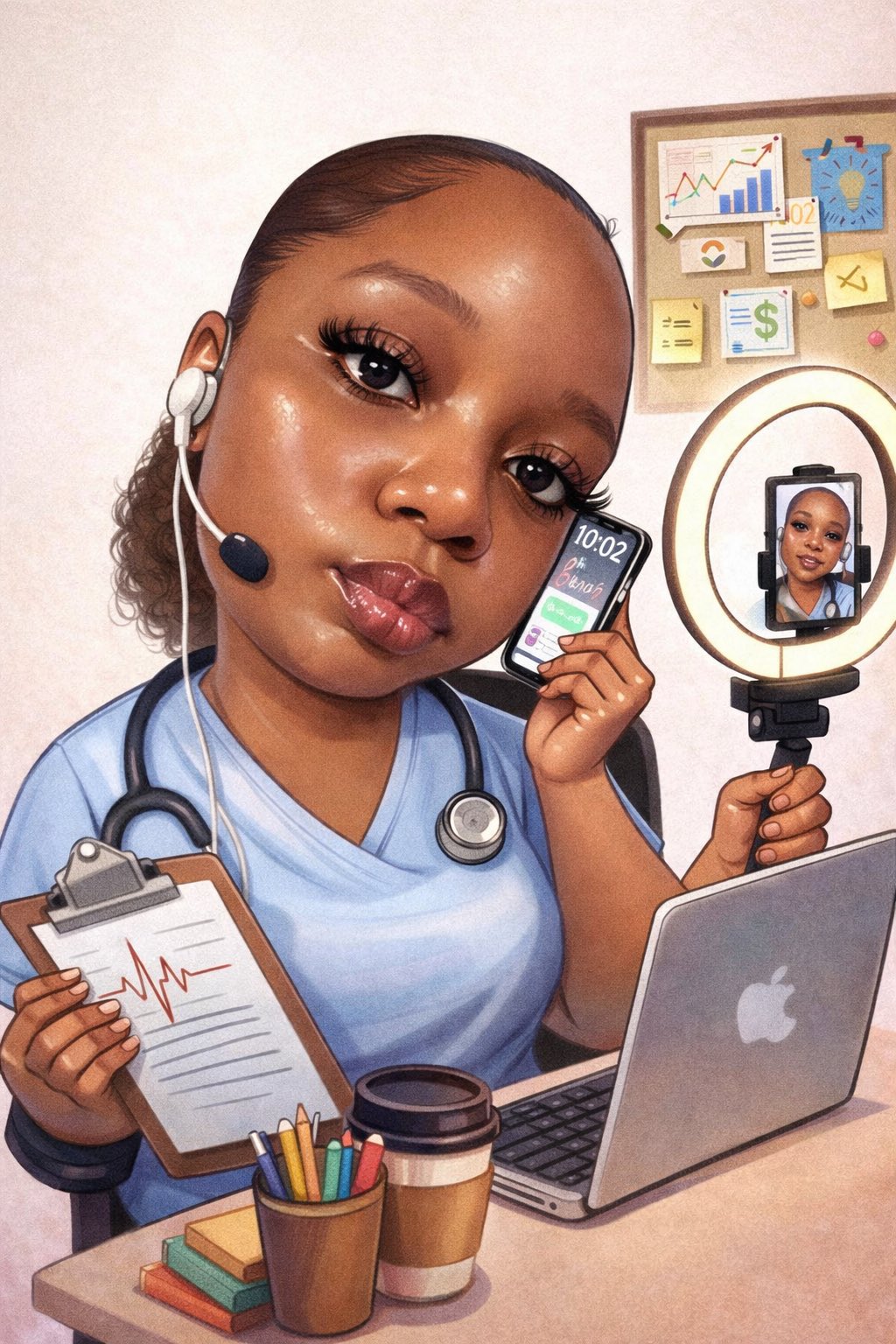
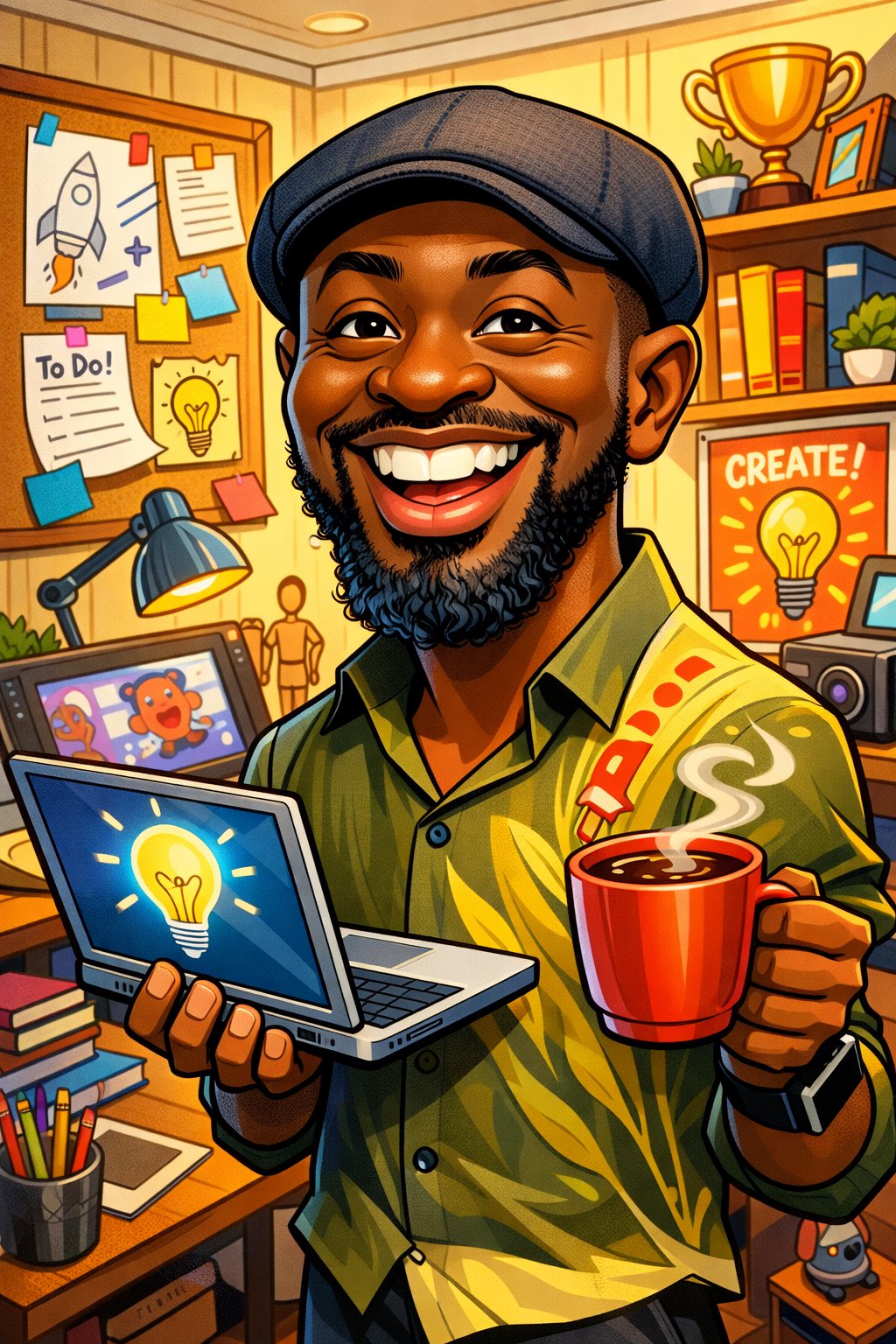
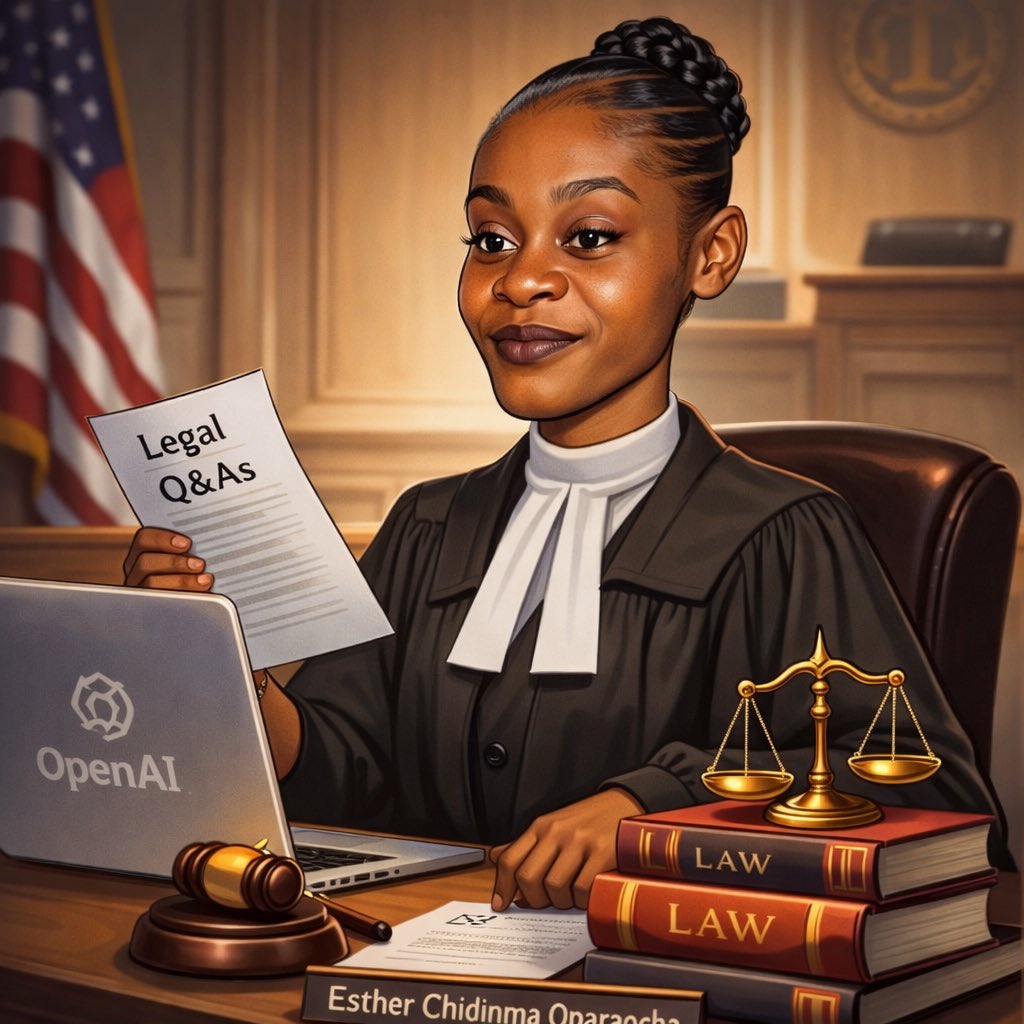
chatgpt caricature on Anydraw AI turns one selfie into a recognizable, playful, and role-aware portrait with cleaner exaggeration and better prompt control.
Nano Banana 2 playground
Cost: 1K = 10 credits per image (1k=10, 2k=16, 4k=20).
Prompt, references, model switching, size controls, and export in one panel.
Input
Choose a case to preload the internal recipe. You can then freely adjust the details.
Output
Practical guide
Tool-first flow, shorter copy blocks, integrated visuals, and direct CTA. Structured like easy-to-follow feature pages.
Use the viral me-and-my-job prompt pattern while refining it for better likeness and cleaner portrait framing.
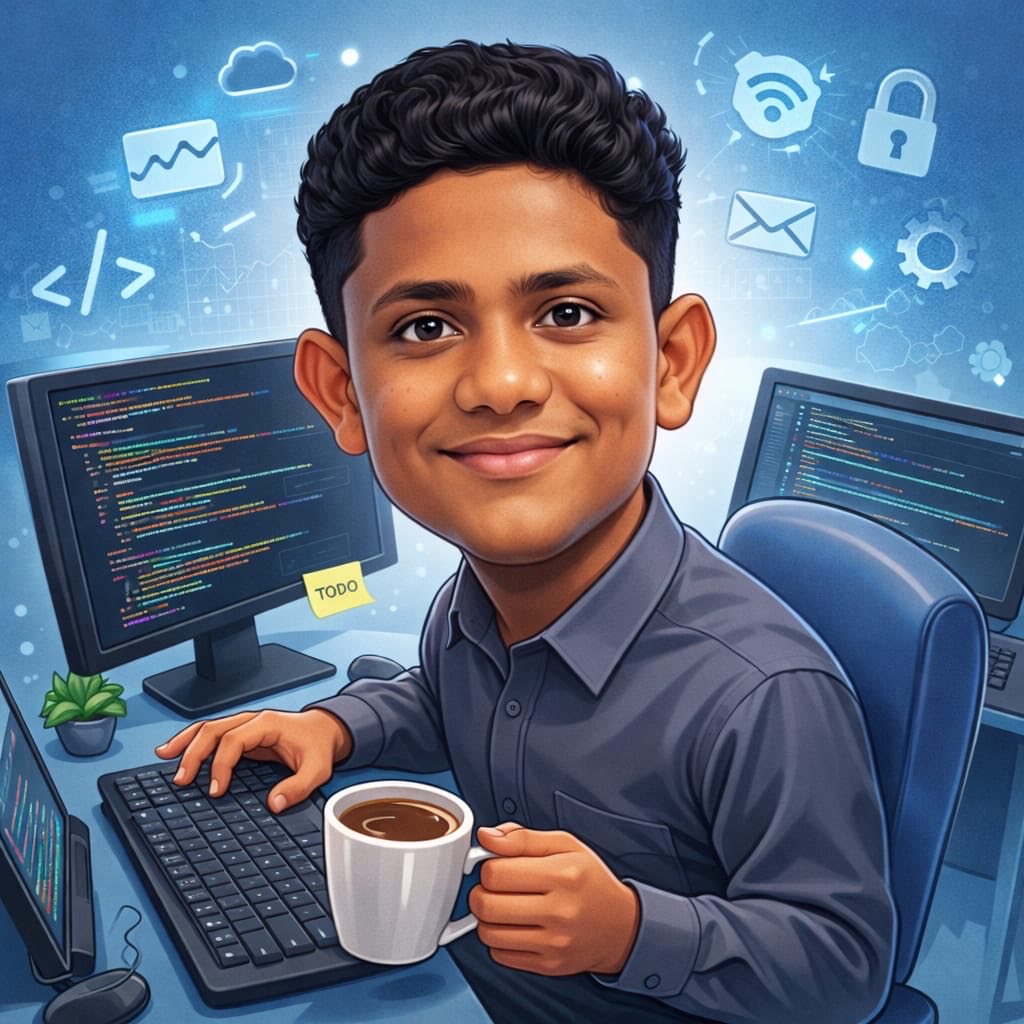
Keep face shape, hairstyle, and expression cues readable while still pushing playful exaggeration.
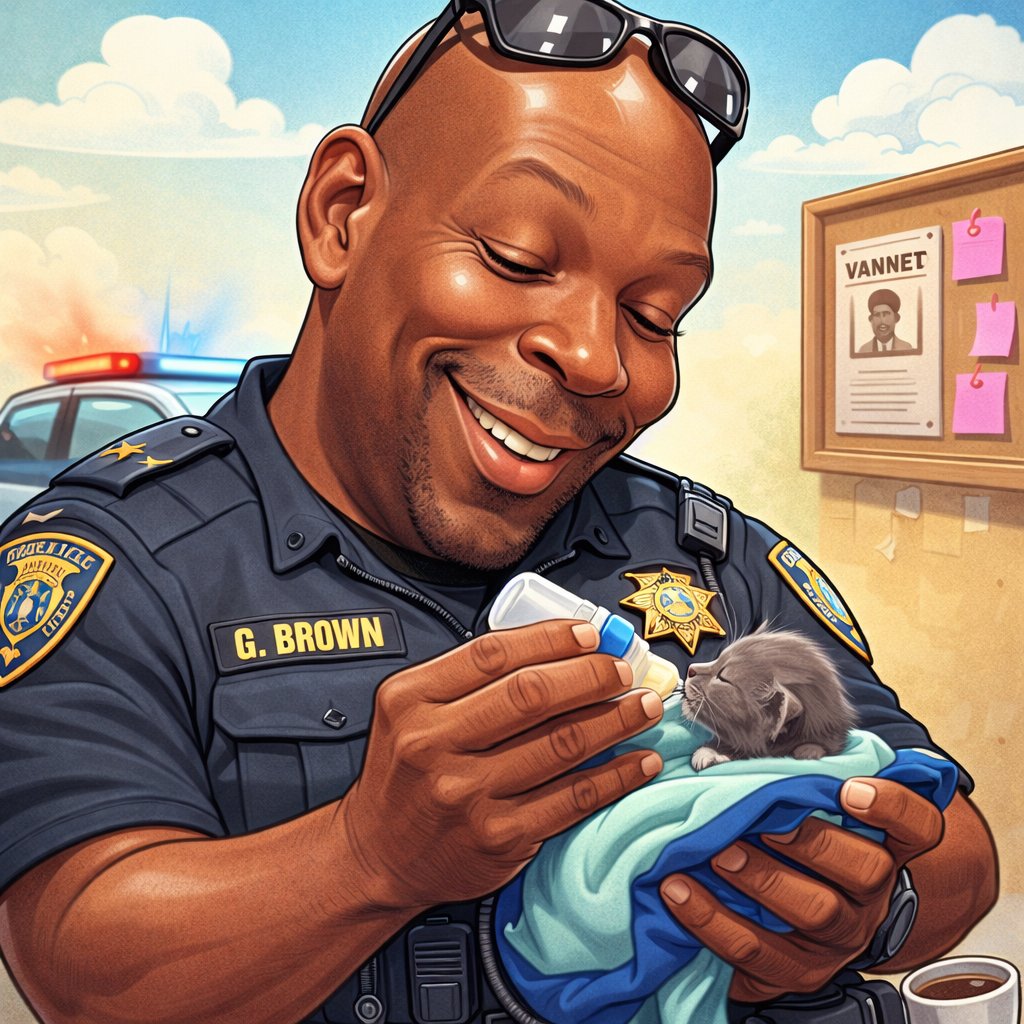
Add work tools, hobby cues, or lifestyle context without turning the caricature into a cluttered poster.
Use the viral me-and-my-job prompt pattern while refining it for better likeness and cleaner portrait framing.
Keep face shape, hairstyle, and expression cues readable while still pushing playful exaggeration.
Add work tools, hobby cues, or lifestyle context without turning the caricature into a cluttered poster.
Move from one approved caricature direction to profile photos, creator banners, and giftable social graphics faster.
Start with a selfie or portrait that shows the full face clearly, with natural light and minimal blur.
Decide whether the portrait should feel professional, playful, creator-led, or gift-ready before generation starts.
Test a few prompt variants while protecting likeness, role cues, and visual cleanliness.
Pick the cleanest caricature portrait and export crops for avatars, team pages, or social posts.
Direct full-length version. Each block covers one use case to keep the page readable and actionable.
Teams use chatgpt caricature when they want more personality than a normal headshot while still needing something usable for profile photos, speaker cards, gifts, or creator pages. That is why chatgpt caricature on Anydraw AI is built around prompt structure, recognizable features, and export-ready framing instead of chaotic meme-style distortion.
Better source images also make it easier to push small exaggerations while keeping identity safe. When the model can read the face clearly, chatgpt caricature can amplify smile, eyebrow shape, or head proportion without losing recognition. That balance is what makes the trend useful beyond one-off social jokes.
The strongest trend prompt often starts with create a caricature of me and my job based on everything you know about me. From there, refine the result with camera crop, background cleanliness, and mood. When chatgpt caricature is guided this way, the output feels more premium and much easier to reuse on a real page.
Controlled exaggeration keeps the portrait useful for public contexts. That matters when the same image may appear on a team page, creator bio, or event card. chatgpt caricature performs best when the face remains the anchor and the playful elements stay around it rather than replacing it.
Backgrounds should support the caricature instead of competing with it. Clean studio backdrops, simplified desk scenes, or soft color gradients usually work better than crowded collage layouts. When chatgpt caricature uses a calmer background, the exaggerated face reads faster and the final portrait survives tighter crops much better.
That is why chatgpt caricature is more than a novelty trend. With the right prompt, it becomes a practical portrait system for community pages, creator branding, and playful internal graphics. One clean source portrait and one refined prompt can turn the viral idea into a reusable workflow.
User Feedback
Each page uses fixed user avatars and practical workflow feedback.

Nina P.
Creator Manager
★★★★★
“ChatGPT Caricature helped us create profile-ready caricatures that still looked like the real person instead of a random cartoon.”

Leo M.
Community Lead
★★★★★
“We kept the viral prompt energy but made the result much cleaner for social posts, speaker cards, and team pages.”
Sara J.
Brand Designer
★★★★★
“The job-based prompt structure gave us fun caricatures with stronger storytelling and much less visual clutter.”
Short answers before you generate.
Generate, compare, and publish in one practical workflow.