
AI Animation From Image
Turn one image into a short motion clip for Reels, Shorts, product teasers, and lightweight storytelling.
Anydraw helps teams and creators turn simple prompts or photos into polished images, animated clips, ads, and social-ready content in minutes. One workspace covers stills, edits, and short-form video without forcing you through a complicated production flow.
From first prompt to final export, this AI image and video workflow keeps quality high, steps simple, and output consistent across every campaign.

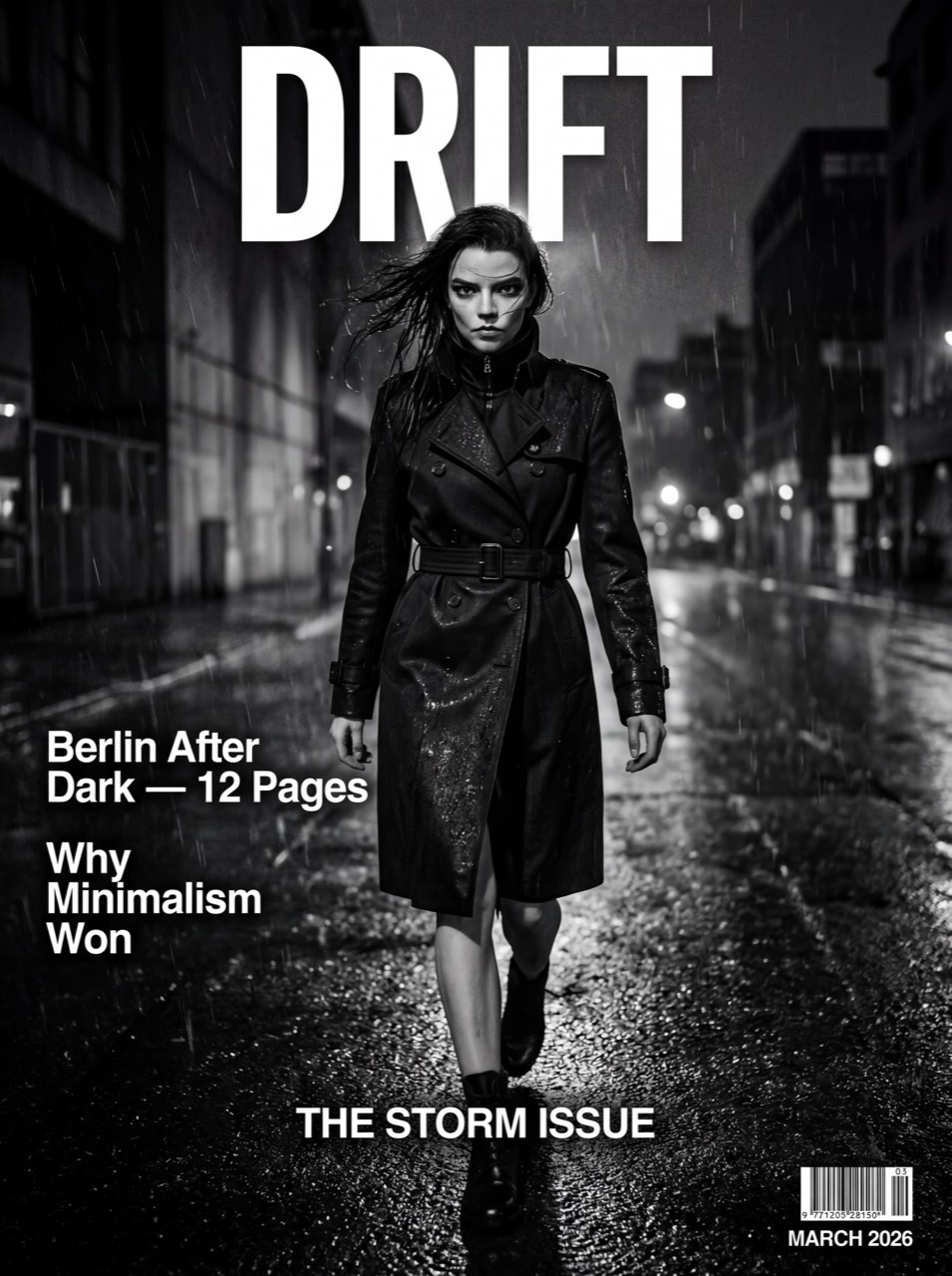
Clean prompt following for ads, layout-driven visuals, and text-heavy image tasks.







Nano Banana 2 playground
Cost: 1K = 10 credits per image (1k=10, 2k=16, 4k=20).
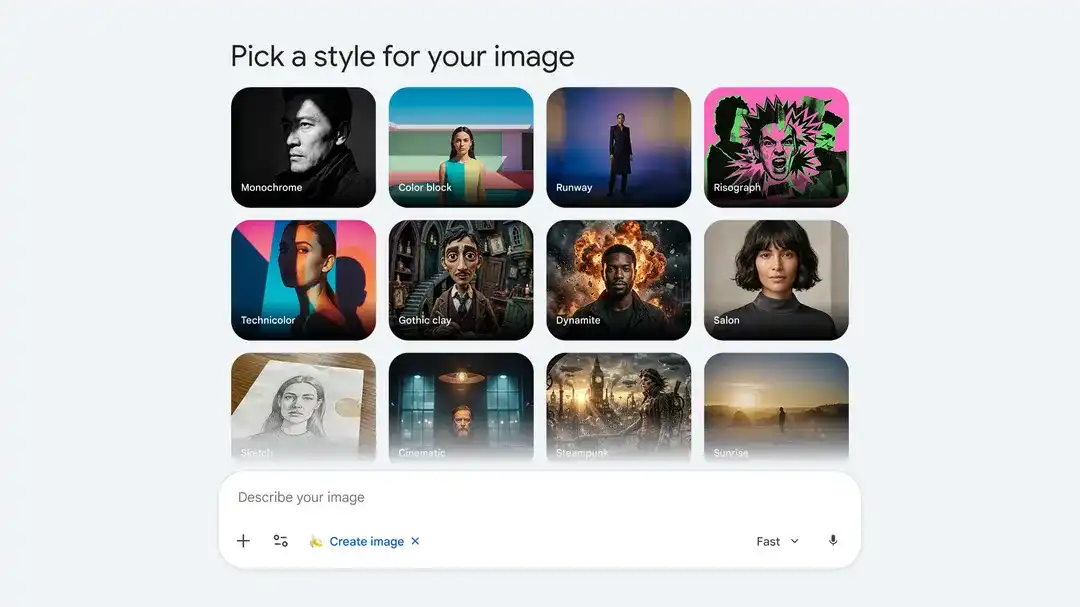
Run prompt, references, image size, and export controls in one trend-focused panel.
Input
Choose a case to preload the internal recipe. You can then freely adjust the details.
Output
How It Works
Anydraw is built for real users, not just designers or editors. You can go from idea to a finished image, variation, or short video in one smooth flow, even if this is your first time using AI tools.
Every step uses plain language, so you always know what to do next whether you are making a still, an edit, or a motion clip.
Type one short prompt and let Anydraw turn it into a strong visual concept. This text-to-image flow is fast, clear, and beginner-friendly.
Need edits instead of a full remake? Keep the subject, then change lighting, background, mood, style, or motion with image-to-image and image-to-video workflows.
Use the built-in editor to clean details, improve sharpness, tune pacing, and match your brand style without complicated menus.
Download your final image or clip and publish on ecommerce pages, social posts, ads, landing pages, and short-form channels with confidence.
Why Choose Anydraw
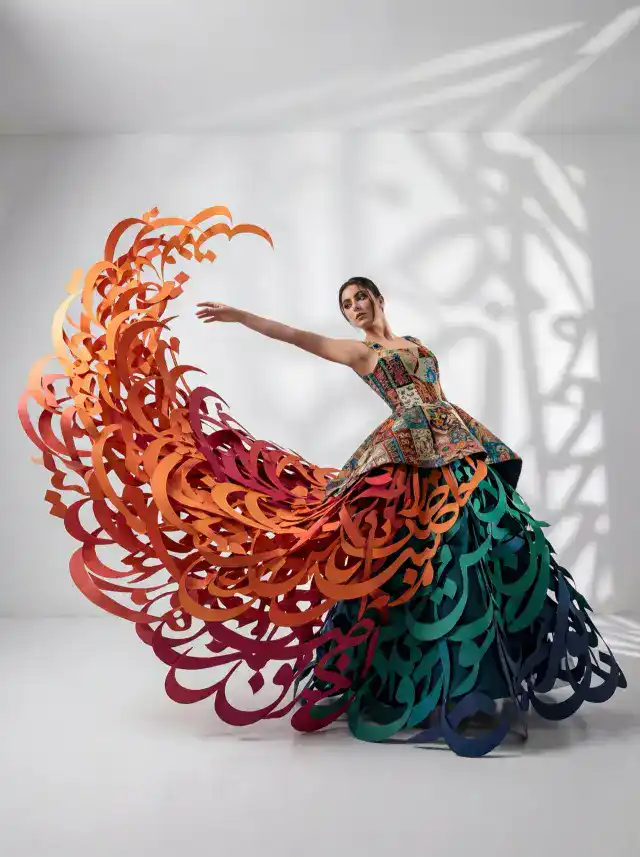
Anydraw gives brands one premium workflow for standout stills and short-form video. Our multi-model system combines strong prompt accuracy, richer color, cleaner edits, and smoother motion so you can ship campaign-ready creative faster across ecommerce, ads, and social.
Anydraw understands clear prompt structure, so you get production-ready drafts faster and spend less time rerolling weak outputs.
Compared with random-style generators, Anydraw gives steadier color, lighting, composition, and motion cues so your content stays on-brand.
From headshots and product visuals to animated social clips, one workspace handles most daily creative jobs without tool switching.
You do not need a design background. Anydraw keeps steps short while still delivering high-resolution images and polished video outputs ready for real business use.
Popular this week
Start with popular ideas, then personalize them to match your style and goals.
Popular Use Cases
Each card opens a practical workflow with example prompts and direct access to the right tool.
GPT-4o Image Generator
Generate precise GPT-4o visuals with prompt presets, reference uploads, and fast export.
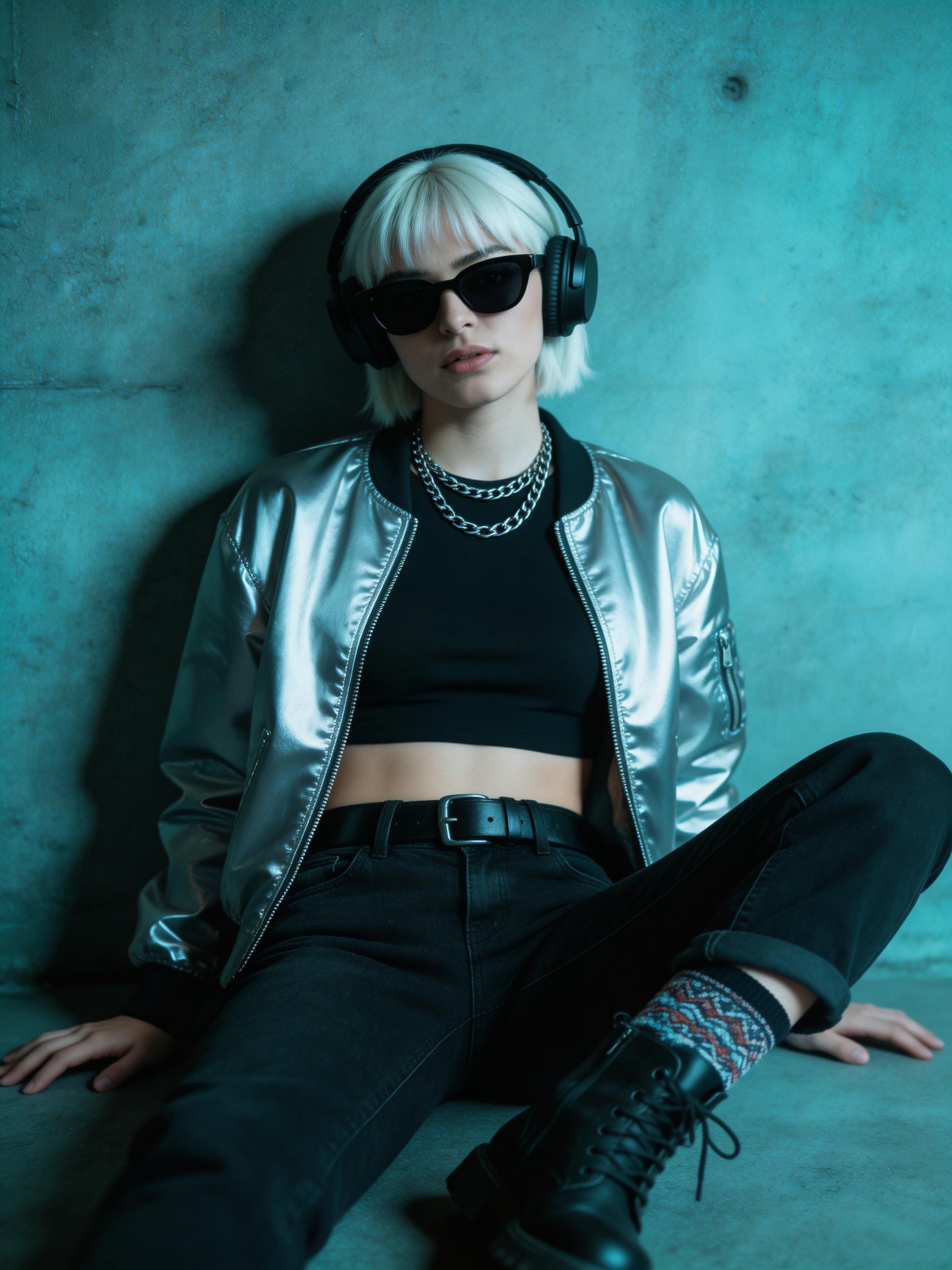
Seedream 5 Lite
Reasoning-first Seedream workflows for structured image generation, controllable edits, and cleaner text rendering.
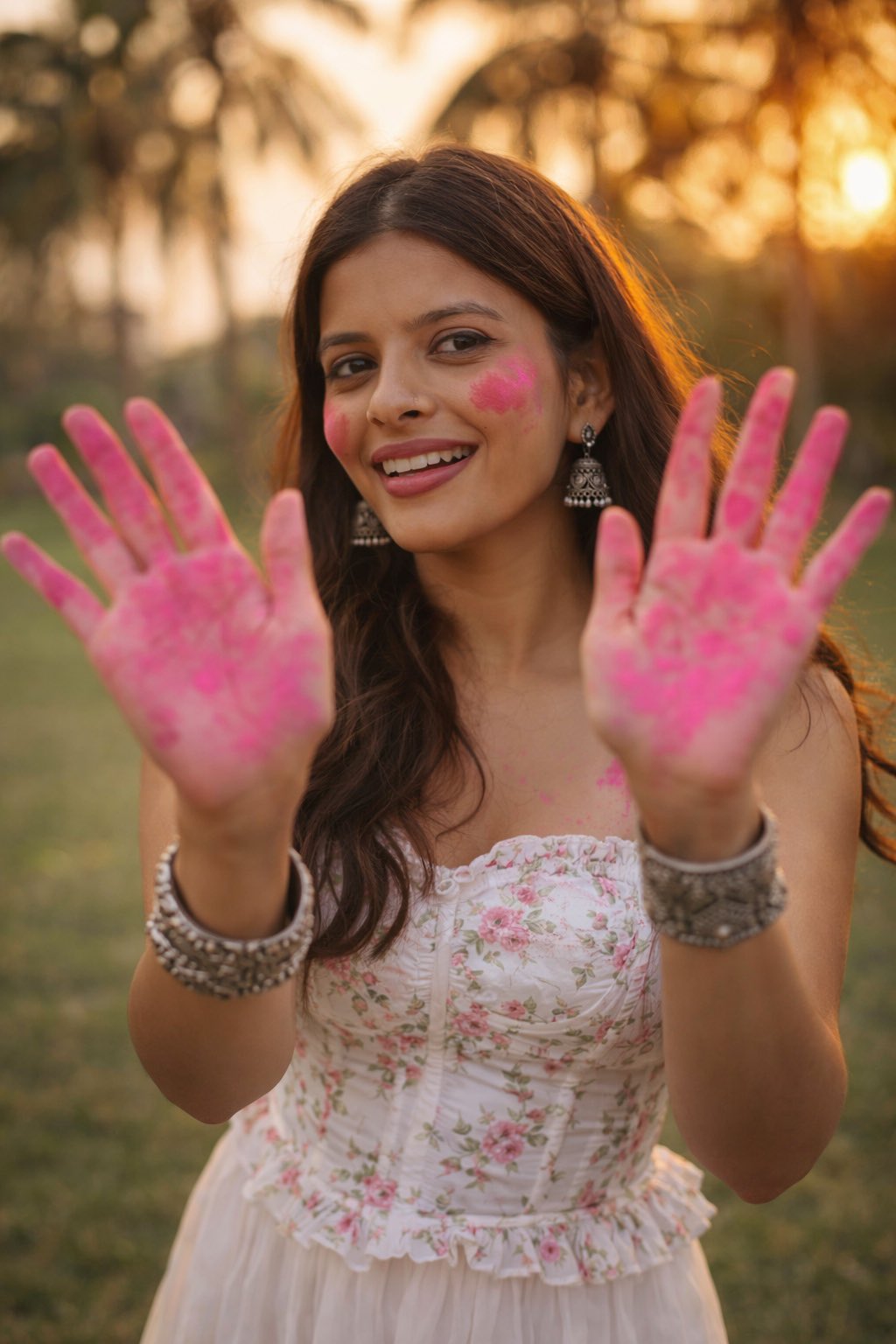
AI Holi Image Generator Free
Create festive Holi portraits, couple visuals, and colorful scene assets with prompt-first controls.
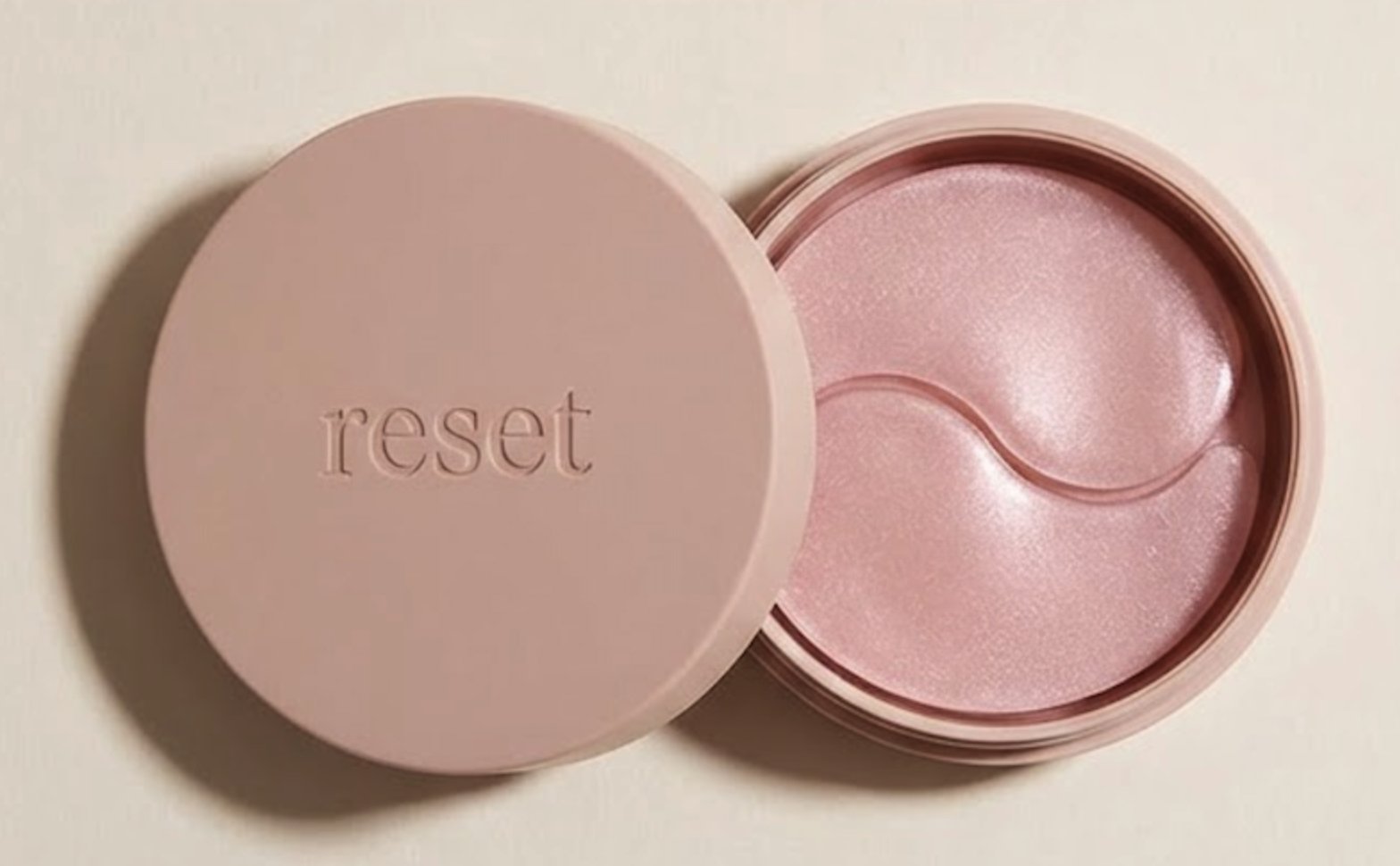
AI Amazon Product Image Generator
Amazon-friendly product imagery with clean framing and consistent visual standards.
AI Image Resizer
Resize images for social, ecommerce, and ad formats with sharp output and clean aspect-ratio control.
LinkedIn Headshot Generator
LinkedIn-ready headshots tuned for trust, clarity, and profile conversion.
Professional AI Portrait Generator
Portrait-generation workflows for founder pages, speaker bios, and personal brands.
Family Photo AI Prompt Generator
Build realistic family portrait prompts with better pose direction, wardrobe consistency, and warm studio-to-lifestyle output planning.
Browse All Ideas
Each entry below opens a ready-to-use tool page with presets you can customize in seconds.
Start from proven workflows for social media, ecommerce, personal branding, and motion content.
Turn one image into a short motion clip for Reels, Shorts, product teasers, and lightweight storytelling.
Generate clean visuals with strong prompt following when you need sharp text handling, concepts, or ad-ready stills.
Build fast creative variations for product shots, social content, and source frames that can later move into video workflows.
Turn portraits into collectible-style mockups with packaging vibes that perform well on short-form social content.
4-Step Flow
This AI Image Generator keeps the process simple: write, style, refine, and export. You can finish professional visuals in minutes, even on your first try.
Step 1
Tell the AI Image Generator what you want in one clear sentence.
Step 2
Start with Text to Image Generator mode or switch to Image to Image AI when you already have a photo.
Step 3
Use AI Photo Editor controls to tune lighting, detail, and mood until the image looks exactly right.
Step 4
Export your final image and use it in ads, posts, product pages, portfolios, and campaigns right away.
User Feedback
People choose Anydraw because it is fast, easy to learn, and consistently high quality.
Avery M.
Ecommerce Founder
★★★★★
“I replaced long studio shoots with this AI Image Generator for catalog updates. The product visuals look premium and save us hours every week.”

Noah K.
Marketing Manager
★★★★★
“Our team uses this AI Image Generator for ad creative tests. We move from brief to live campaign much faster now.”
Sofia R.
Content Creator
★★★★★
“I can produce consistent styles for reels, covers, and thumbnails with one AI Image Generator workflow. It is easy and reliable.”
Simple answers to help you create better images and videos faster.
Anydraw delivers sharper drafts with fewer retries and keeps your prompt meaning clearer, so results match what you asked for earlier in the process.
You also get image generation, editing, and short-form video workflows in one place, which cuts down tool switching and rework.
Yes. Anydraw is made for beginners. Write a plain-language prompt, choose a style, and generate results in minutes.
If you already have a photo, you can edit it, restyle it, or turn it into a short motion clip with simple controls.
Absolutely. Teams use Anydraw for ecommerce images, ad creatives, social posts, and lightweight promo videos. The product-photo workflow is strong for clean catalog visuals.
The headshot, editing, and animation tools also help with profile assets, campaigns, and short-form social content.
Most users can move from idea to export in a few minutes. Anydraw is optimized for fast testing, so you can compare stills, edits, and motion versions quickly.
The exact speed depends on the model and output type, but the workflow is designed to keep previews, revisions, and exports moving without a heavy production setup.
You can build product photos, social creatives, banners, headshots, poster concepts, and short animated clips. Use text-to-image mode for new ideas from scratch.
Use image editing when you want to transform an existing photo, or image-to-video workflows when you want to add motion for Shorts, Reels, and promo content.
Use clear prompts with subject, setting, lighting, style, and output goal. Generate a few options, choose the strongest composition, then refine with editing or motion controls.
Save your best prompt patterns and reuse them. Anydraw rewards consistent input and gives you more reliable high-quality output.
Create stronger visuals and short clips in minutes, from prompt to final export.