
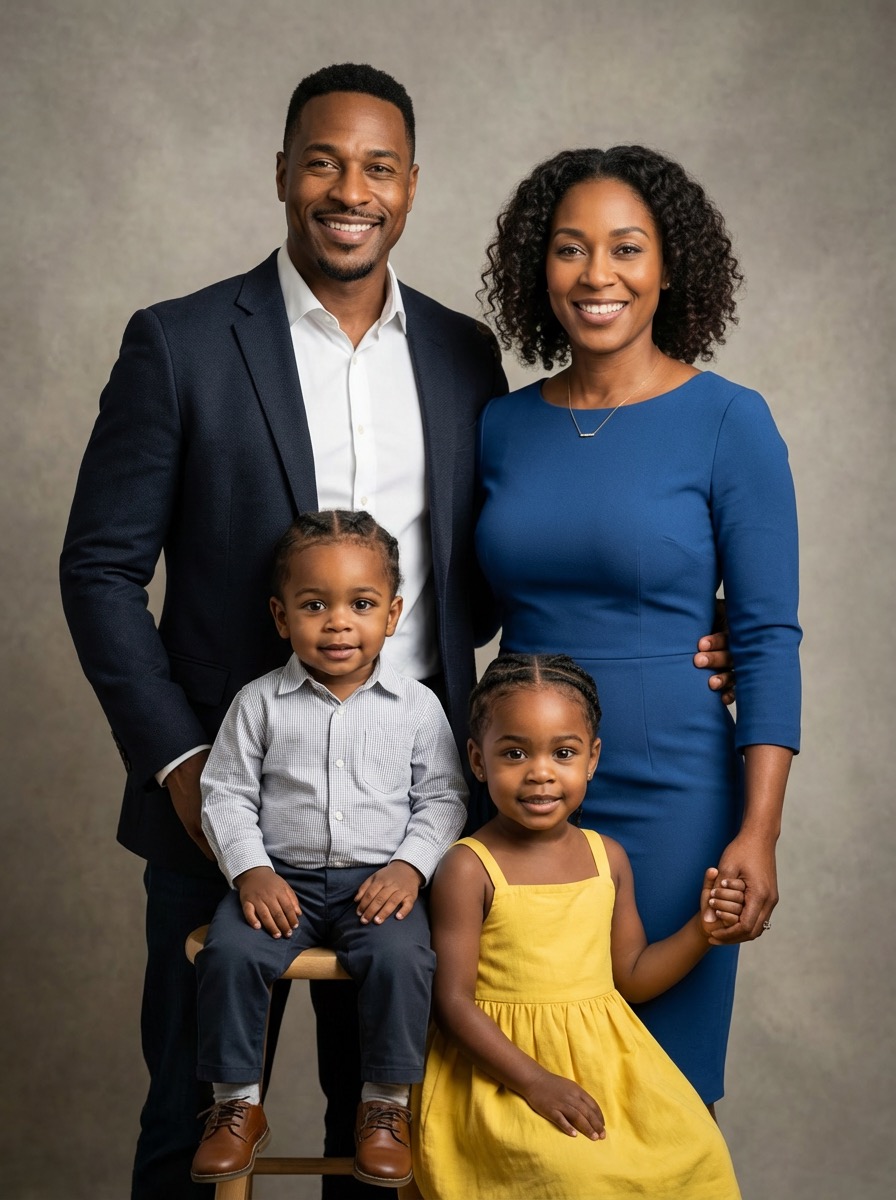
Family Photo AI Prompt Generator sample 4
Start with subject count, age mix, wardrobe tone, camera framing, and mood so your first pass already feels usable.
Anydraw AI
family photo ai prompt generator on Anydraw AI helps you turn one family brief into polished portrait prompts, cleaner styling instructions, and faster publish-ready results.
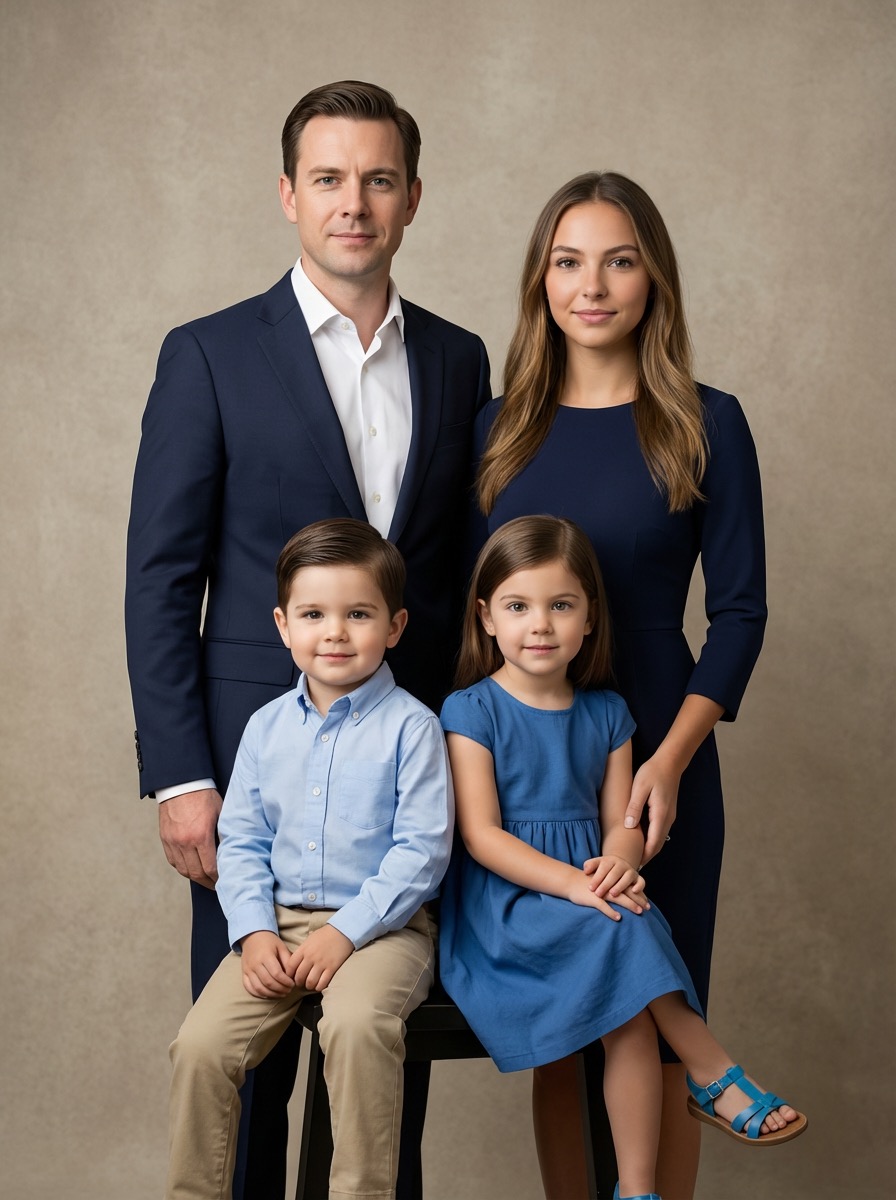
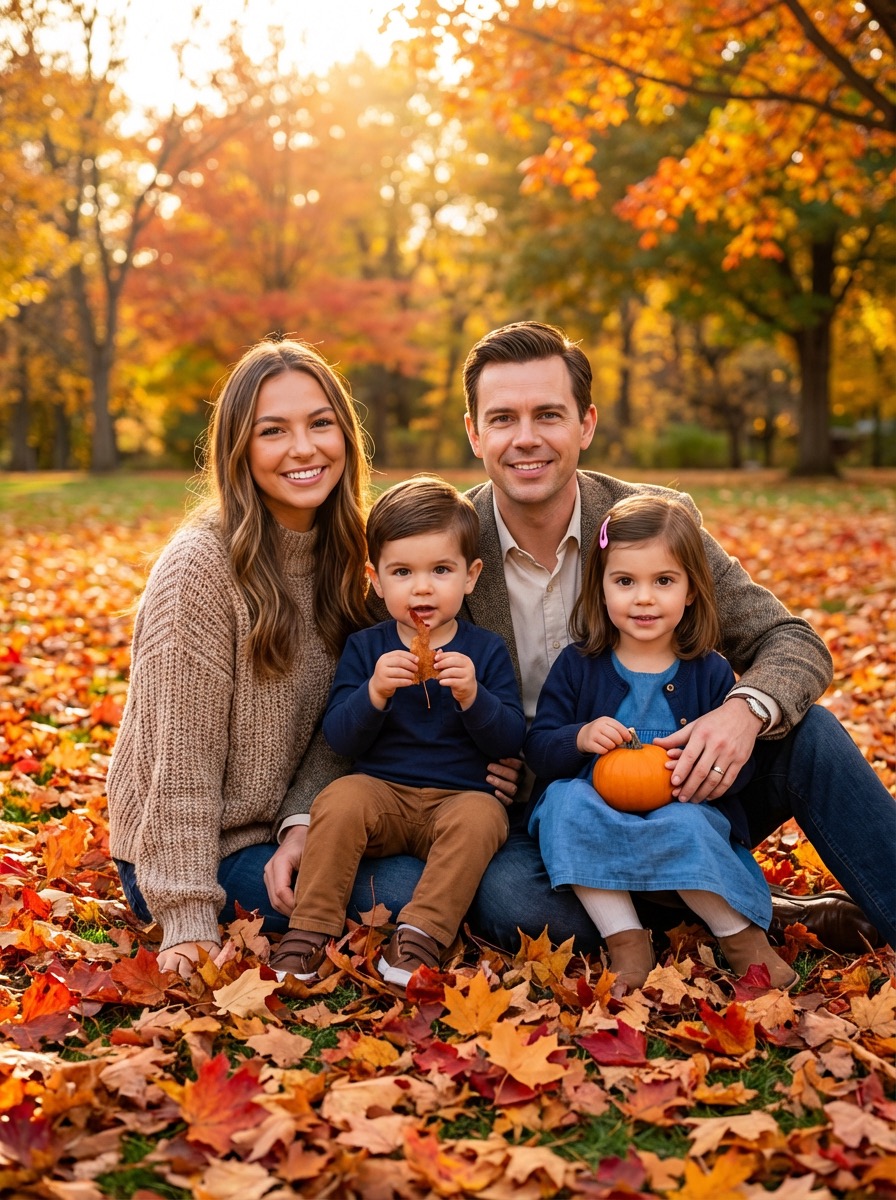
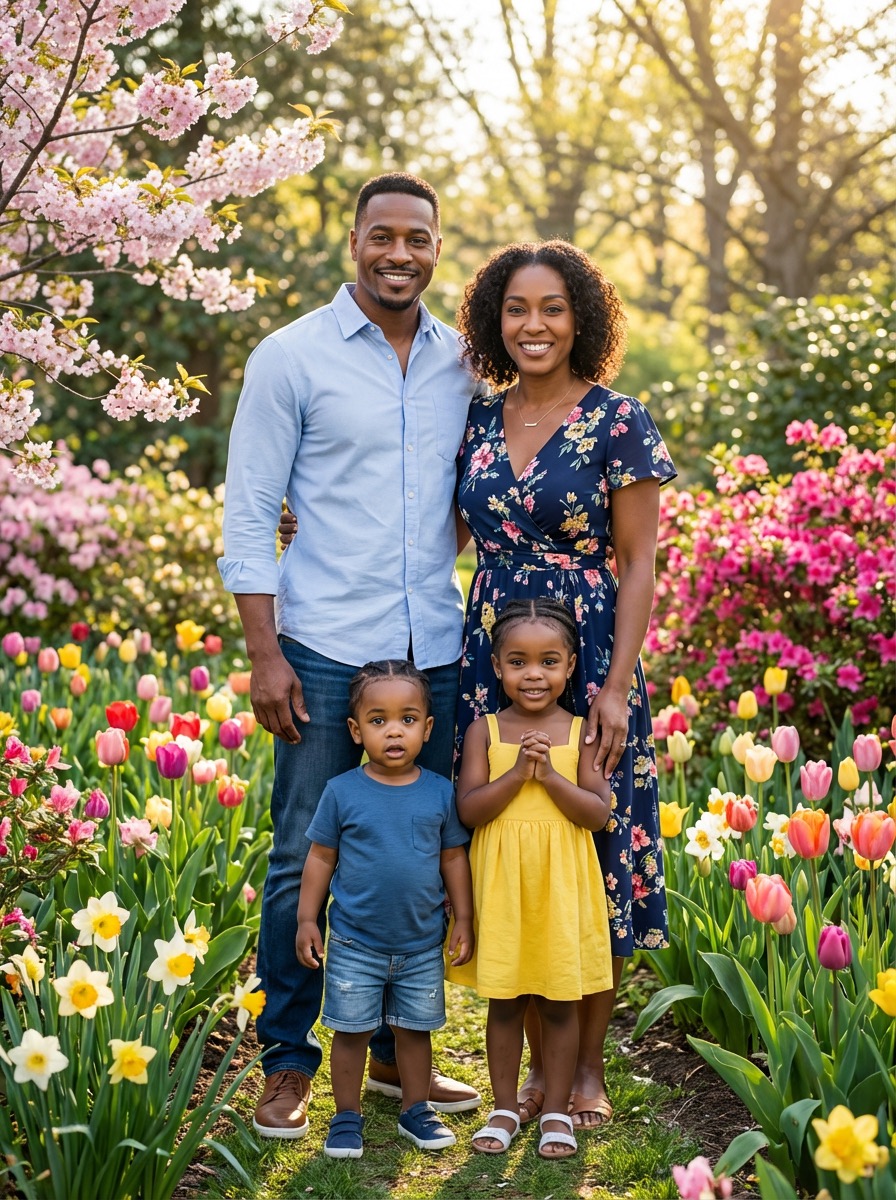
Nano Banana 2 playground
Cost: 1K = 10 credits per image (1k=10, 2k=16, 4k=20).
Prompt, references, model switching, size controls, and export in one panel.
Input
Choose a case to preload the internal recipe. You can then freely adjust the details.
Output
Practical guide
Tool-first flow, shorter copy blocks, integrated visuals, and direct CTA. Structured like easy-to-follow feature pages.
Start with subject count, age mix, wardrobe tone, camera framing, and mood so your first pass already feels usable.
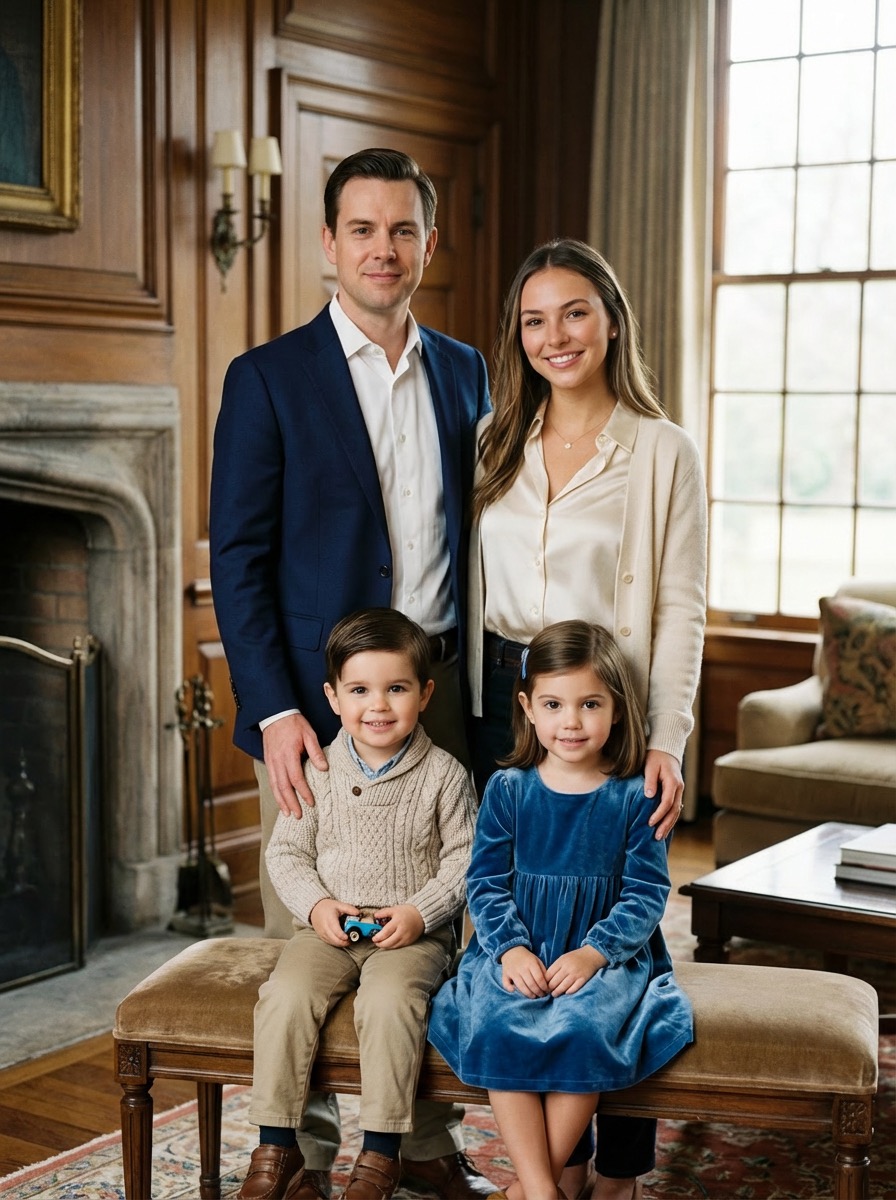
Add hand placement, eye lines, smile intensity, and spacing rules to avoid stiff or awkward family group shots.
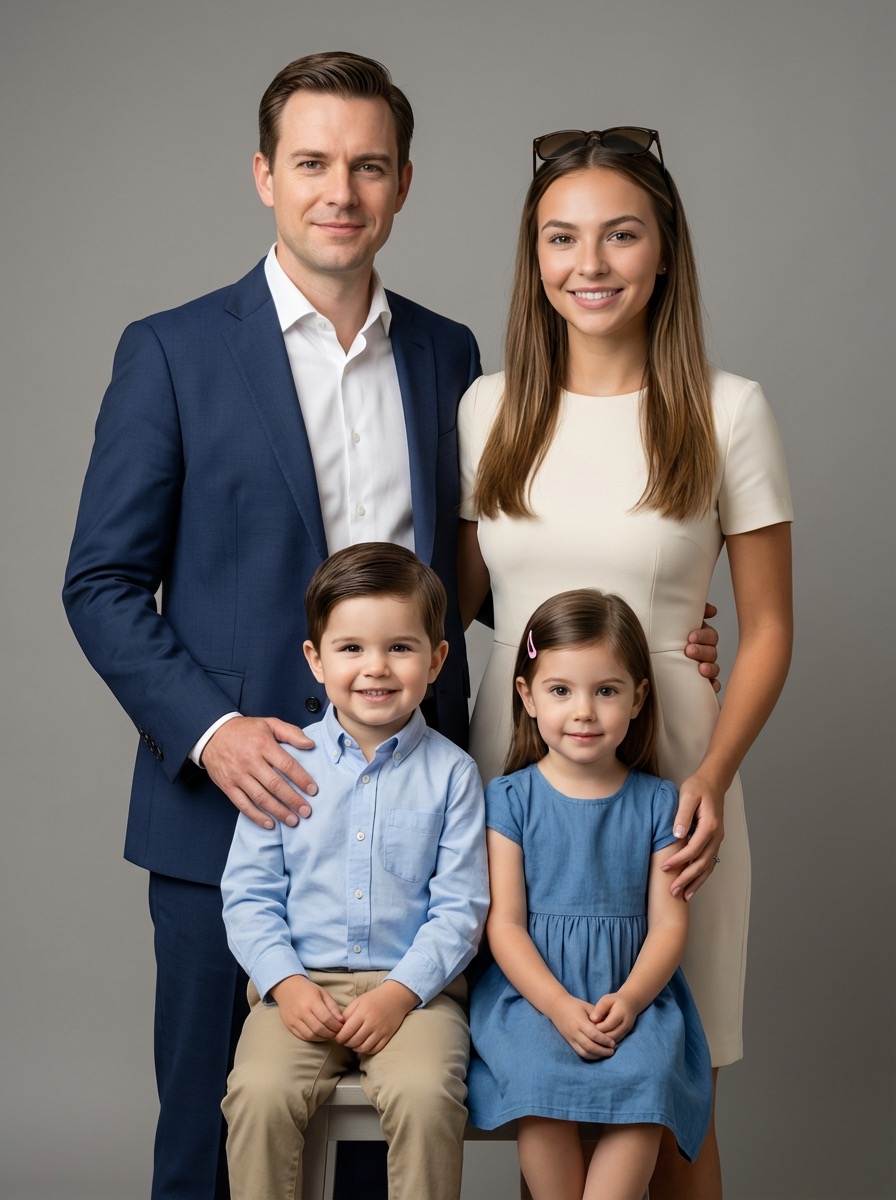
Keep skin tone balance, outfit palette, background mood, and lighting direction steady across portrait variants.
Start with subject count, age mix, wardrobe tone, camera framing, and mood so your first pass already feels usable.
Add hand placement, eye lines, smile intensity, and spacing rules to avoid stiff or awkward family group shots.
Keep skin tone balance, outfit palette, background mood, and lighting direction steady across portrait variants.
Move from one approved prompt to social crops, holiday cards, framed prints, and family album covers faster.
List family size, age range, setting, season, wardrobe level, and where the final image will be used.
Lock composition, facial mood, lens feel, and lighting before you start testing outfit or background variants.
Test studio, home, outdoor, or holiday directions while protecting expressions, spacing, and family identity.
Keep the strongest portrait, then export versions sized for prints, cards, profile banners, or social sharing.
Direct full-length version. Each block covers one use case to keep the page readable and actionable.
On Anydraw AI, family photo ai prompt generator gives you one place to define the brief, test prompt variations, and keep export settings stable. That matters because family portraits are usually reused across albums, framed prints, holiday cards, profile banners, and social posts. A stronger prompt system gives you faster approvals and fewer reruns.
When you build that structure early, your review loop gets shorter. Instead of debating whether a result feels off, you can trace the issue to pose spacing, smile tone, camera distance, or lighting language. That makes the next iteration much more efficient.
You should also decide whether the mood is formal, cozy, editorial, or seasonal. That single decision influences wardrobe, facial expression, background treatment, and camera feel. family photo ai prompt generator performs better when the emotional direction is explicit.
For example, instead of writing happy family portrait, describe the exact scene: two parents and two children, coordinated ivory and denim outfits, warm afternoon light, seated and standing staggered arrangement, relaxed smiles, medium-wide framing, realistic skin texture, no watermark. family photo ai prompt generator gets cleaner results when the request is concrete.
Also set smile intensity and body language. A natural family portrait rarely means every face is identically posed. family photo ai prompt generator performs better when you ask for gentle smiles, relaxed posture, and believable spacing rather than perfect symmetry.
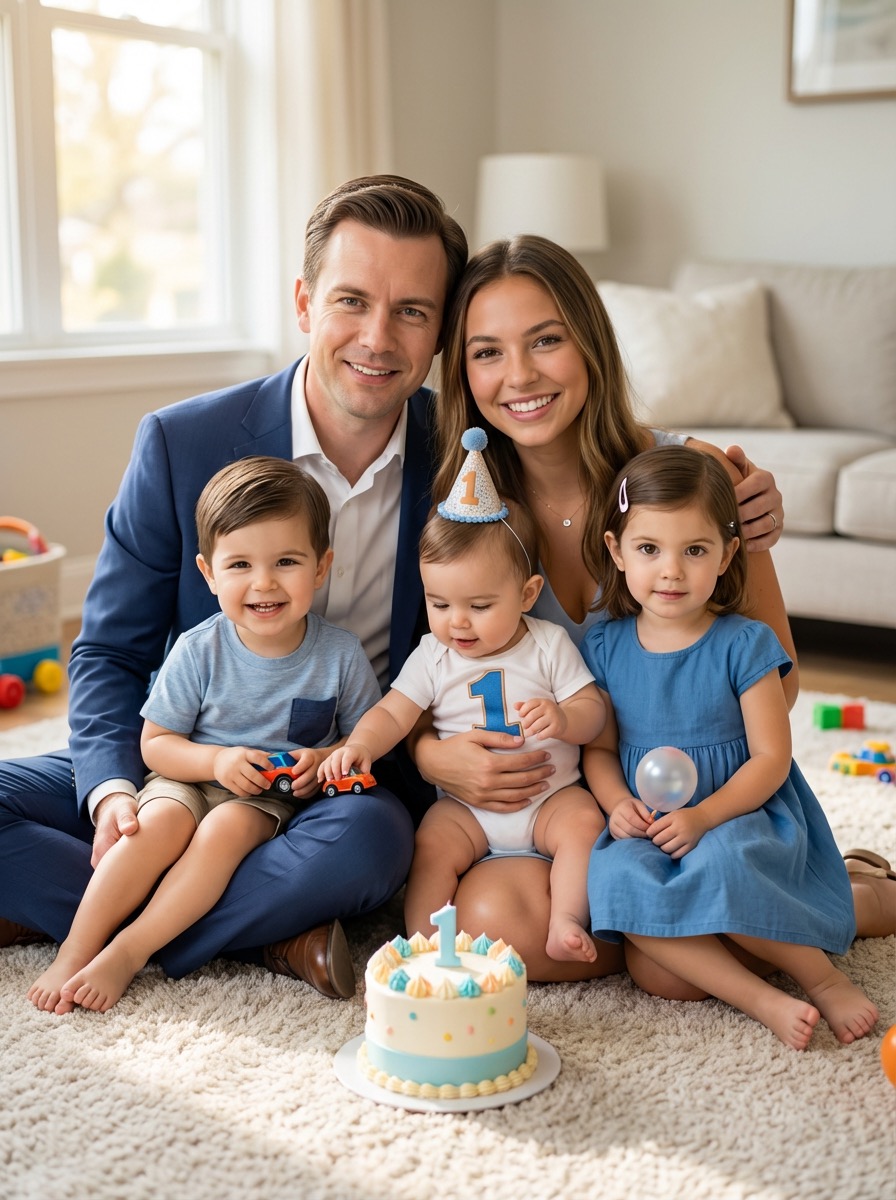
If the image is intended for cards or framed prints, request texture without busy patterns. Linen, knits, denim, and soft formal wear tend to render better than loud logos or dense prints. family photo ai prompt generator becomes more reliable when style instructions are consistent across every subject.
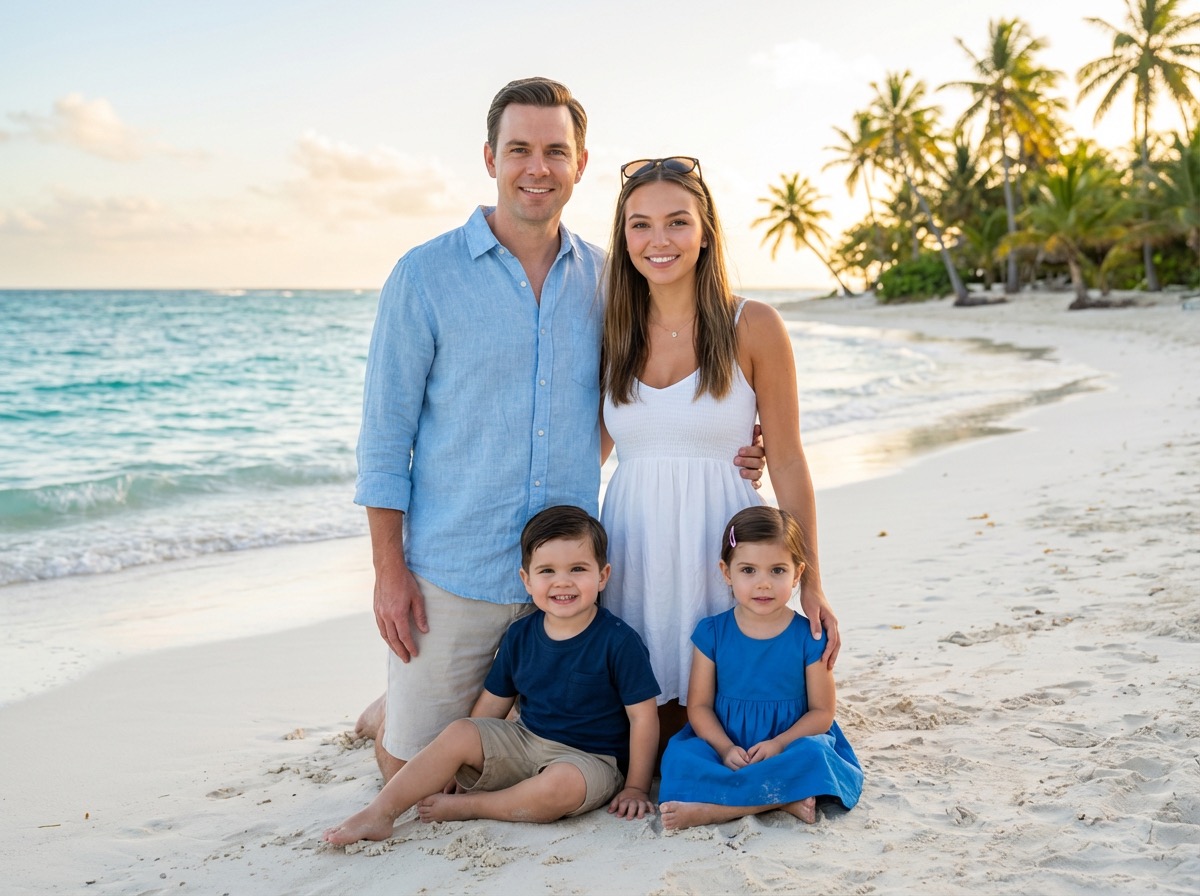
Background prompts should stay supportive, not dominant. Ask for a clean studio backdrop, a softly blurred park, or a tidy living room with limited props. family photo ai prompt generator usually performs better when the family remains the visual priority.
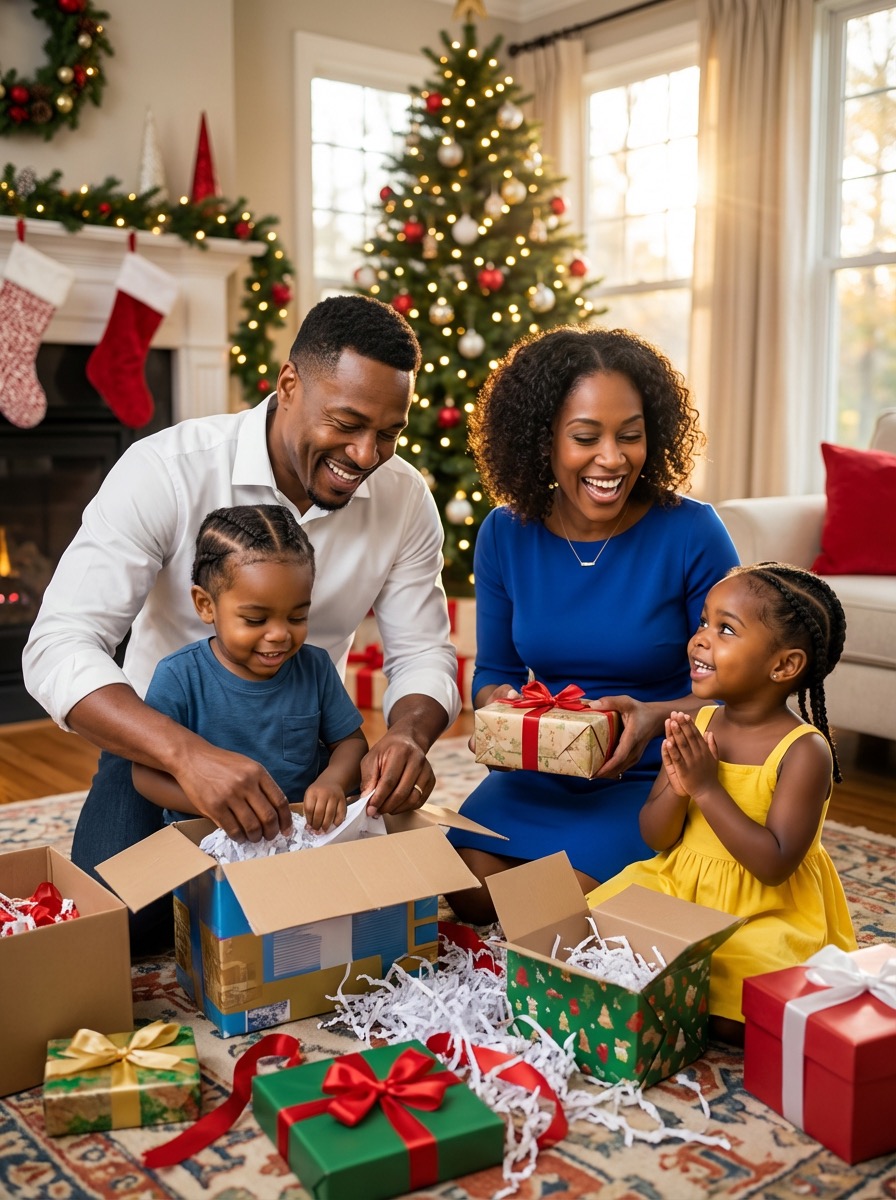
Next, check whether the image still works at the final destination size. A framed print, holiday card, and website hero all need different cropping tolerance. family photo ai prompt generator becomes more valuable when prompt review and output review are treated as one system.
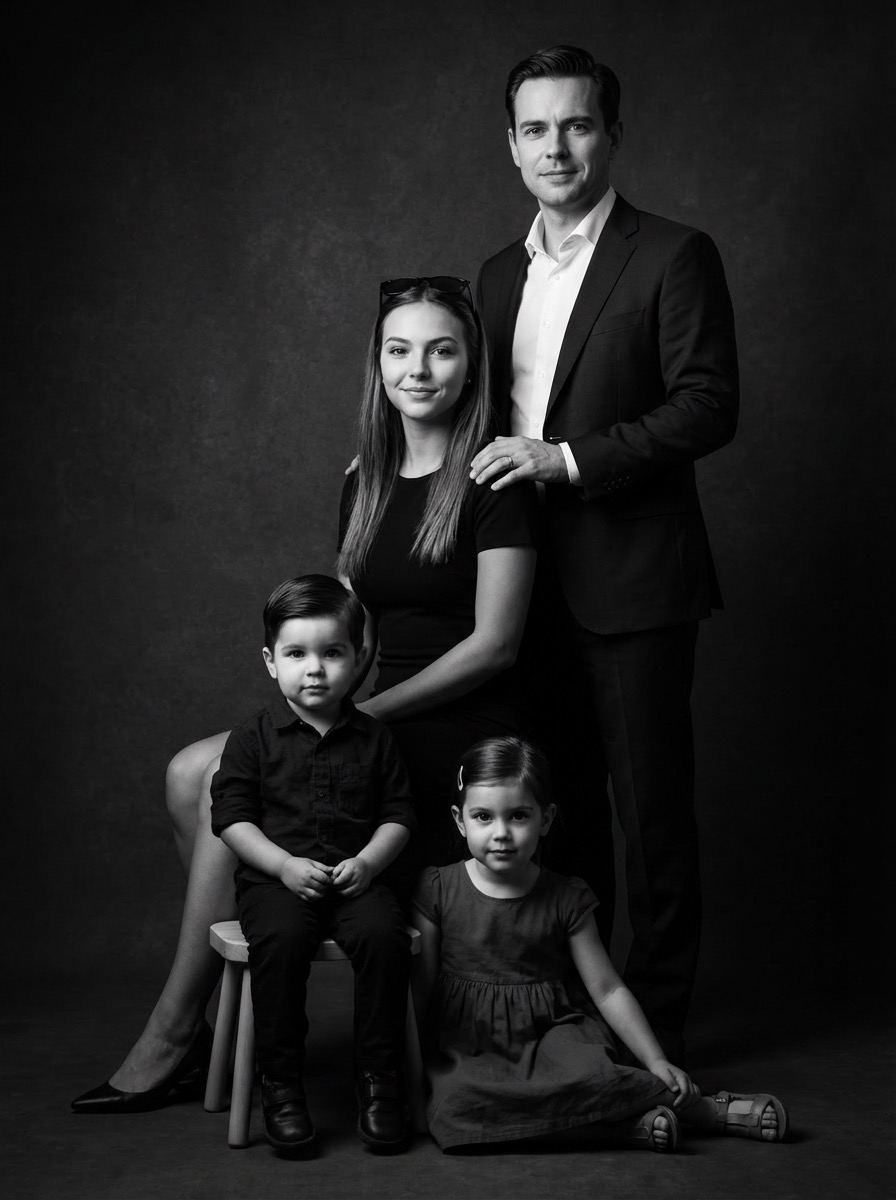
A small prompt library also makes collaboration easier. One person can own prompt language, one person can review visual quality, and one person can approve exports. That structure keeps family photo ai prompt generator useful for creators, parents, and photography teams alike.
User Feedback
Each page uses fixed user avatars and practical family photo ai prompt generator workflow feedback.

Mia R.
Family Blogger
★★★★★
“Family Photo AI Prompt Generator helped us get warmer, more natural prompts before every holiday shoot.”

Oliver P.
Portrait Retoucher
★★★★★
“The pose and spacing guidance cut down awkward family group shots and saved revision time.”
Sophia L.
Studio Manager
★★★★★
“We use the workspace presets to brief family sessions faster and keep styling consistent across seasons.”
Short answers before you generate.
Generate, compare, and publish in one practical family photo ai prompt generator workflow.