

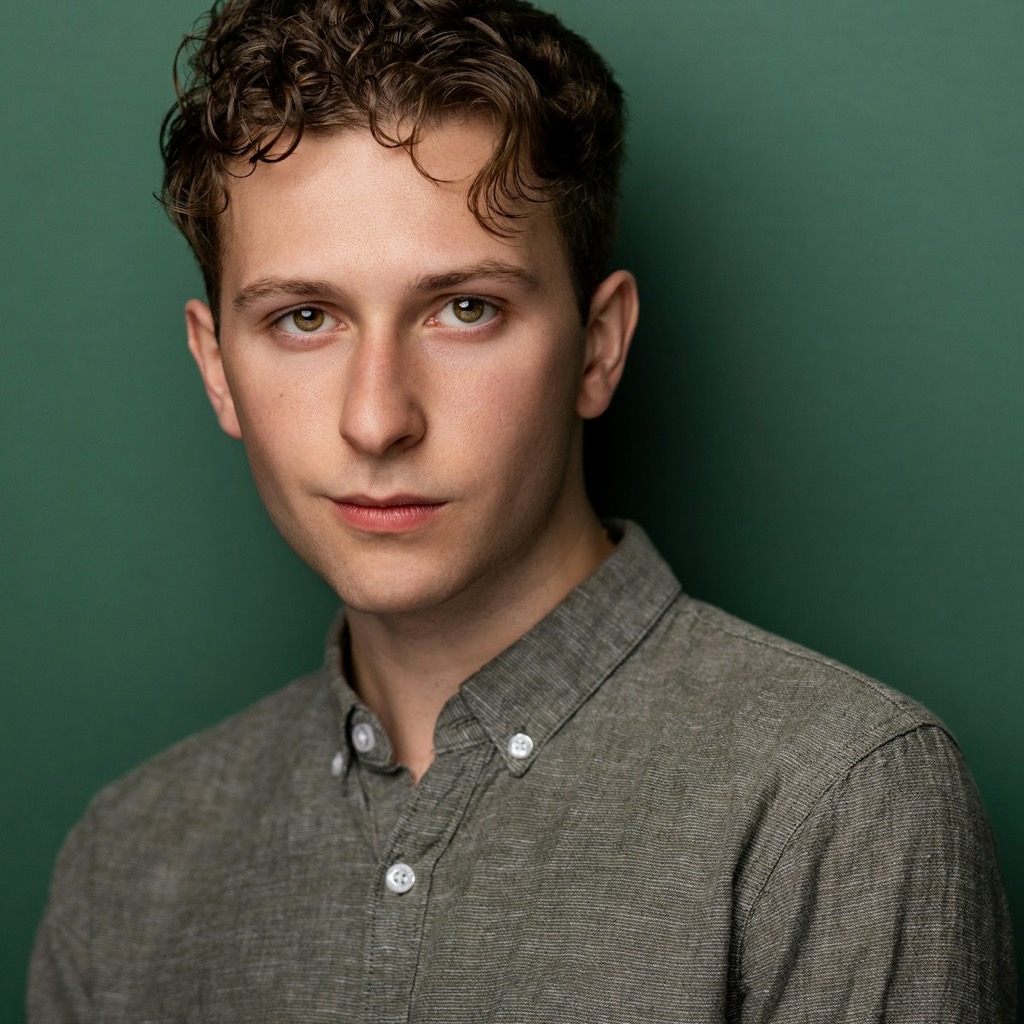
AI Glow Up sample 4
Describe a stronger version of the same person with better styling, cleaner posture, and clearer emotional direction.
Anydraw AI
ai glow up on Anydraw AI helps you turn one simple portrait or identity prompt into a more polished, confident, and story-rich visual without losing the real person underneath the edit.

Nano Banana 2 playground
Cost: 1K = 10 credits per image (1k=10, 2k=16, 4k=20).
Prompt, references, model switching, size controls, and export for glow-up portraits or life visuals in one panel.
Input
Choose a case to preload the internal recipe. You can then freely adjust the details.
Output
Practical guide
Tool-first flow, shorter copy blocks, integrated visuals, and direct CTA. Structured like easy-to-follow feature pages.
Describe a stronger version of the same person with better styling, cleaner posture, and clearer emotional direction.
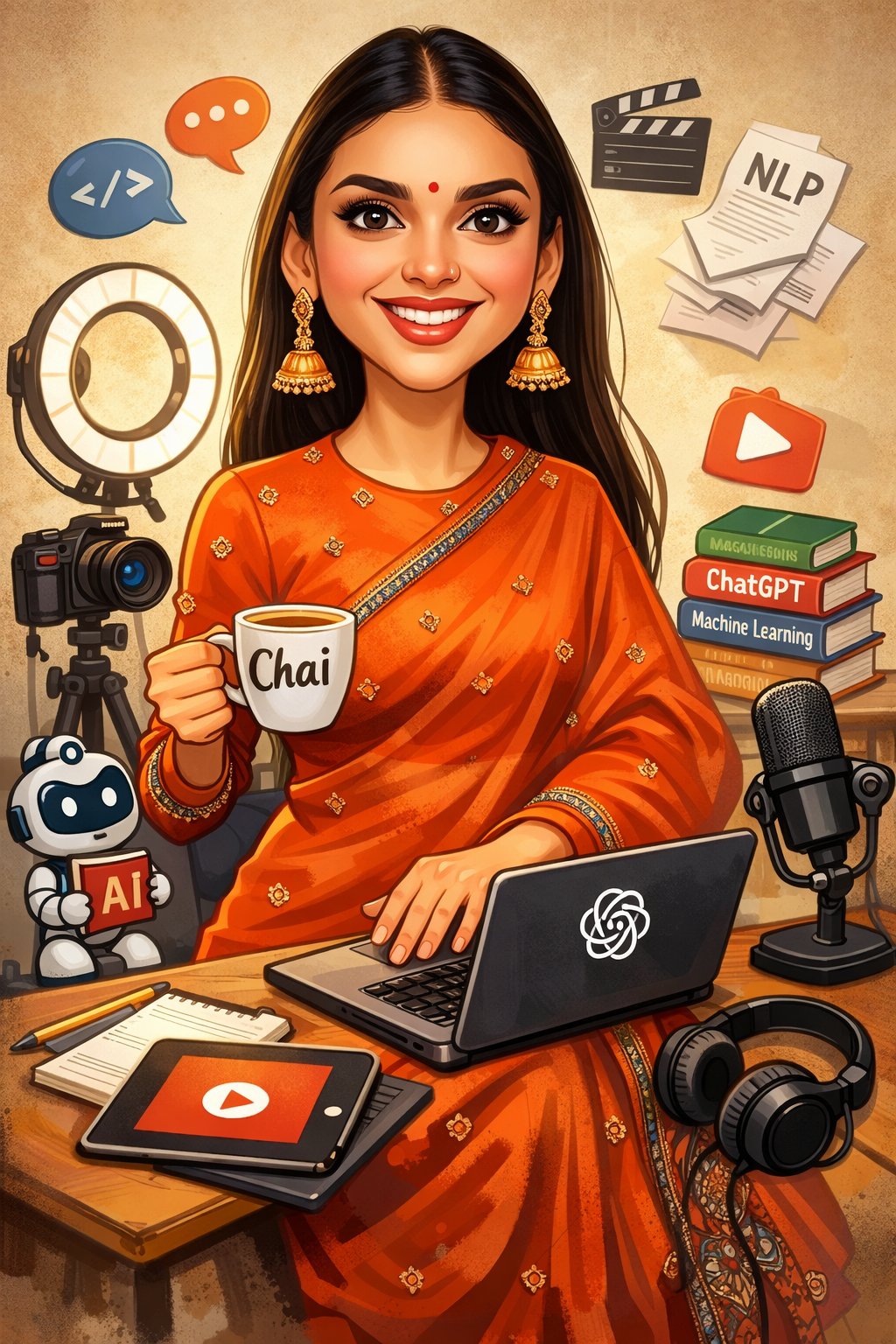
Upgrade lighting, skin texture, wardrobe, and confidence cues without drifting into a different face.
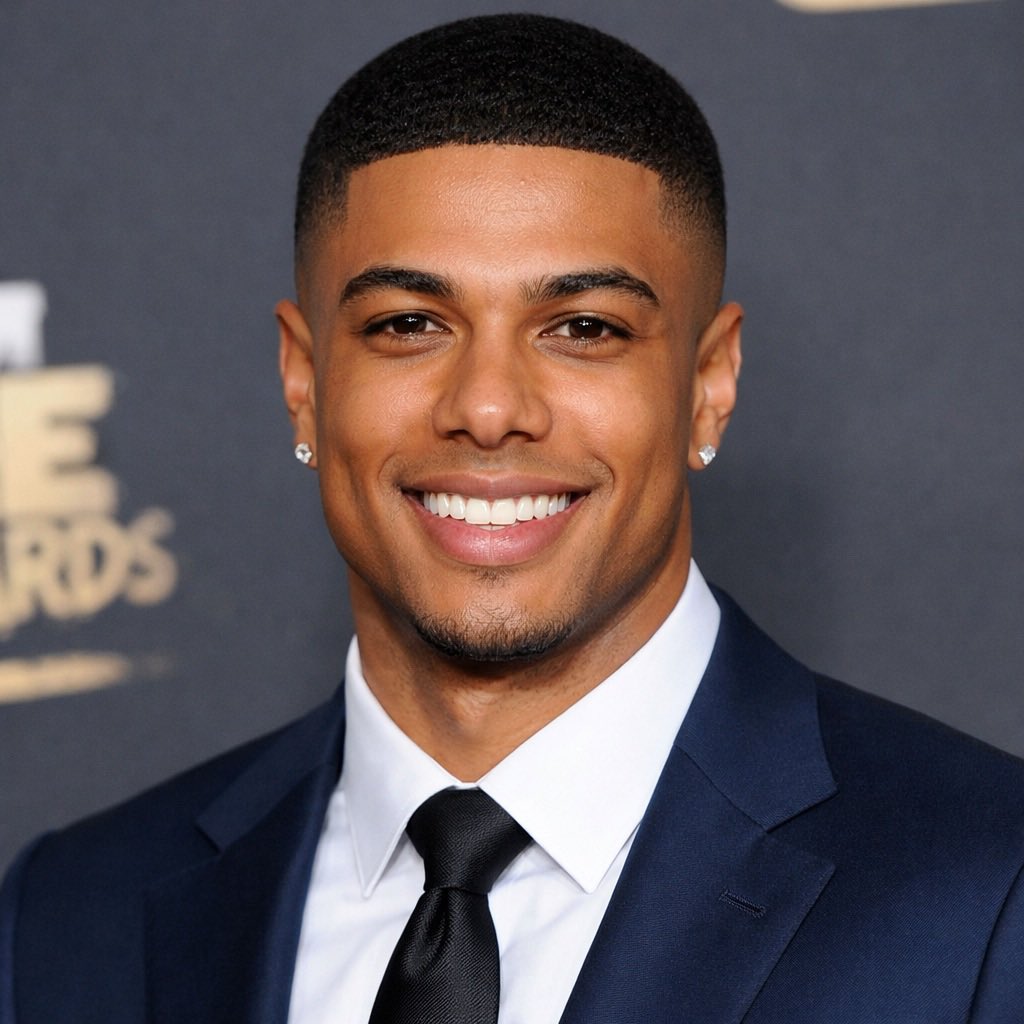
Add subtle role cues, travel mood, fitness energy, or creator context so the glow-up looks intentional instead of random.
Describe a stronger version of the same person with better styling, cleaner posture, and clearer emotional direction.
Upgrade lighting, skin texture, wardrobe, and confidence cues without drifting into a different face.
Add subtle role cues, travel mood, fitness energy, or creator context so the glow-up looks intentional instead of random.
Move from one approved glow-up direction to profile photos, hero cards, and campaign thumbnails faster.
Start with a selfie or head-and-shoulders photo that shows real facial structure, natural light, and clean expression.
Define what should improve such as styling, skin finish, confidence, posture, wardrobe, or background mood.
Compare a few stronger versions while keeping identity, camera angle, and emotional tone stable.
Choose the cleanest glow-up portrait and export profile, social, and landing-page crops from the same direction.
Direct full-length version. Each block covers one use case to keep the page readable and actionable.
Teams use ai ai glow up when they need a stronger profile image, personal-brand refresh, or creator portrait without booking a full reshoot. That is why ai ai glow up on Anydraw AI is built around prompt clarity, identity retention, and export-ready framing. A small number of controlled upgrades usually beats a vague request for someone to look perfect.
Good source photos also make it easier to guide hair, wardrobe, and posture upgrades. When the model can read the face clearly, ai ai glow up can strengthen style cues while still protecting likeness. That matters for profile pages, launch cards, and creator branding where recognition is more important than dramatic transformation.
A strong prompt can sound like this: preserve face shape and age cues, refine styling, improve wardrobe polish, add warm editorial lighting, and keep the result realistic. When ai ai glow up is instructed this way, the output feels more like a future-self portrait than a fantasy avatar. That difference is what makes the page commercially useful.
Controlled upgrades keep the edit believable. That is especially important for public-facing use cases like LinkedIn banners, creator cards, team pages, or speaker profiles. ai ai glow up performs better when you protect the eyes, face structure, and emotional tone first, then adjust polish around those anchors.
Backgrounds should support the subject instead of competing with the face. For ai ai glow up, that means using negative space, gentle depth, and a few meaningful props when needed. The goal is to make the person look elevated, not distracted. Cleaner background choices also help the same image survive tighter crops across profile and social placements.
That is why ai ai glow up is useful beyond trend content. It gives creators, founders, and teams a repeatable way to refresh visual identity with less friction. With the right prompt and one clean source photo, ai ai glow up can become a fast portrait system for campaigns, personal branding, and polished self-introduction pages.
User Feedback
Each page uses fixed user avatars and practical workflow feedback.

Maya R.
Creator Strategist
★★★★★
“AI Glow Up helped us refresh founder and creator portraits without turning them into generic beauty filters.”

Jordan L.
Brand Lead
★★★★★
“The prompt structure made it easy to push confidence and polish while keeping the real person recognizable.”
Ivy C.
Growth Designer
★★★★★
“We turned one approved glow-up direction into profile images, ad cards, and landing-page portraits in one pass.”
Short answers before you generate.
Generate, compare, and publish in one practical workflow.