
Anydraw AI
Best ai gif generator for fast creator production
ai gif generator on Anydraw AI gives creators a dedicated video workspace with image upload, motion prompting, duration choices, and fast Grok Imagine rendering for short clips.
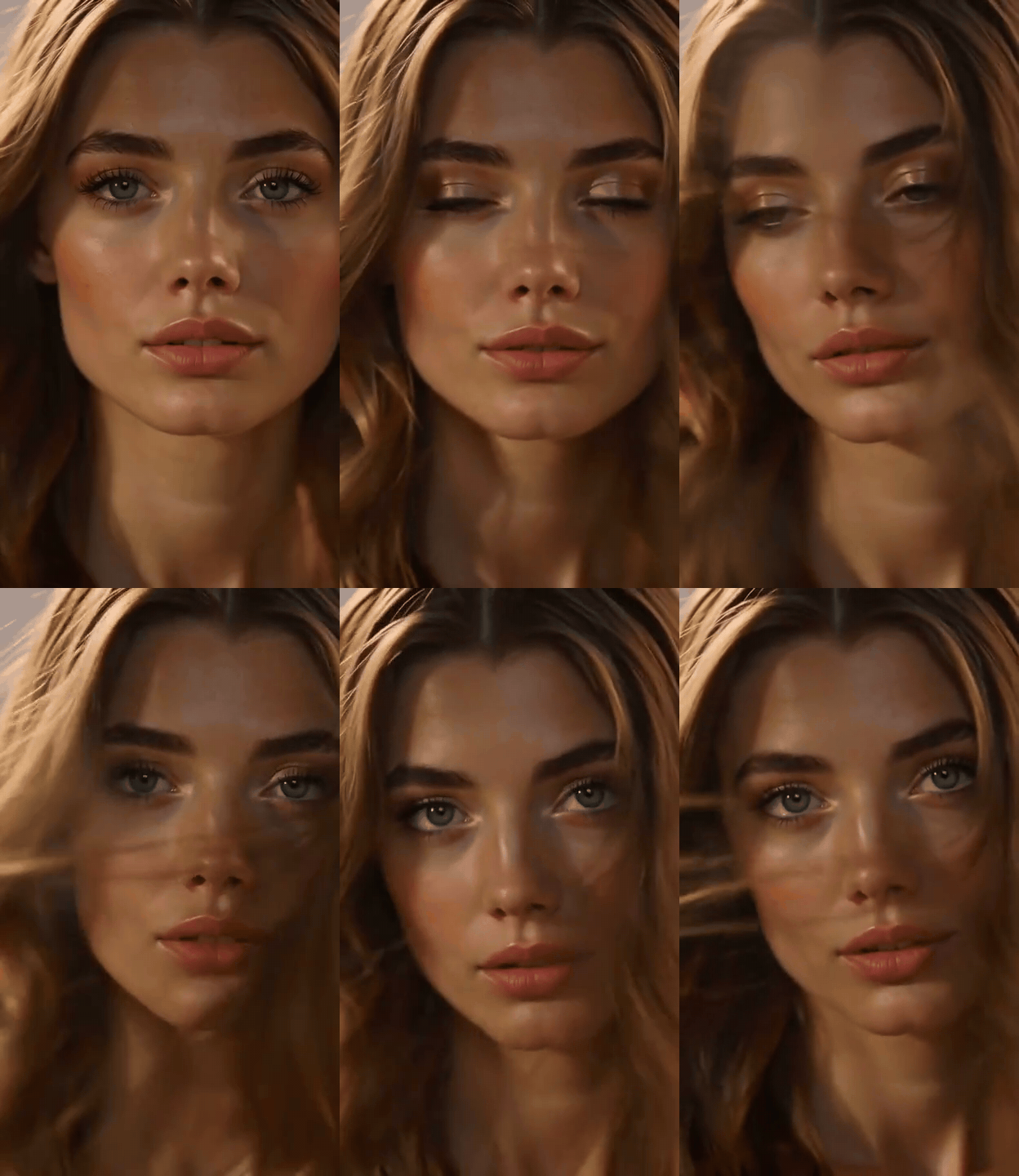
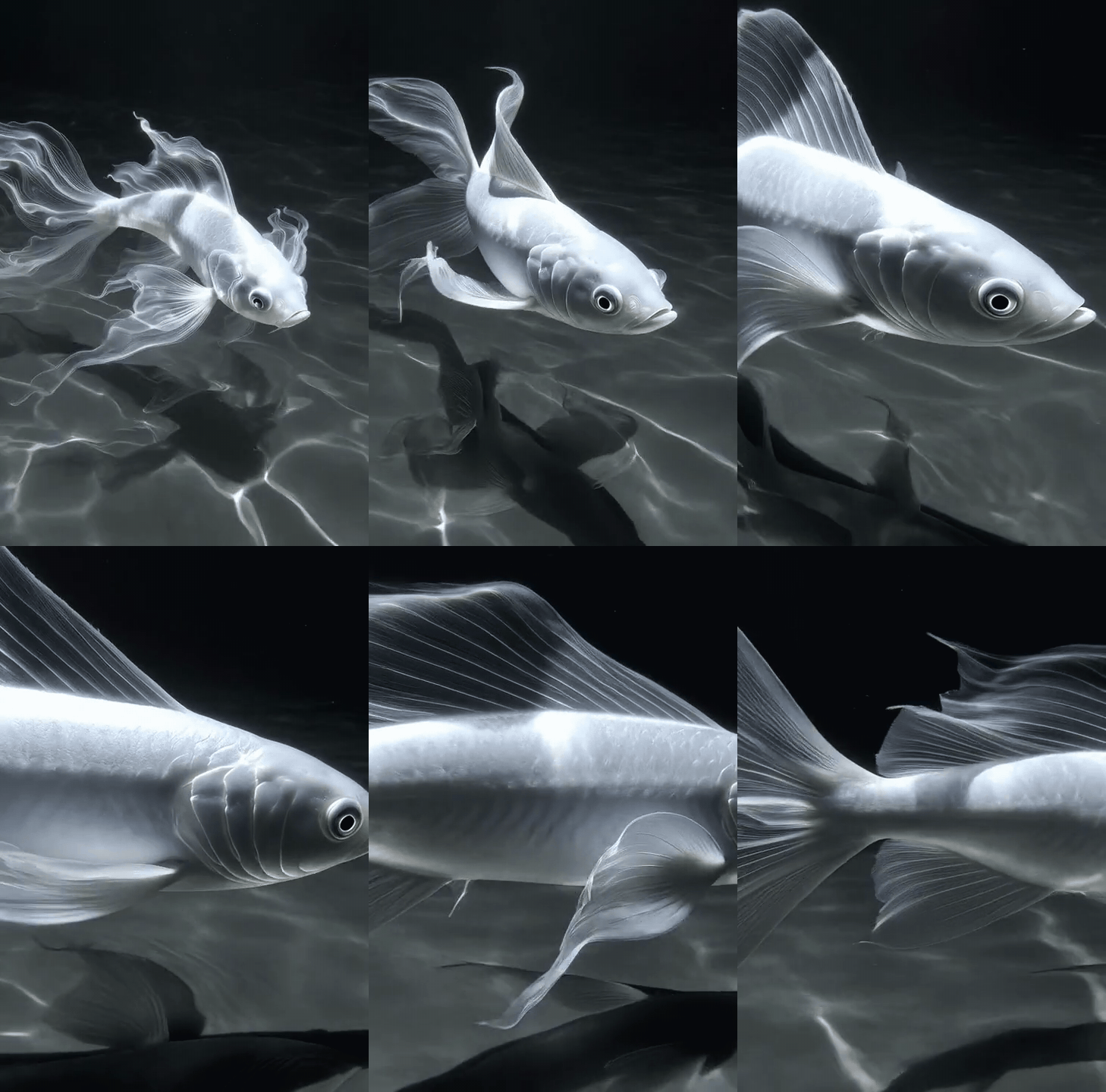
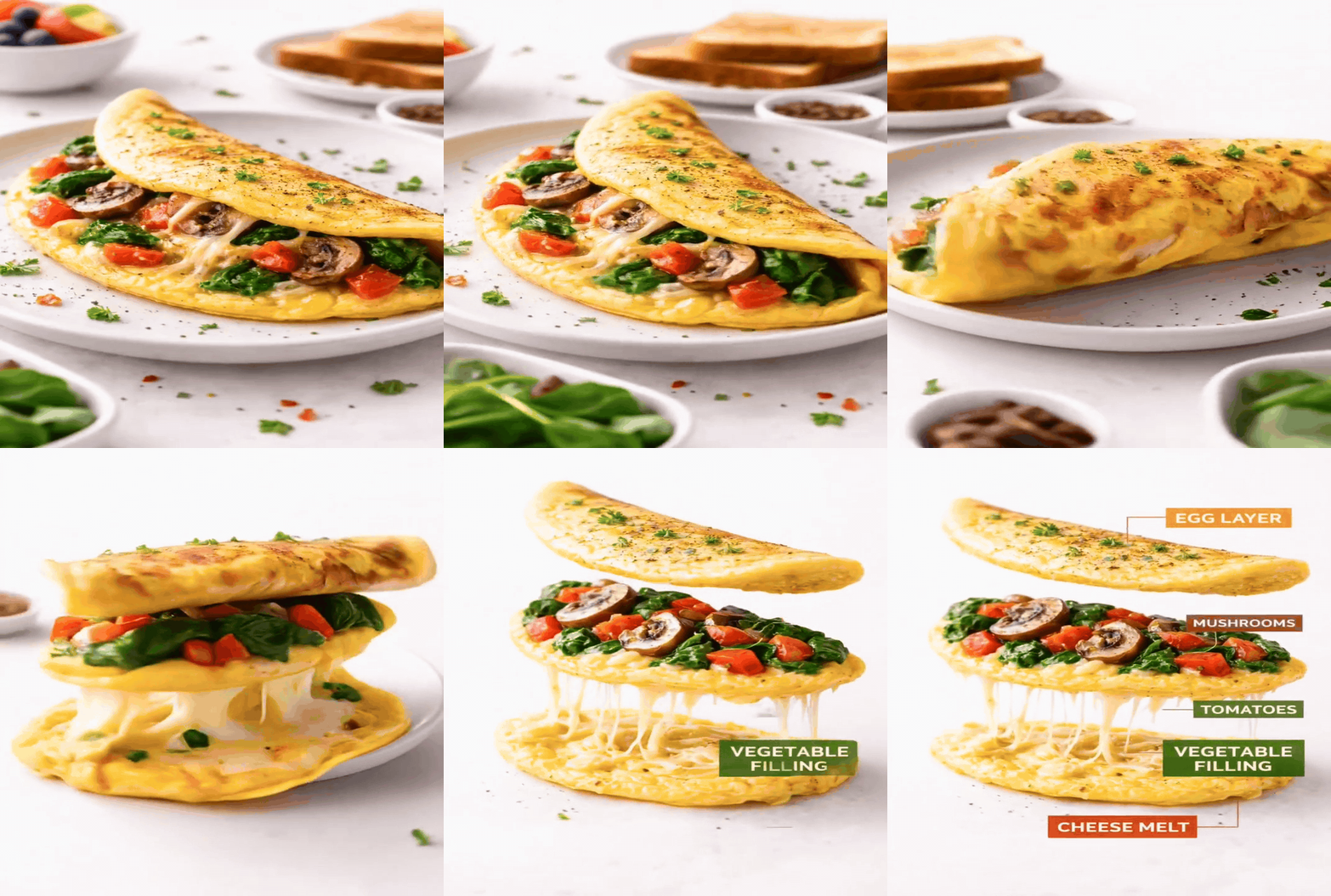
Video Workspace
Workspace: ai gif generator
Upload one still image, write the motion prompt, then render a loop-ready MP4 with duration and resolution controls in a dedicated video panel.
Grok Imagine Image-to-Video
Generation cost: 20 credits / video
6s-15s · 480p or 720p · 1 input image
Input image
Choose a case to preload the internal recipe. You can then modify the details.
Mode
Spicy will fall back to normal when you upload an external image.
Duration
Resolution
Output
Upload an image and describe the motion you want.
Practical guide
Best ai gif generator page layout for clarity and speed
Tool-first flow, shorter copy blocks, integrated visuals, and direct CTA. Structured like easy-to-follow feature pages.
Visual use cases
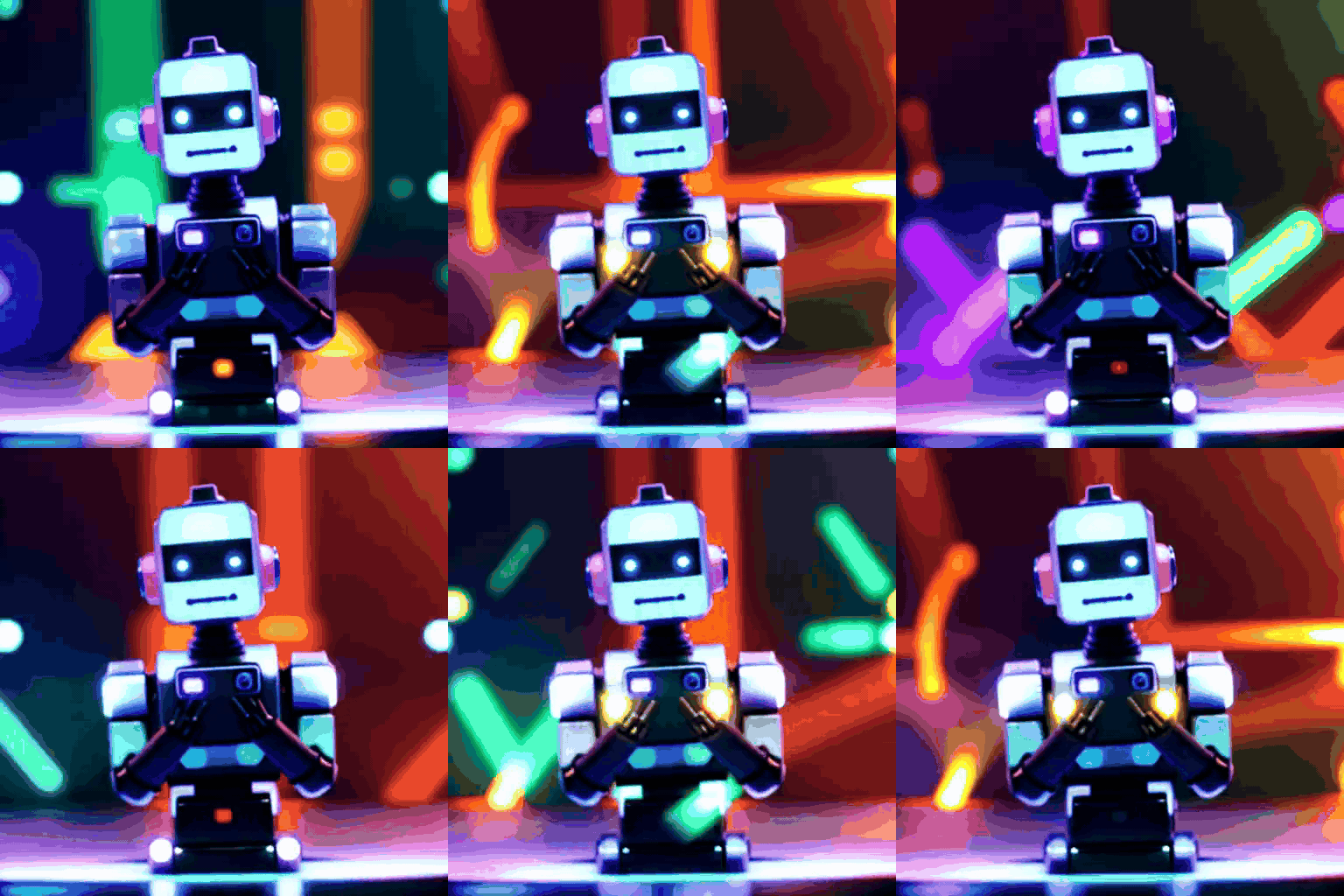
AI GIF Generator sample 4
This page uses a separate video workspace instead of the image-only panel, so motion settings stay clear and relevant.
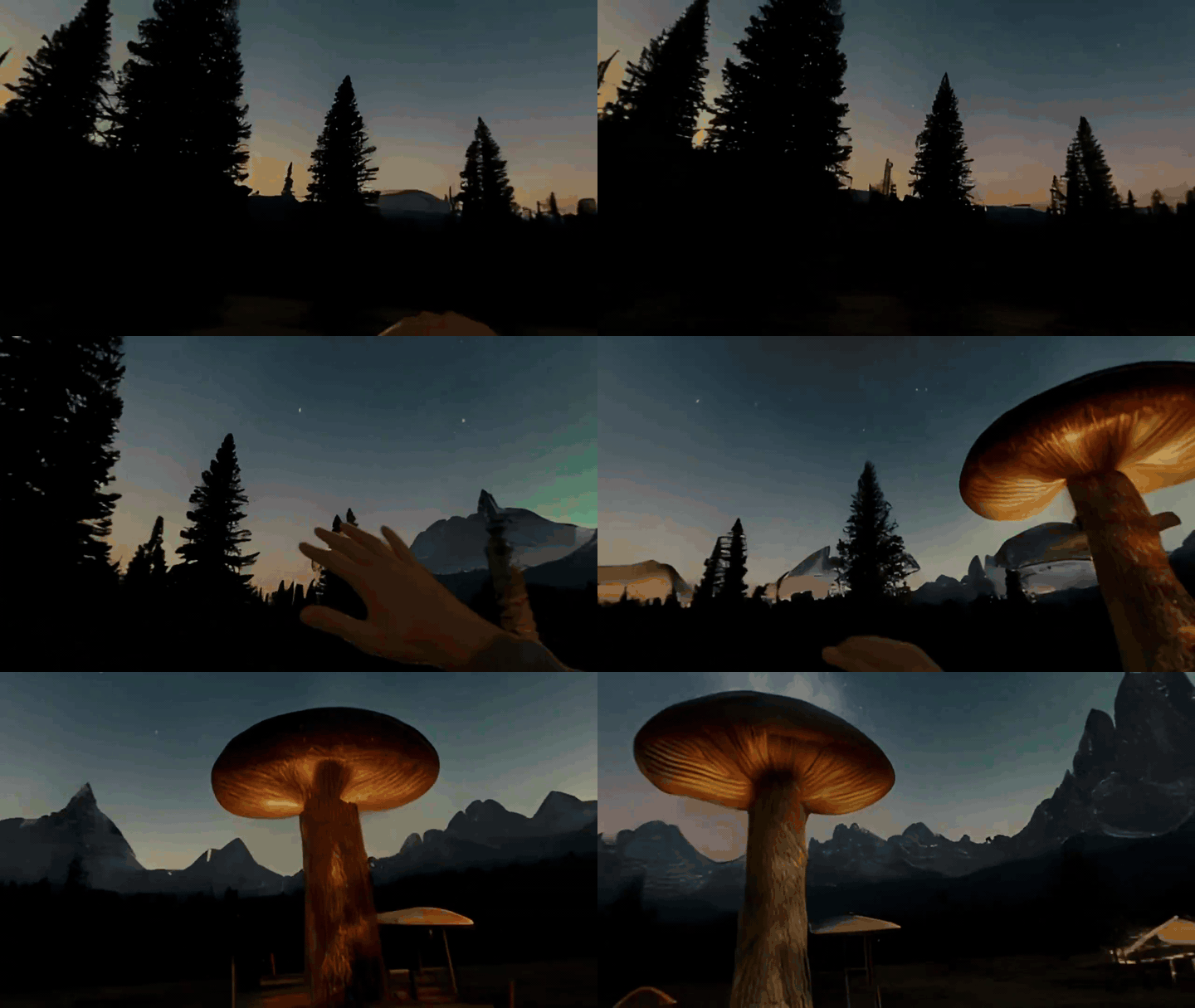
AI GIF Generator sample 5
Upload one JPG, PNG, or WebP reference image and animate it with a motion prompt in the same panel.
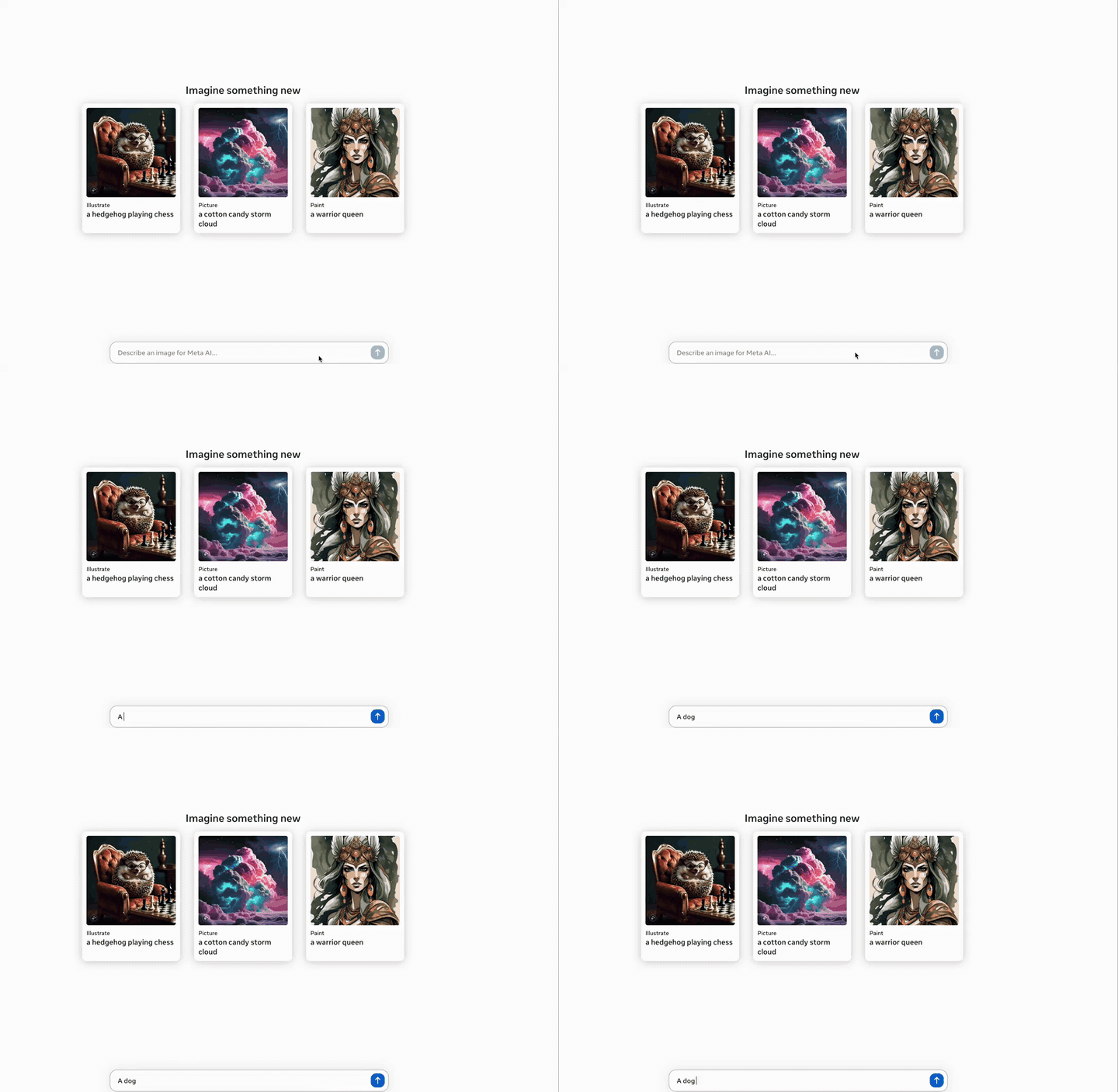
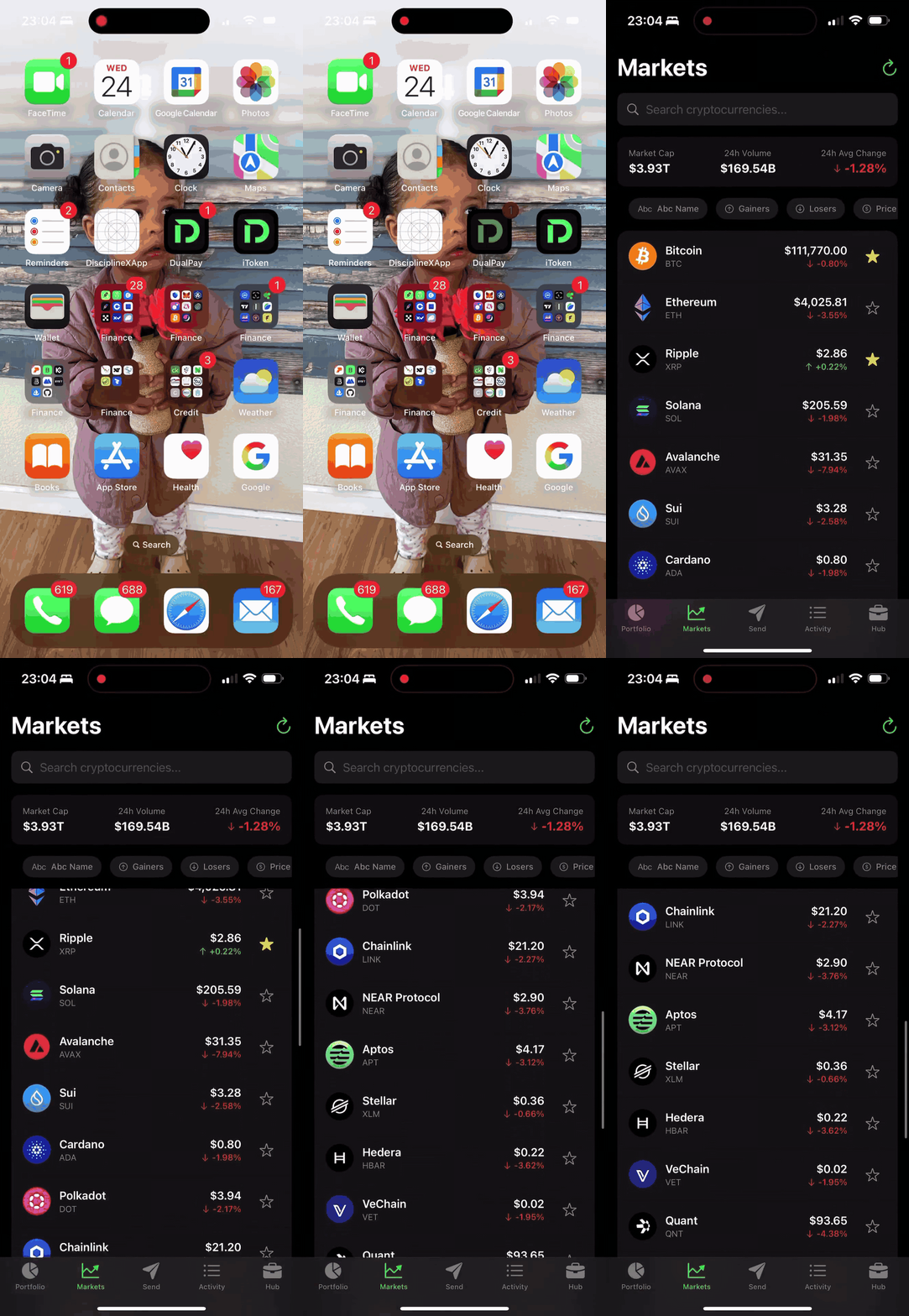
AI GIF Generator sample 6
Choose 6s, 10s, or 15s clips and switch between 480p and 720p depending on budget and delivery needs.
Why choose ai gif generator
Dedicated video workspace
This page uses a separate video workspace instead of the image-only panel, so motion settings stay clear and relevant.
Still-image upload to motion
Upload one JPG, PNG, or WebP reference image and animate it with a motion prompt in the same panel.
Duration and resolution control
Choose 6s, 10s, or 15s clips and switch between 480p and 720p depending on budget and delivery needs.
Prompt-backed examples
Study motion examples before generating so your first pass is closer to the camera move, gesture, and mood you need.
How it works
Upload one clean source image
Start with one clear still that already contains the character, product, or scene you want to animate.
Describe the motion
Write a short prompt that tells the model what should move, how the camera should behave, and what mood to...
Pick mode, duration, and resolution
Choose the right cost and output shape for previews, social posts, or delivery-ready clips.
Generate, review, and export
Check motion quality, download the MP4, and reuse the winning prompt for the next round.
Full practical guide
Direct full-length version. Each block covers one use case to keep the page readable and actionable.
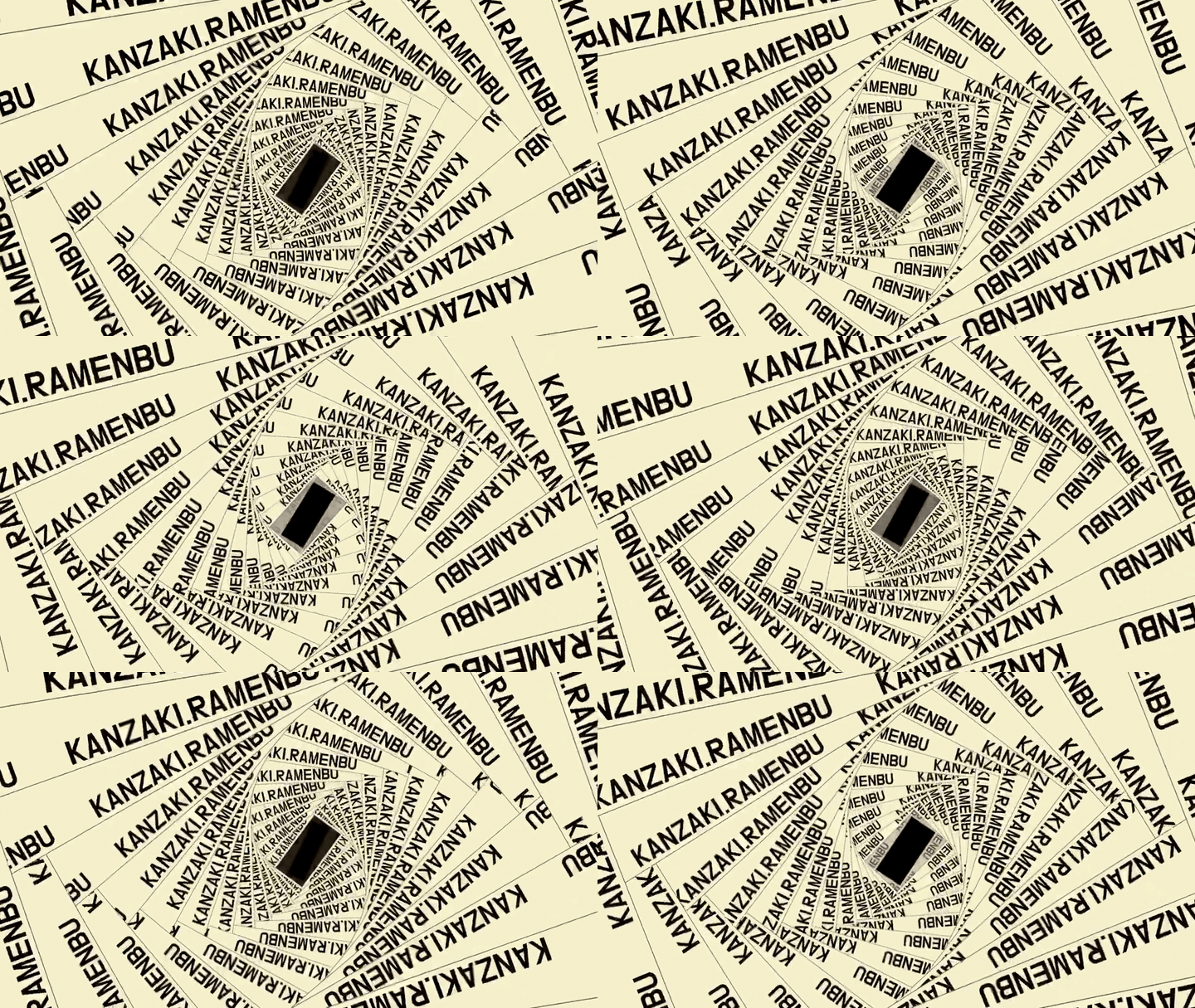
ai ai gif generator setup for fast motion-first production ai ai gif generator works best when the team defines one outcome before touching settings. Decide whether the clip is a product teaser, a character motion test, a social post, or a mood reel. That single decision makes ai ai gif generator easier to control and easier to evaluate.
On Anydraw AI, ai ai gif generator keeps upload, prompt, duration, resolution, and export in one dedicated video workspace. That matters because motion work has different decision points than still-image generation.
ai ai gif generator briefing method before generation A strong ai ai gif generator brief should say what remains stable and what should move. If the source image already looks good, protect identity, color, and composition first. Then describe motion, camera behavior, and atmosphere in plain language.
Teams get better ai ai gif generator results when they keep the brief short and concrete. One subject action, one camera move, and one mood instruction usually outperform a long list of cinematic adjectives.

ai ai gif generator source-image selection rules The best ai ai gif generator runs usually start with a clear still that already contains believable lighting and readable edges. Low-detail, noisy, or over-compressed inputs give the model less structure to animate.
If you want reliable ai ai gif generator output, choose a source with one main focal point. A crowded frame can still work, but motion intent becomes harder to control and quality review takes longer.
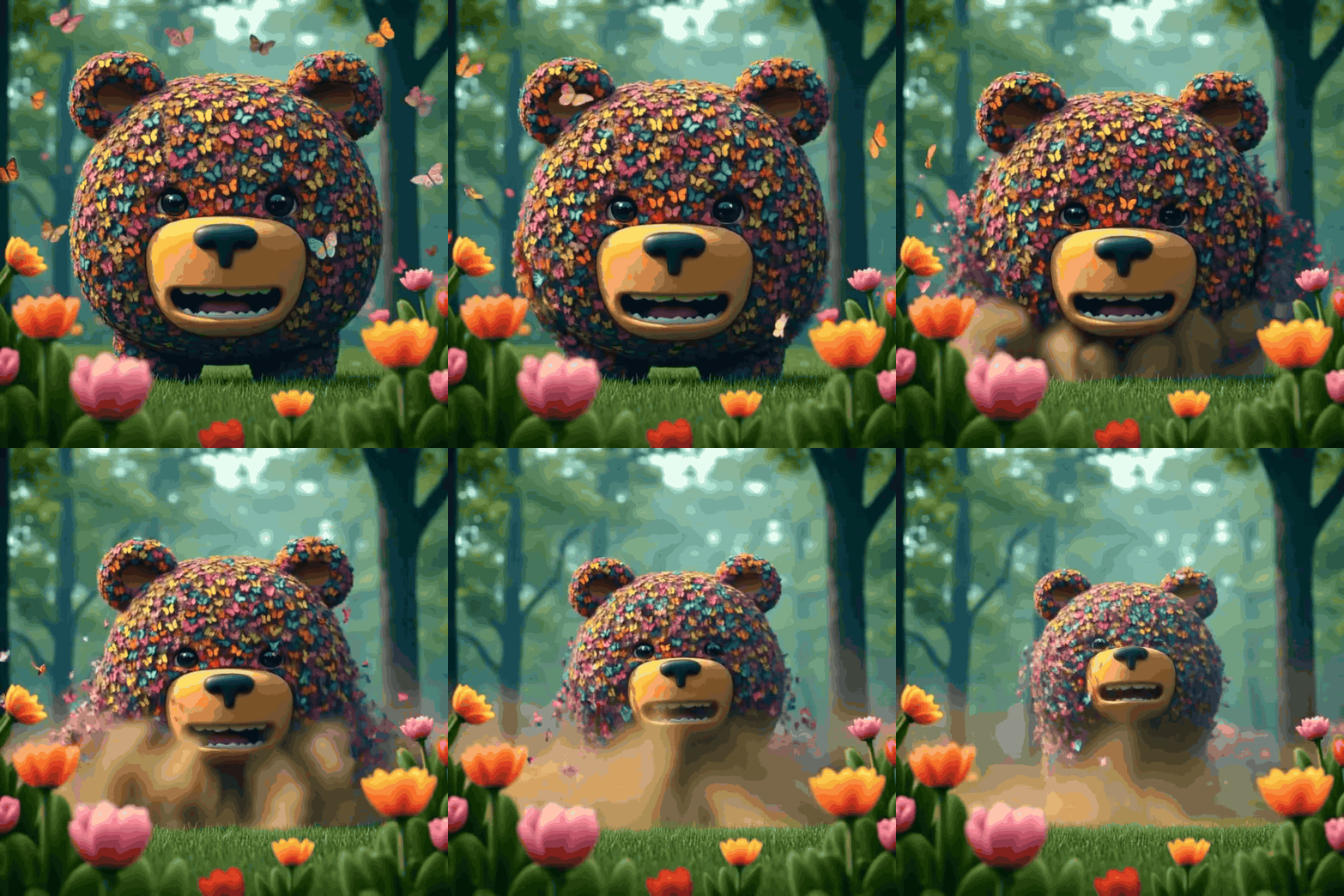
ai ai gif generator prompt construction that improves first-pass quality Write ai ai gif generator prompts in a fixed order: subject motion, camera motion, atmosphere, then guardrails. This keeps the instruction compact while still telling the model what actually needs to happen.
For example, ai ai gif generator prompts perform better when you say "subtle head turn, slow push-in camera, soft office light" instead of stacking many abstract style words. Specific motion language reduces random behavior.
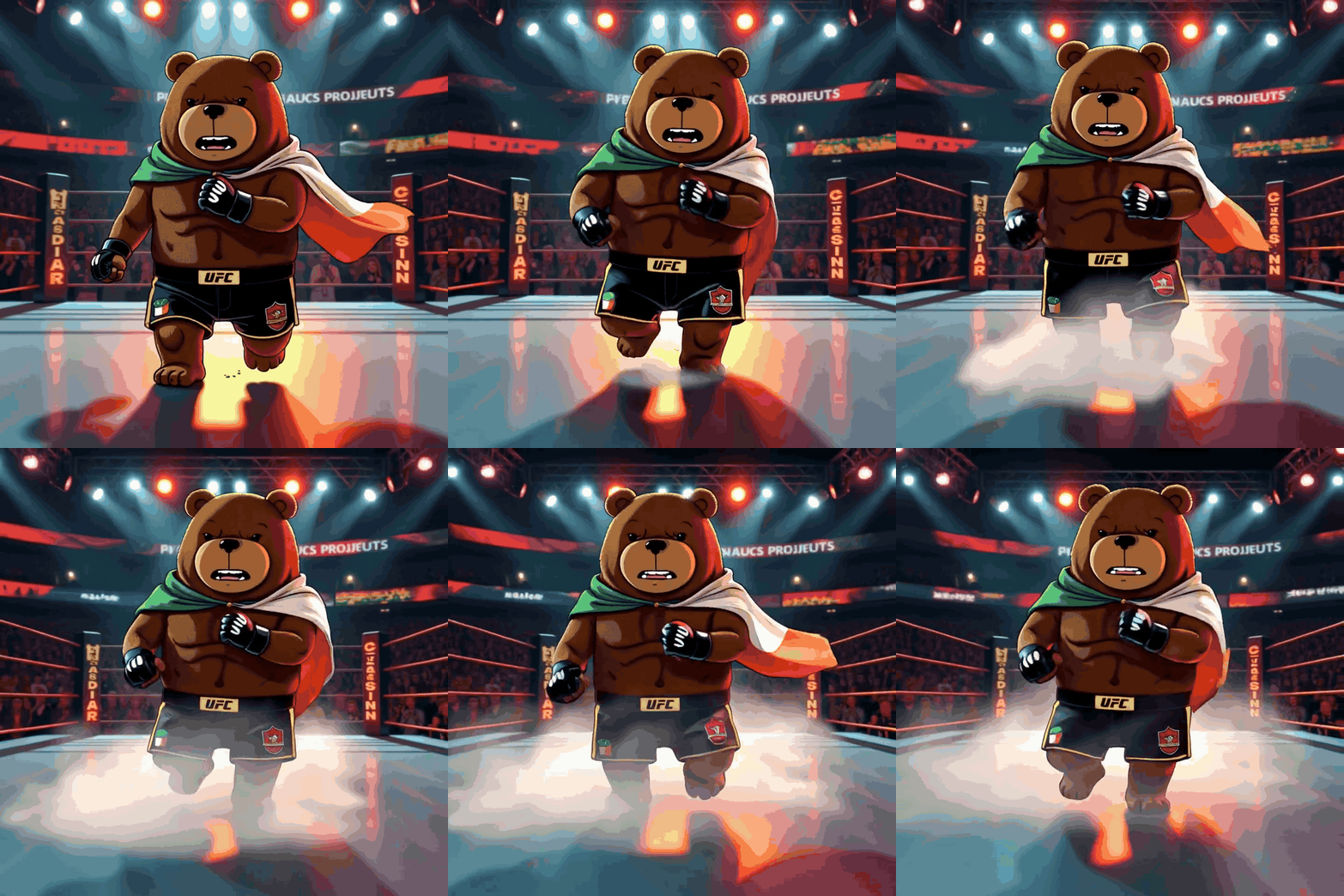
ai ai gif generator motion and camera direction choices Most teams do not need aggressive motion on the first attempt. Start ai ai gif generator with gentle parallax, soft handheld drift, or one clean gesture. These movements are easier to judge and easier to scale into repeatable output.
Once a first pass is stable, expand ai ai gif generator with stronger gestures, deeper camera moves, or environmental motion. Controlled escalation beats restarting from scratch after a chaotic first result.

ai ai gif generator duration and resolution planning Duration should match the publishing slot. A six-second ai ai gif generator clip is often enough for hook-style social content, while ten or fifteen seconds make more sense for product demos or mood scenes.
Resolution planning matters just as much. Use ai ai gif generator at lower resolution for exploration, then move up when the motion idea is approved. This keeps reviews fast and credit burn easier to manage.
ai ai gif generator mode selection and spicy-mode constraint Mode changes how expressive the result feels, but not every option behaves the same with uploaded references. In the current upstream flow, ai ai gif generator with an external uploaded image falls back to normal mode when spicy is selected.
That means the best ai ai gif generator workflow is to treat normal mode as the dependable default. Use fun mode when you want a lighter interpretation, but keep expectations grounded in the input image and motion brief.

ai ai gif generator quality checklist before export Before downloading, review face stability, limb consistency, object edges, and camera smoothness. A clip can look strong at first glance and still fail once you inspect the transition points.
The fastest ai ai gif generator teams use a pass or fail checklist instead of taste-only review. That removes ambiguity and helps everyone agree on whether the motion is publishable.
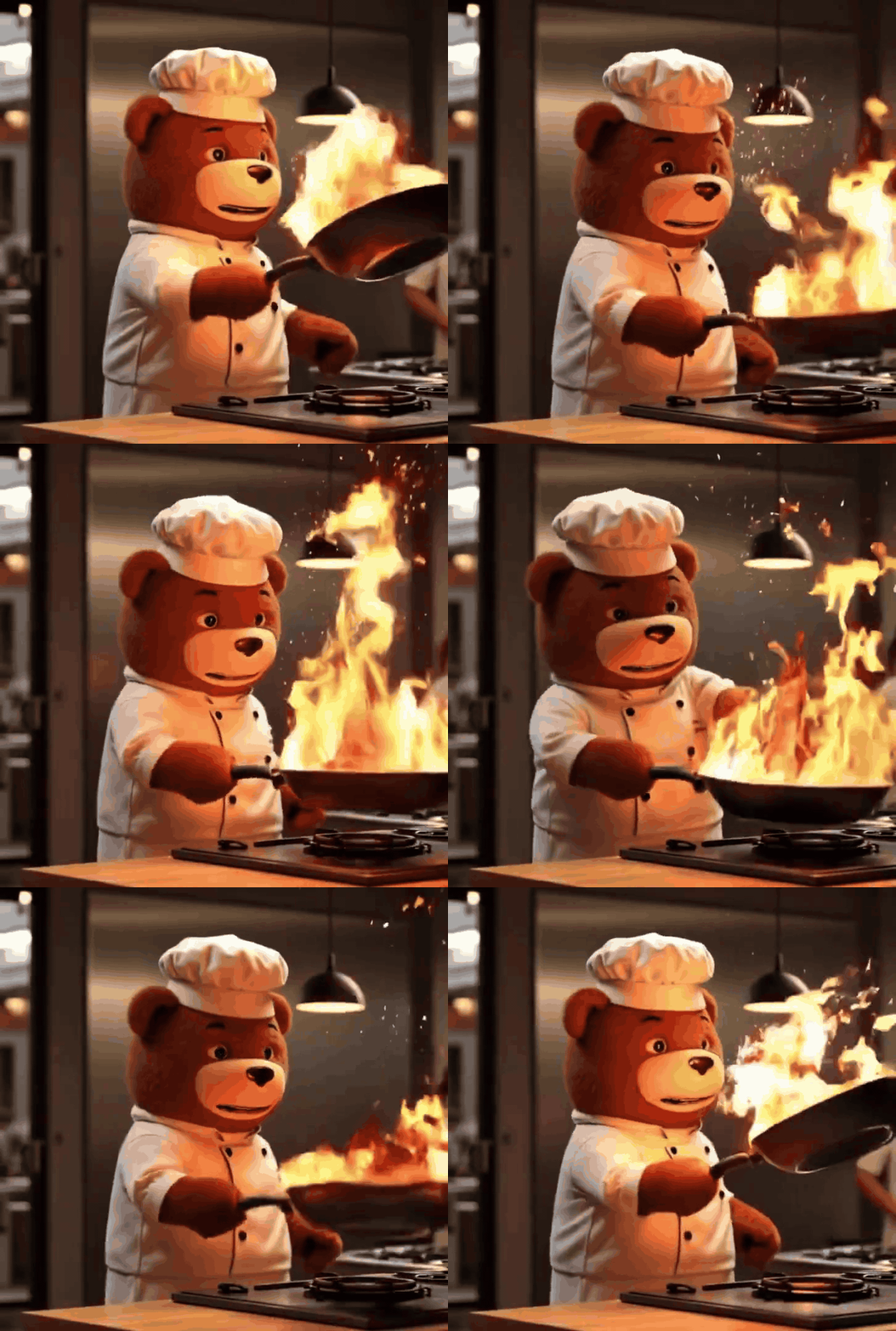
ai ai gif generator team workflow and approvals For team use, assign one owner to the prompt, one reviewer for motion quality, and one approver for final export. ai ai gif generator becomes more repeatable when ownership is explicit.
Save the winning prompt, duration, and resolution after every approved clip. Over time, ai ai gif generator stops being a one-off experiment and becomes a reusable operating system for short-form motion production.
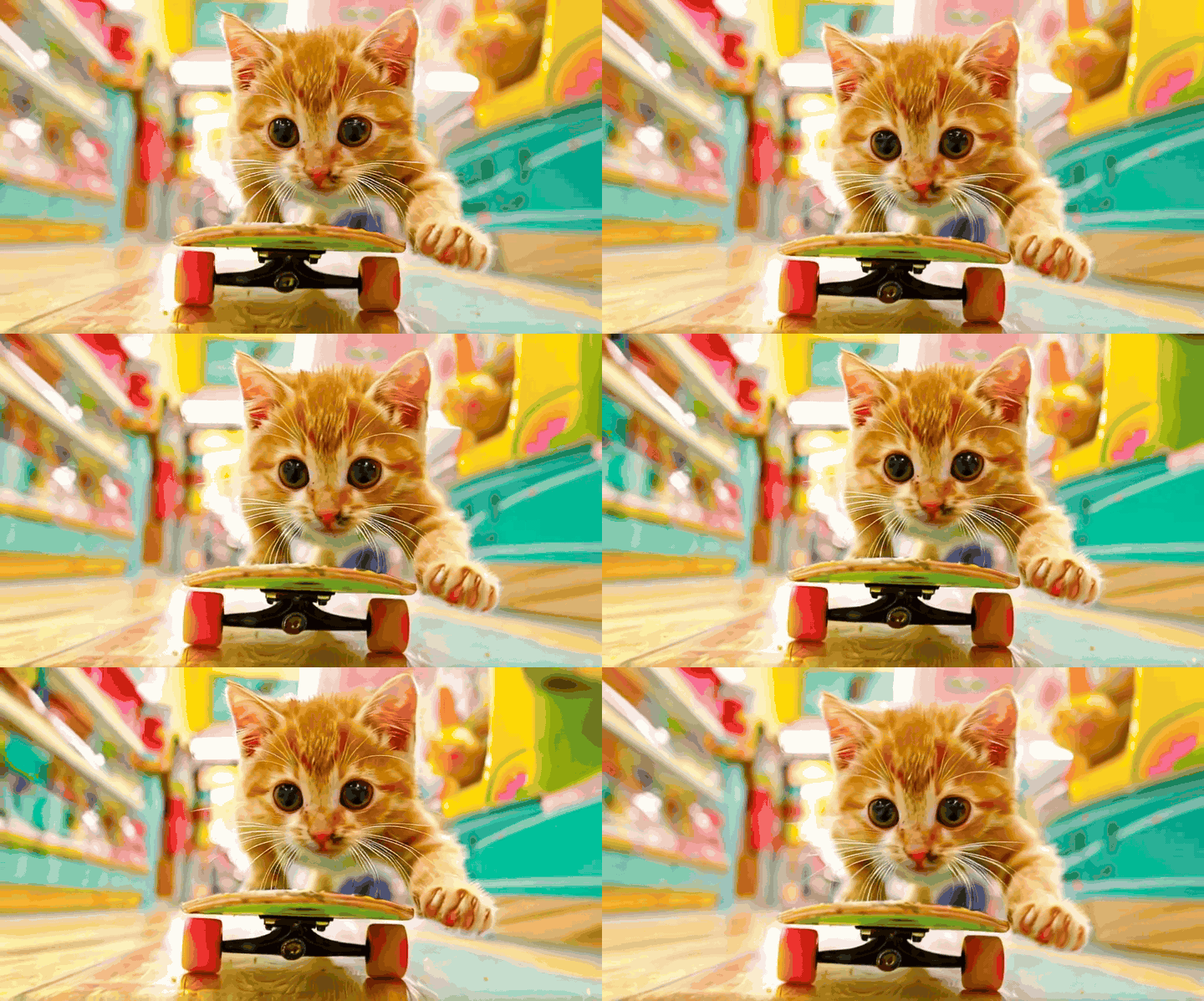
ai ai gif generator publishing and measurement loop After export, deploy ai ai gif generator clips into social hooks, landing-page hero loops, product preview modules, or concept reels. Match each clip to one business goal before measuring performance.
Track watch-through, hold rate, click-through, and creative approval speed. When you review that data consistently, ai ai gif generator turns from a novelty tool into a disciplined production workflow.
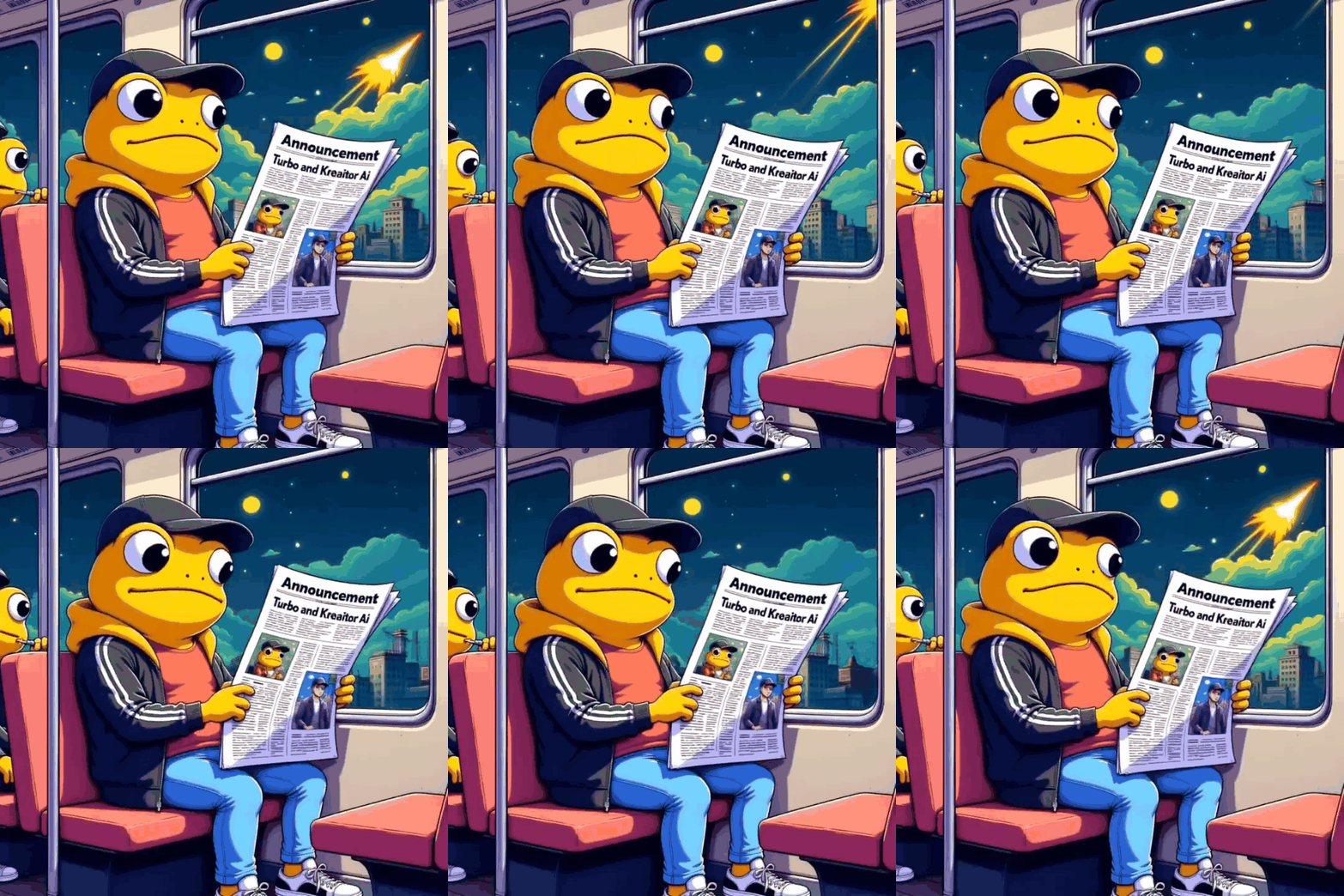
final operating plan for ai ai gif generator ai ai gif generator on Anydraw AI gives teams a practical way to turn a strong still into a short motion asset without switching into a full editing suite. The dedicated video workspace keeps the workflow narrow, which is exactly why it stays useful.
Use one clean image, one clear motion brief, and one deliberate quality check. With that discipline, ai ai gif generator becomes faster, cleaner, and easier to scale across campaigns.
User Feedback
AI GIF Generator user reviews
Practical feedback from teams using short-form motion workflows.

Mia R.
Social Creative Lead
★★★★★
“AI GIF Generator helped us turn static campaign stills into motion-first teasers without opening a full video editor.”

Ethan J.
Product Marketer
★★★★★
“The dedicated video workspace made the process clearer than our image tools because duration and resolution were visible from the start.”
Lena P.
Motion Designer
★★★★★
“We use AI GIF Generator for fast concept motion passes before investing in full timeline production.”
ai gif generator FAQ
Short answers before you generate.
Create with ai gif generator
Upload, animate, review, and export from one focused video workflow.