
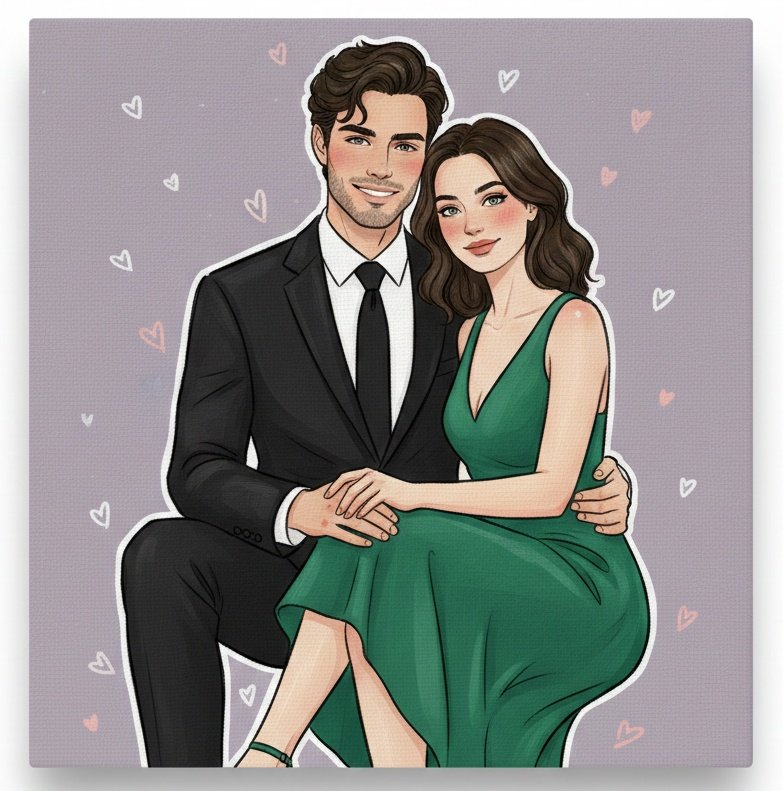
AI Cartoon Couple Generator sample 4
Set relationship mood, framing, outfit direction, and cartoon finish in one ordered prompt so the first result feels more usable.
Anydraw AI
ai cartoon couple generator on Anydraw AI helps you turn a real couple photo into a warm cartoon portrait with clearer prompt structure, stronger identity retention, and faster export-ready results.
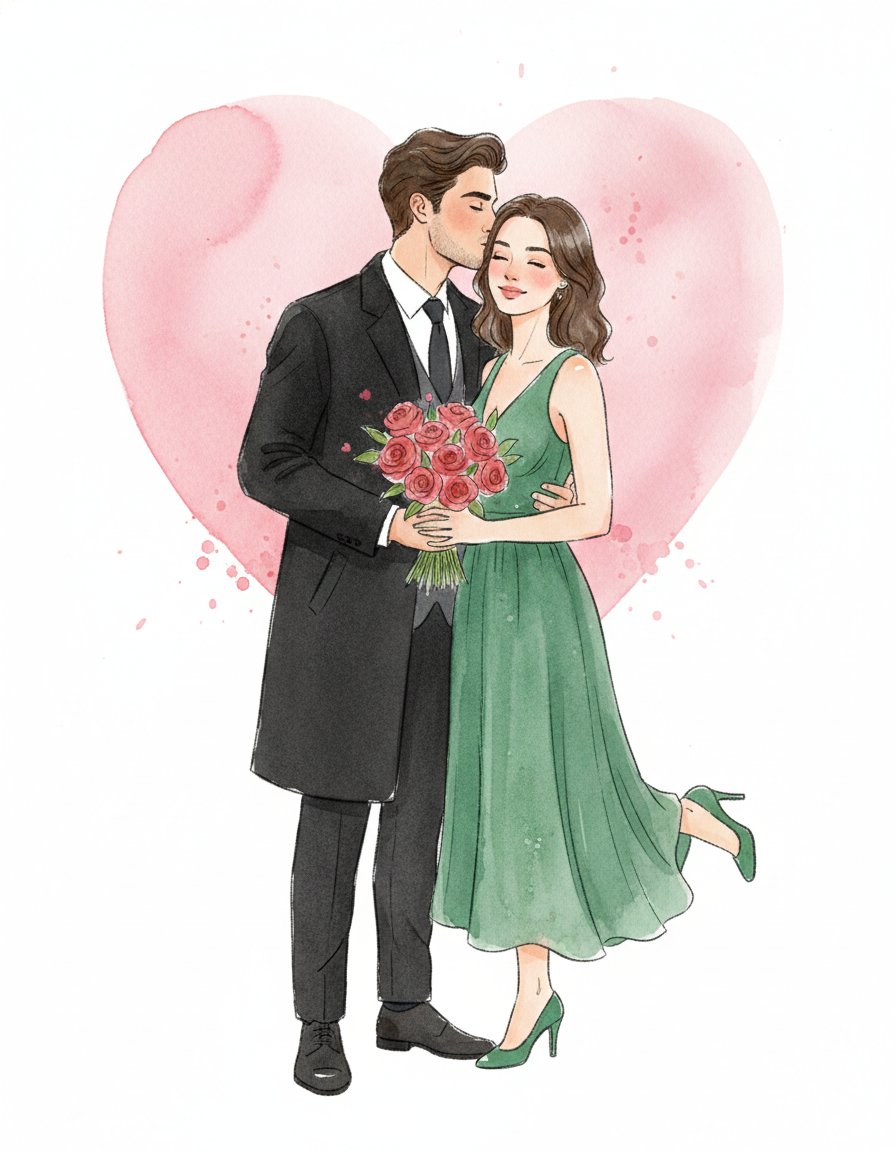
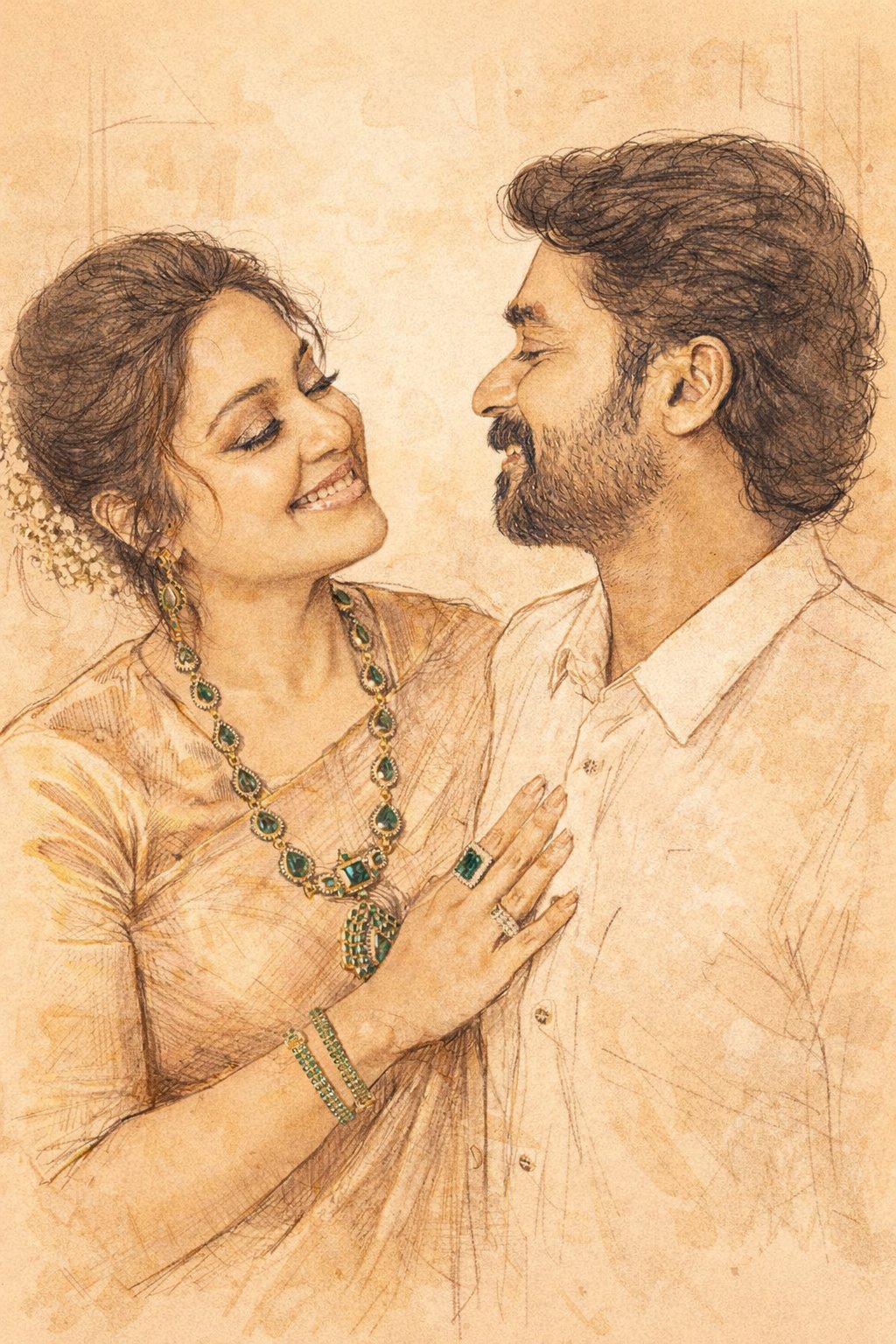
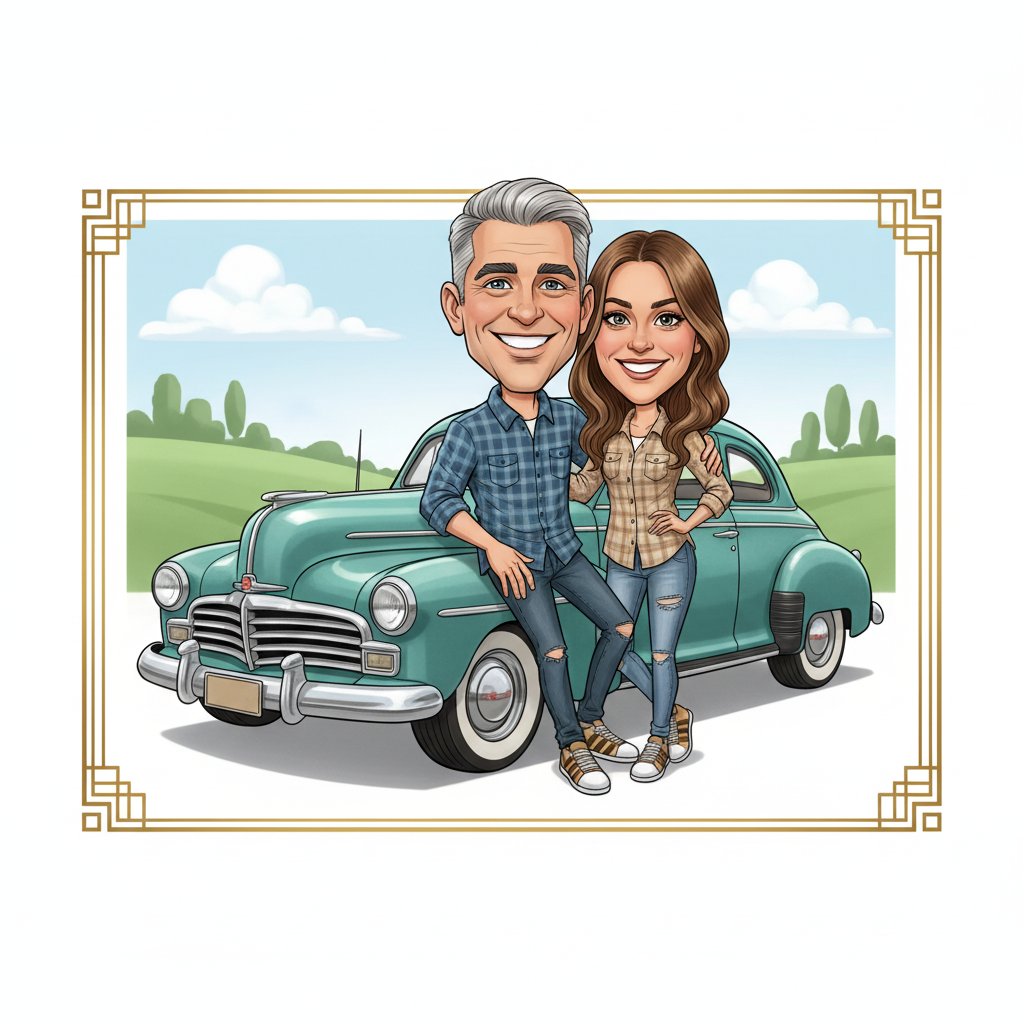
Nano Banana 2 playground
Cost: 1K = 10 credits per image (1k=10, 2k=16, 4k=20).
Prompt, references, model switching, size controls, and export in one panel.
Input
Choose a case to preload the internal recipe. You can then freely adjust the details.
Output
Practical guide
Tool-first flow, shorter copy blocks, integrated visuals, and direct CTA. Structured like easy-to-follow feature pages.
Set relationship mood, framing, outfit direction, and cartoon finish in one ordered prompt so the first result feels more usable.
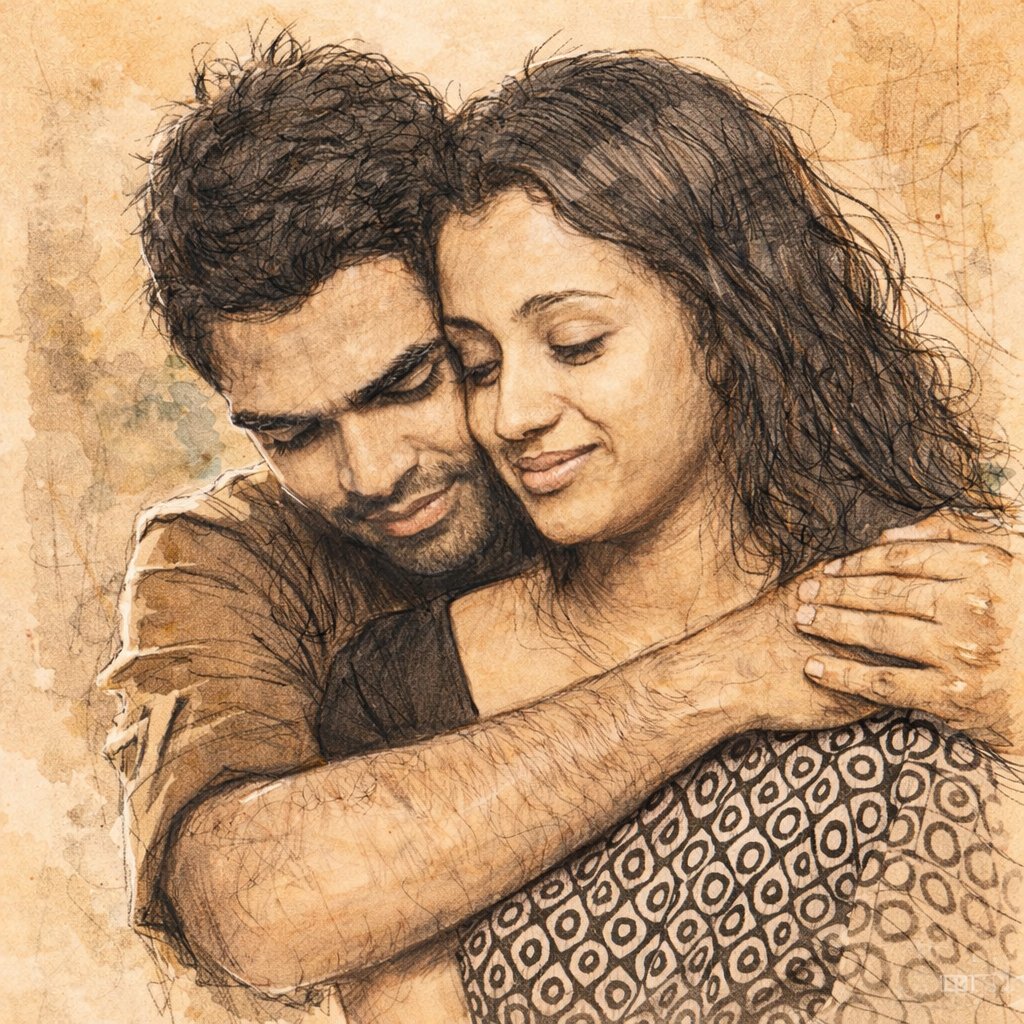
Protect recognizable faces, hair, glasses, and couple chemistry while still adding flattering cartoon exaggeration.
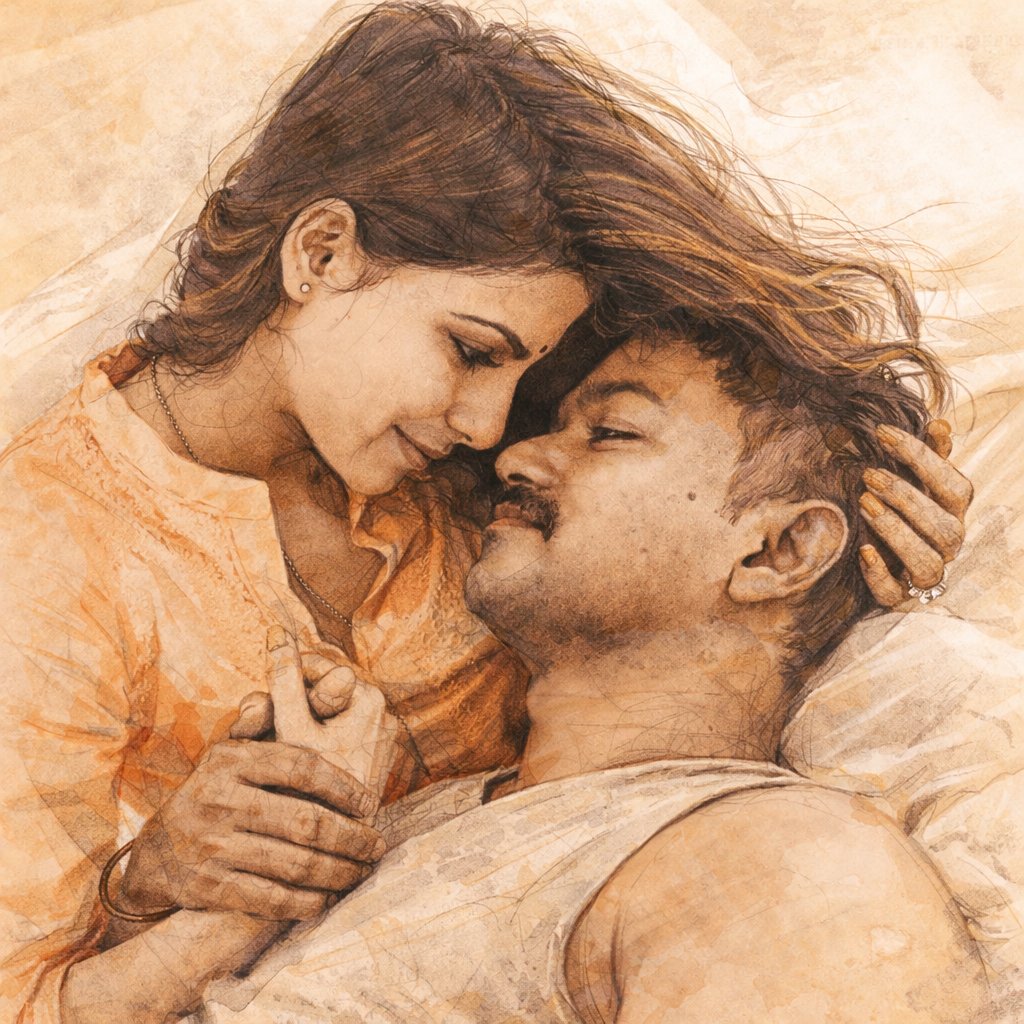
Guide hand placement, eye contact, body angle, and scene mood for date-night, wedding, travel, or casual couple looks.
Set relationship mood, framing, outfit direction, and cartoon finish in one ordered prompt so the first result feels more usable.
Protect recognizable faces, hair, glasses, and couple chemistry while still adding flattering cartoon exaggeration.
Guide hand placement, eye contact, body angle, and scene mood for date-night, wedding, travel, or casual couple looks.
Move from one approved couple prompt to prints, profile images, invitations, and social posts with less rework.
Choose the mood, use case, outfit feel, and how close or playful the final couple portrait should look.
Lock the cartoon style, facial likeness, pose, and background before testing romantic or seasonal variations.
Try indoor, travel, wedding, or soft-studio directions while keeping the same couple identity and chemistry.
Keep the strongest image, then export files sized for avatars, gifts, posters, or feed posts.
Direct full-length version. Each block covers one use case to keep the page readable and actionable.
On Anydraw AI, ai ai cartoon couple generator keeps prompt writing, references, model choice, and export settings in one workspace. That makes it easier to compare versions without drifting away from the couple identity that matters most.
If you want a flattering cartoon result, start with a photo where the couple already looks comfortable together. The model can stylize clothing and background, but it should not have to guess the emotional dynamic from a weak source image.
Instead of writing cartoon couple photo, write a clear scene such as: romantic cartoon portrait of a smiling couple, keep both faces recognizable, soft illustrated line work, coordinated neutral outfits, warm city lights background, medium framing, polished clean finish, no watermark. A structured request produces cleaner first drafts.
This is especially important for gift use cases. A couple wants a cartoon portrait that feels charming, not one that turns them into generic characters. Keep the style warm and deliberate instead of pushing the effect too far.
Expression language matters too. Gentle smiles, relaxed posture, and close framing usually read better than exaggerated grin prompts or stiff symmetrical posing. One small pose note often improves the entire image.
If you are making a wedding or proposal-themed image, add one or two emotional anchors such as bouquet details, string lights, or sunset glow. Too many props push the output toward clutter and lower the portrait quality.
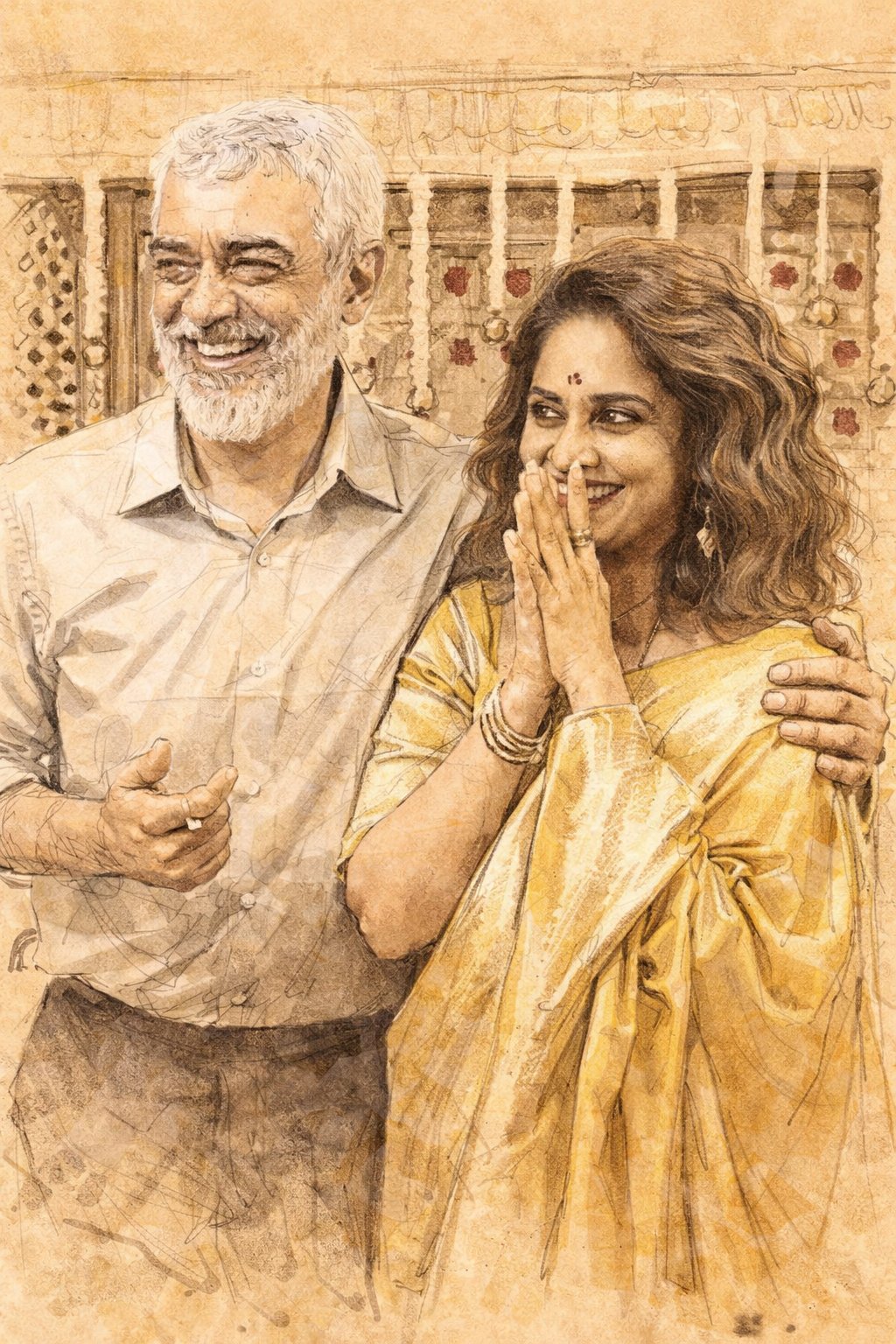
For fast iterations, keep one base prompt and test small background or outfit changes. Once likeness and chemistry are approved, export the final image at the ratio that matches the real channel instead of resizing a weak composition later.
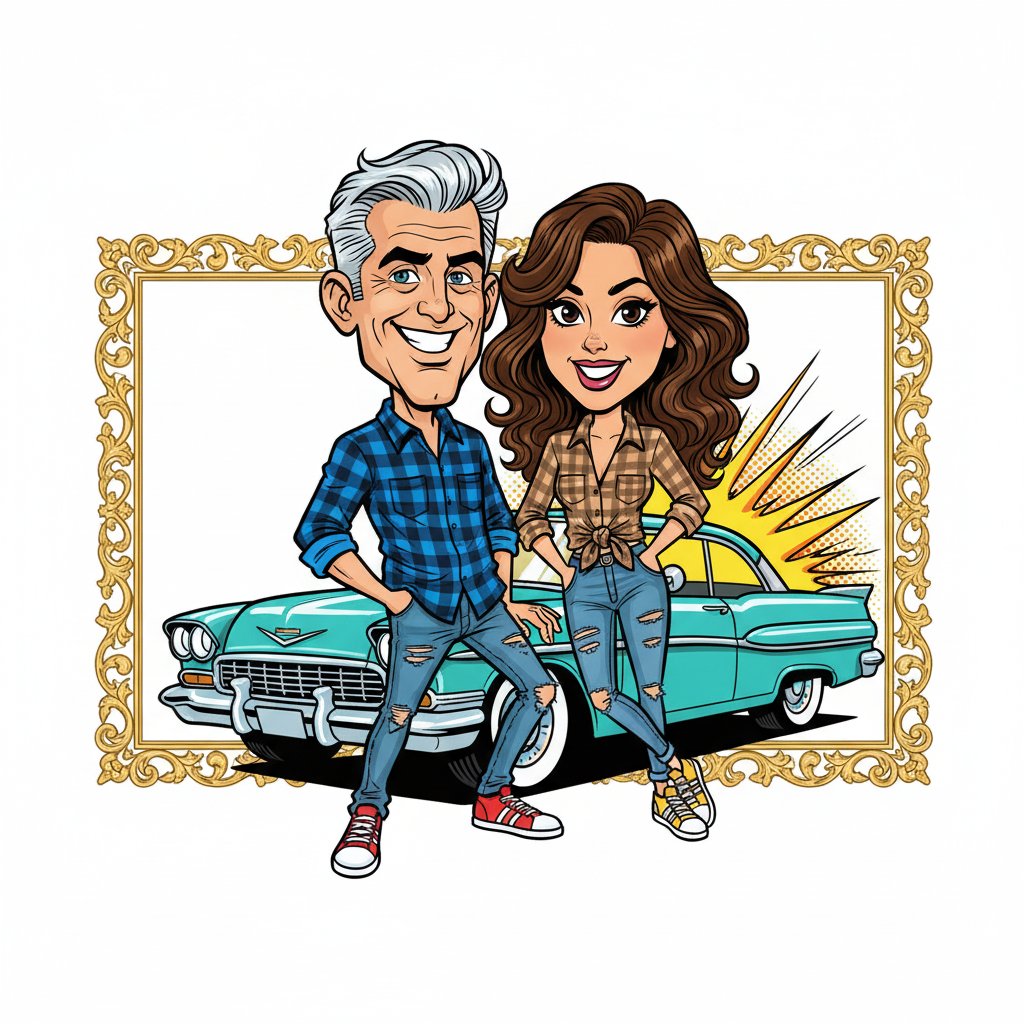
You should also verify that both people look equally finished. Sometimes one face stays accurate while the other drifts. ai ai cartoon couple generator becomes more reliable when each approval uses the same pass-fail review.
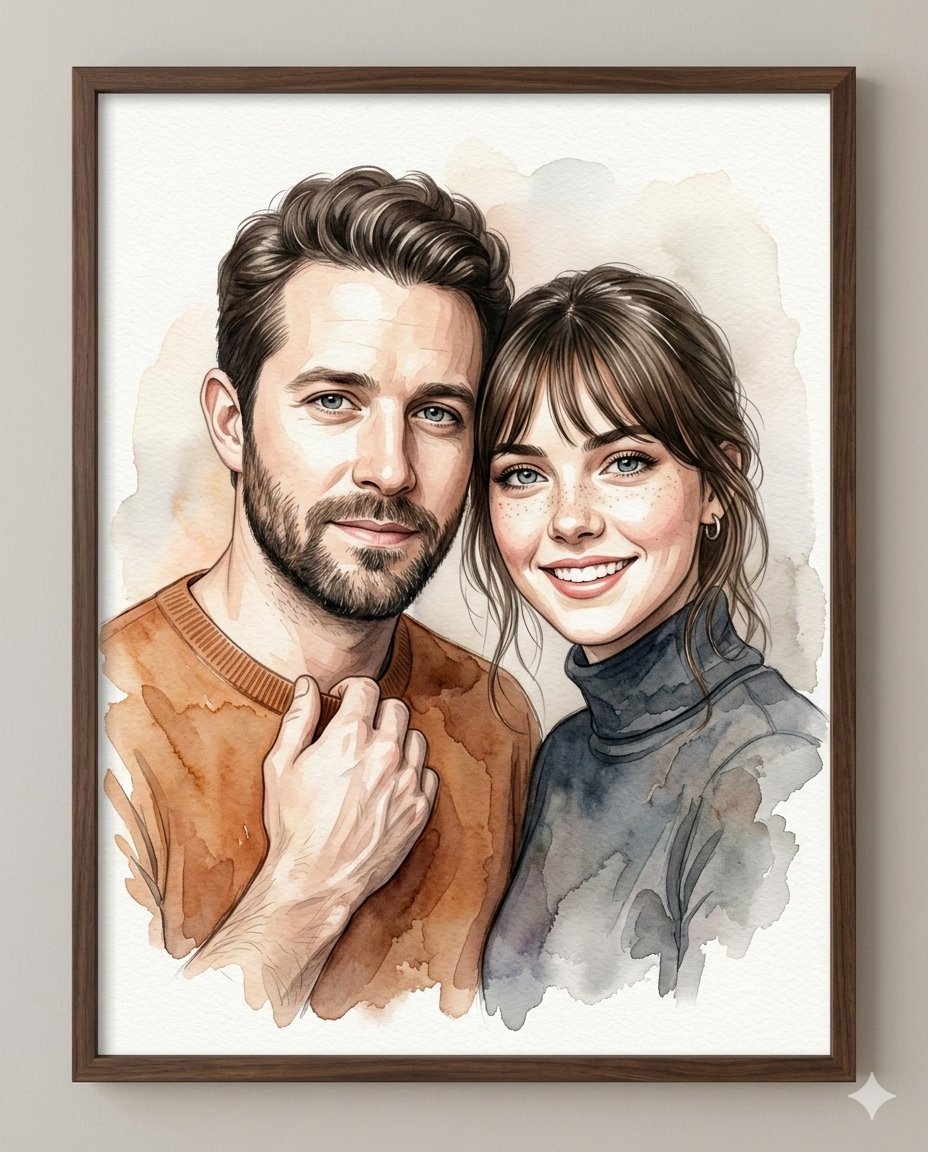
That flexibility is what makes the workflow practical. You are not building one image from scratch each time. You are building one repeatable couple portrait system that can be styled for different moments.
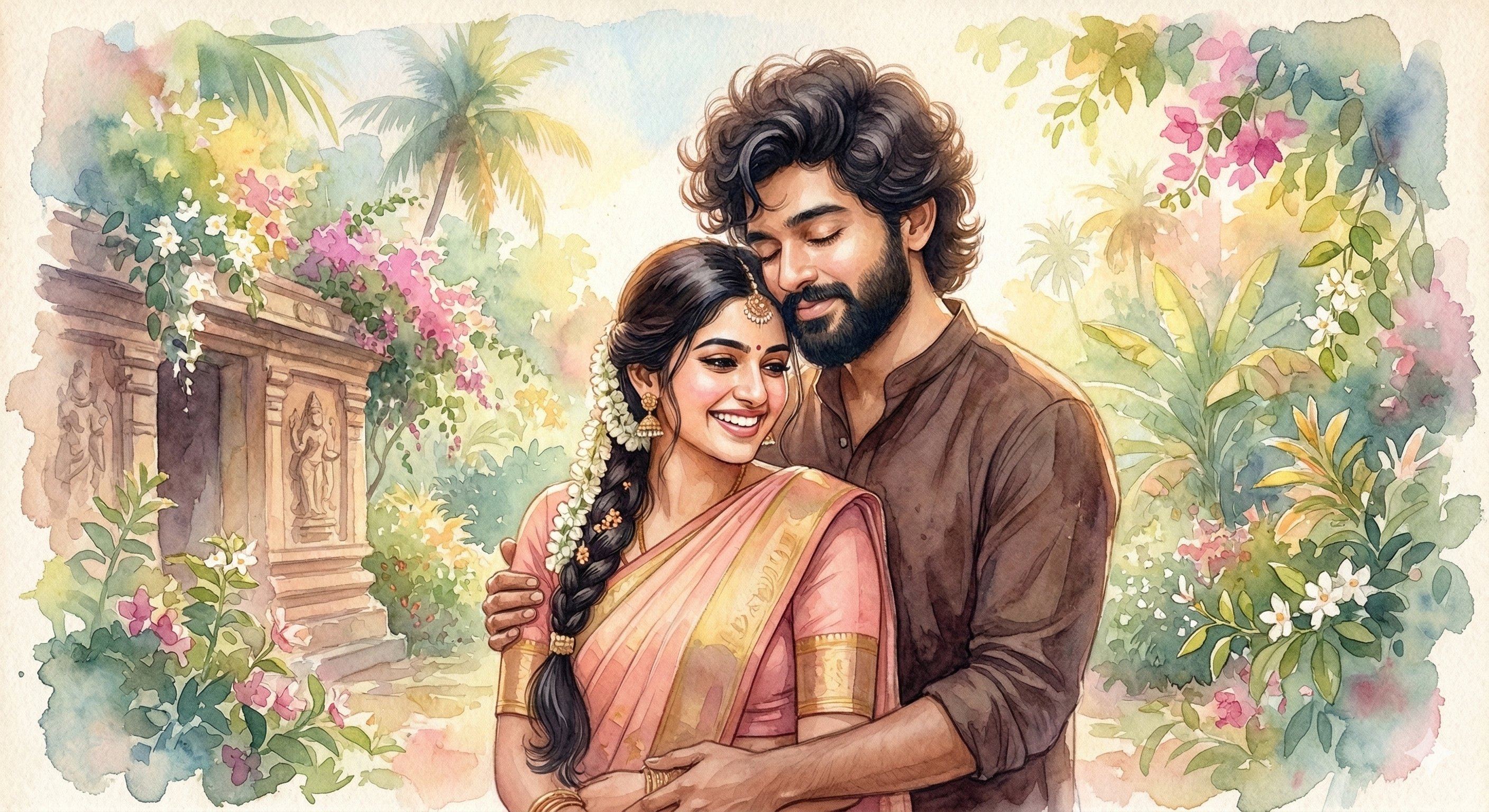
If a batch misses the target, keep the best sample, identify the exact problem, and change one variable only. Refine the pose, reduce exaggeration, simplify the background, or restate the facial features. That recovery loop is much faster than rewriting everything from zero.
User Feedback
Each page uses fixed user avatars and practical ai cartoon couple generator workflow feedback.

Chloe M.
Wedding Content Creator
★★★★★
“AI Cartoon Couple Generator helped us turn proposal photos into softer cartoon portraits that clients wanted to share right away.”

Ryan T.
Gift Shop Owner
★★★★★
“The pose and likeness controls made it much easier to create couple gift artwork without losing identity.”
Sofia L.
Social Designer
★★★★★
“We use the workspace presets to build anniversary, travel, and profile-picture variants from one clean couple prompt.”
Short answers before you generate.
Generate, compare, and publish in one practical ai cartoon couple generator workflow.