
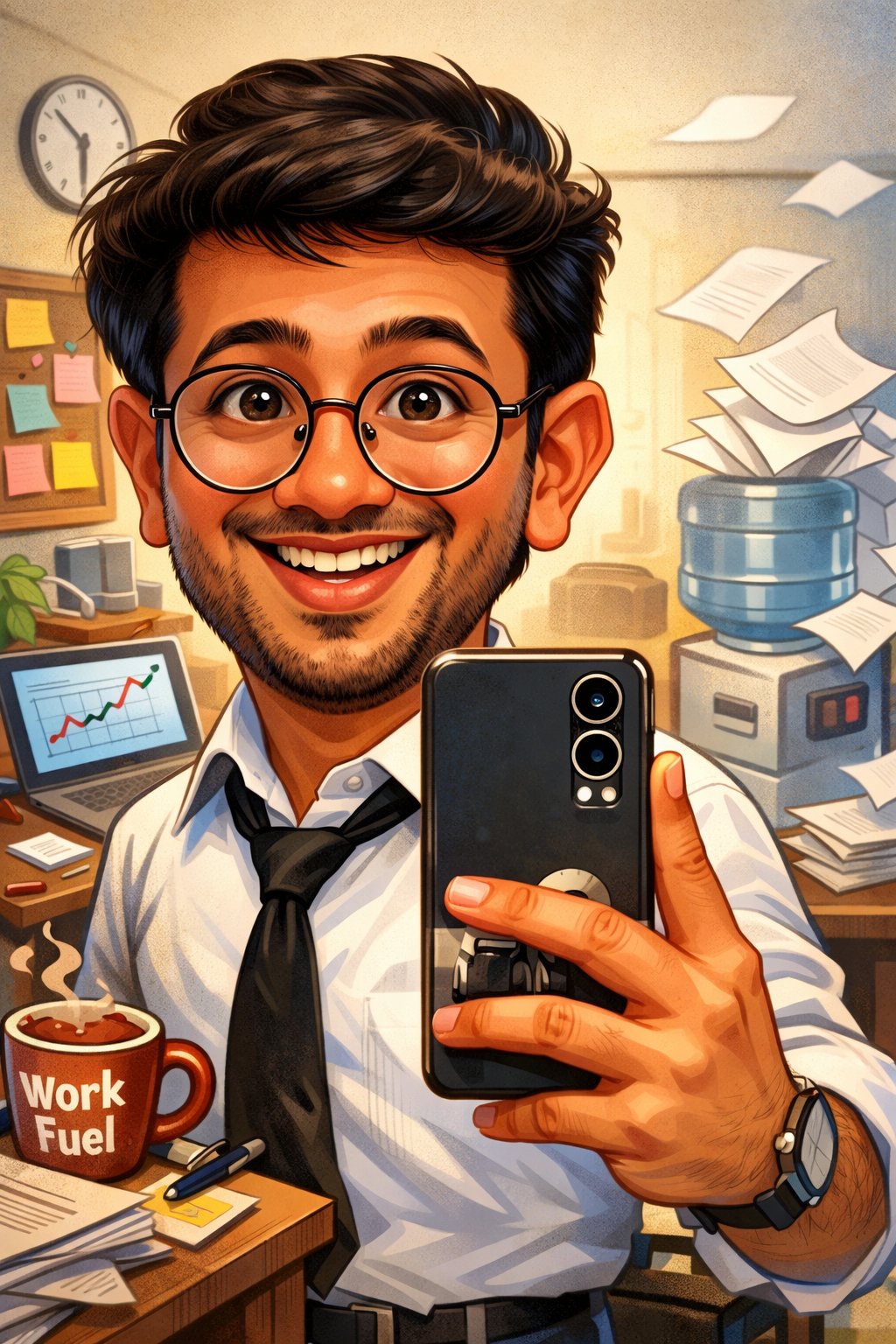
AI Caricature Generator sample 4
Keep face shape, hairstyle, and signature details recognizable while still pushing playful exaggeration.
Anydraw AI
ai caricature generator on Anydraw AI turns one selfie into a recognizable, playful portrait with cleaner exaggeration, stronger identity retention, and faster export-ready results.
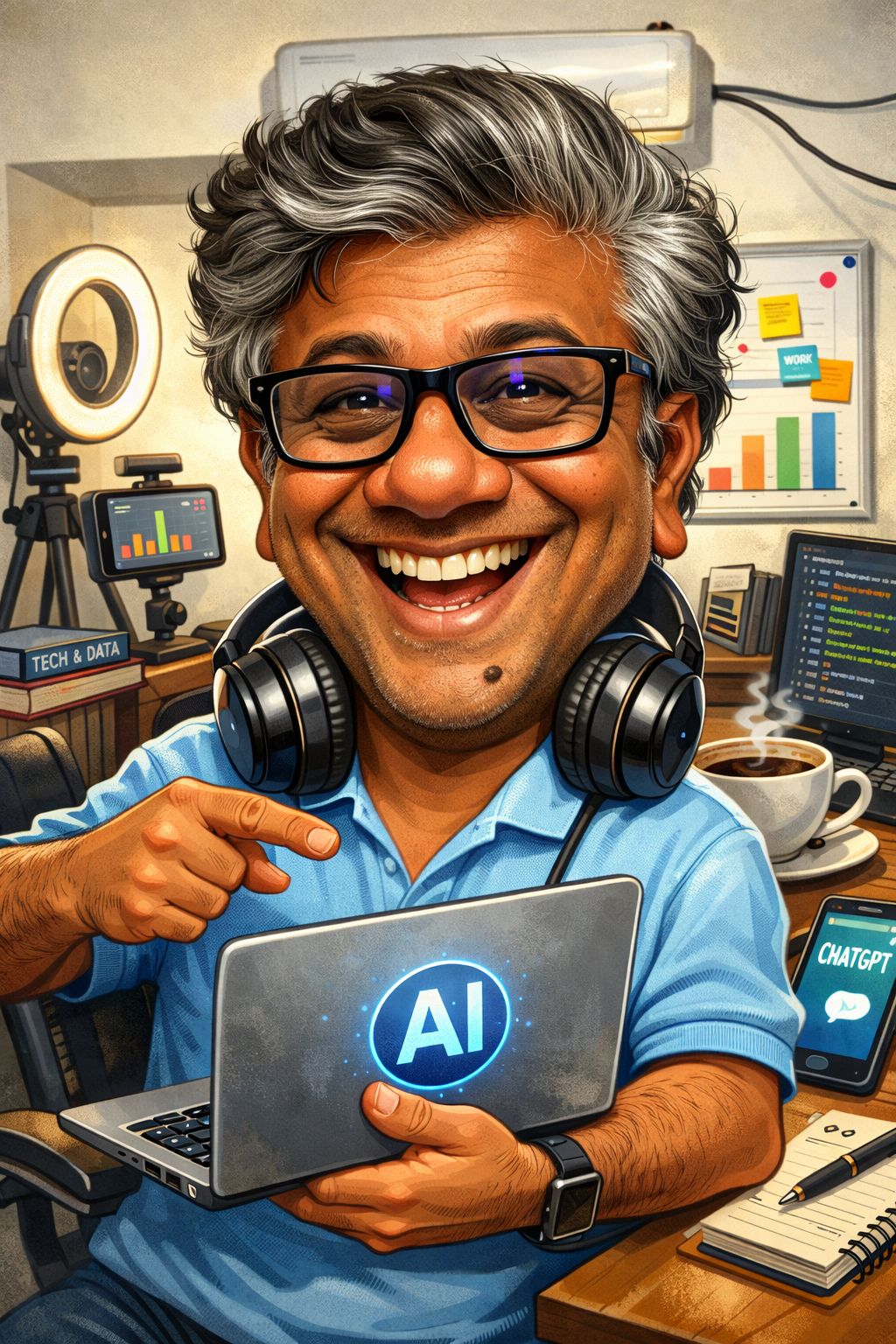
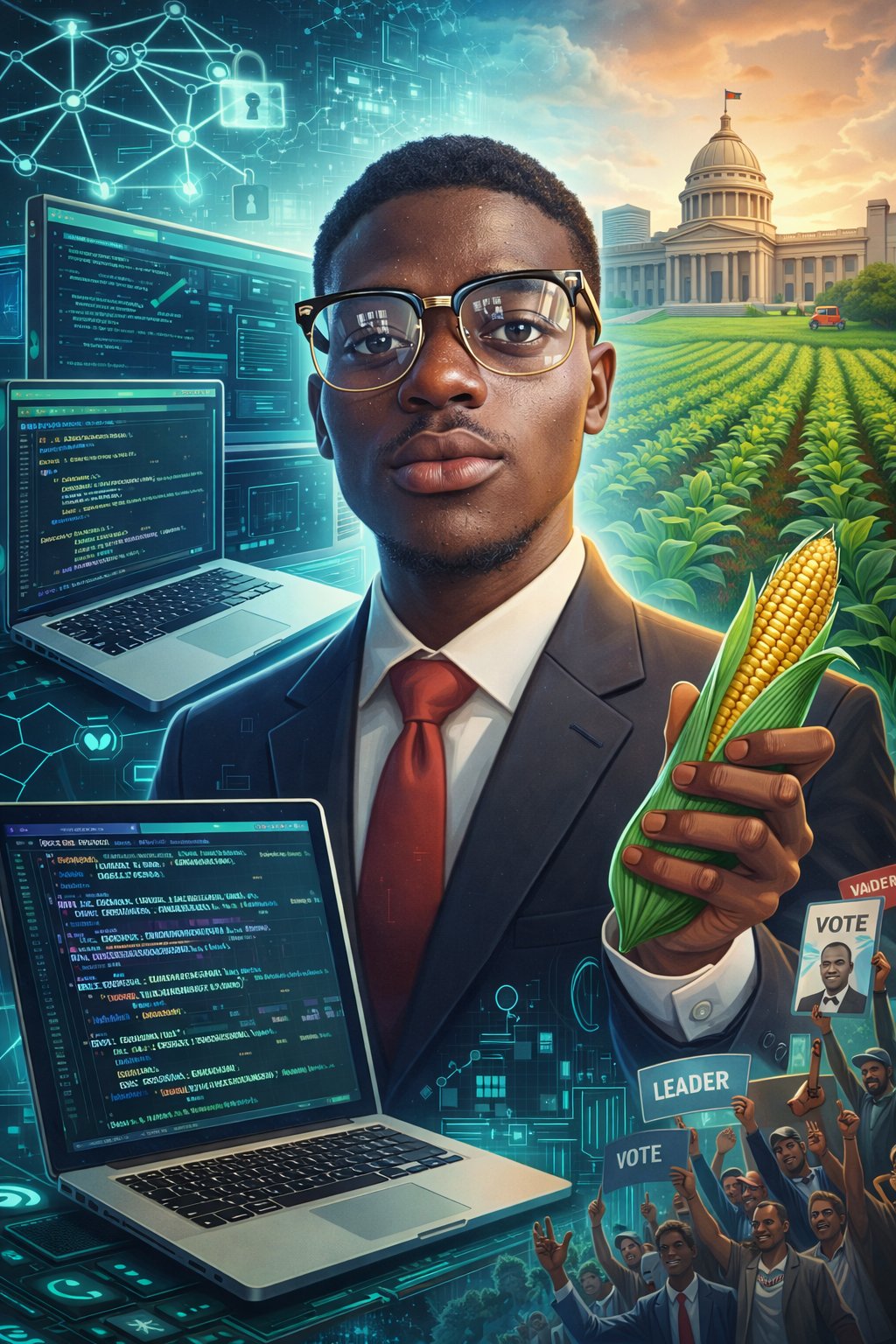
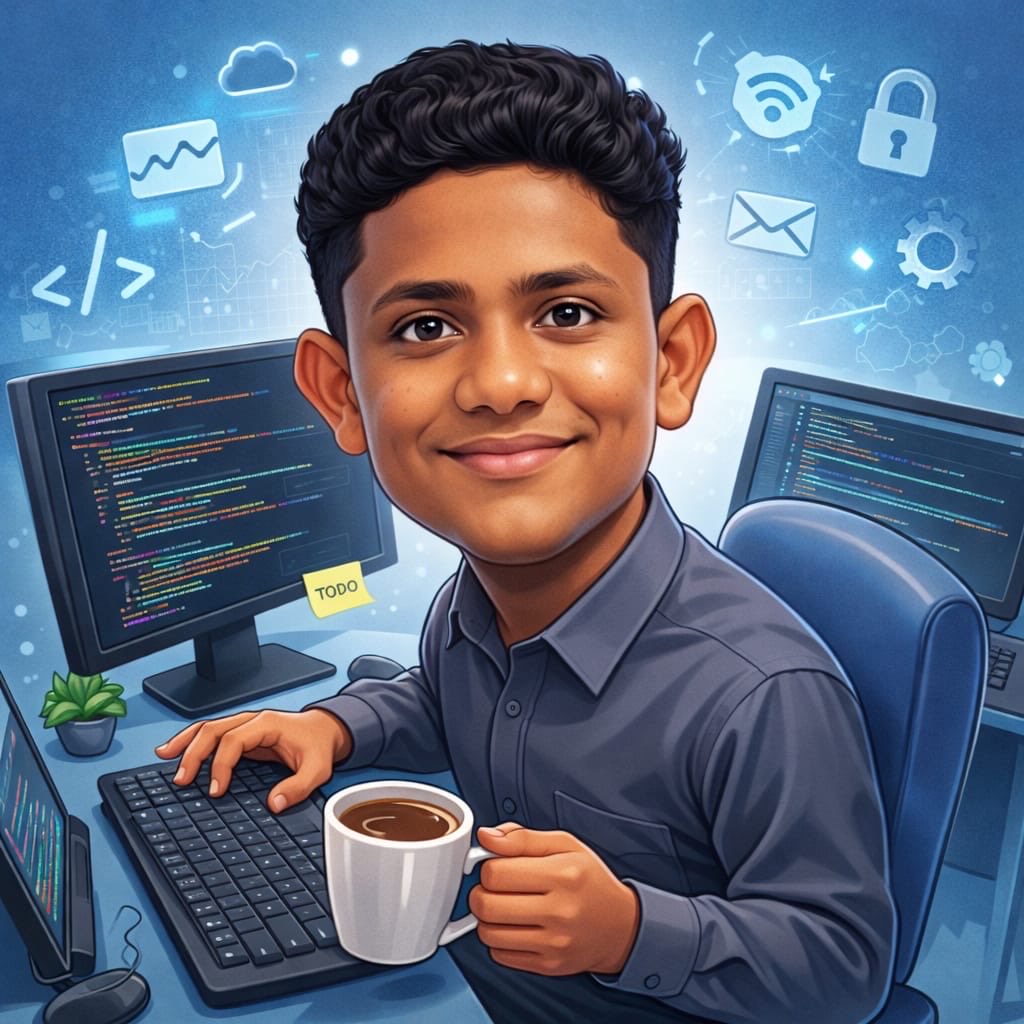
Nano Banana 2 playground
Cost: 1K = 10 credits per image (1k=10, 2k=16, 4k=20).
Prompt, references, model switching, size controls, and export in one panel.
Input
Choose a case to preload the internal recipe. You can then freely adjust the details.
Output
Practical guide
Tool-first flow, shorter copy blocks, integrated visuals, and direct CTA. Structured like easy-to-follow feature pages.
Keep face shape, hairstyle, and signature details recognizable while still pushing playful exaggeration.
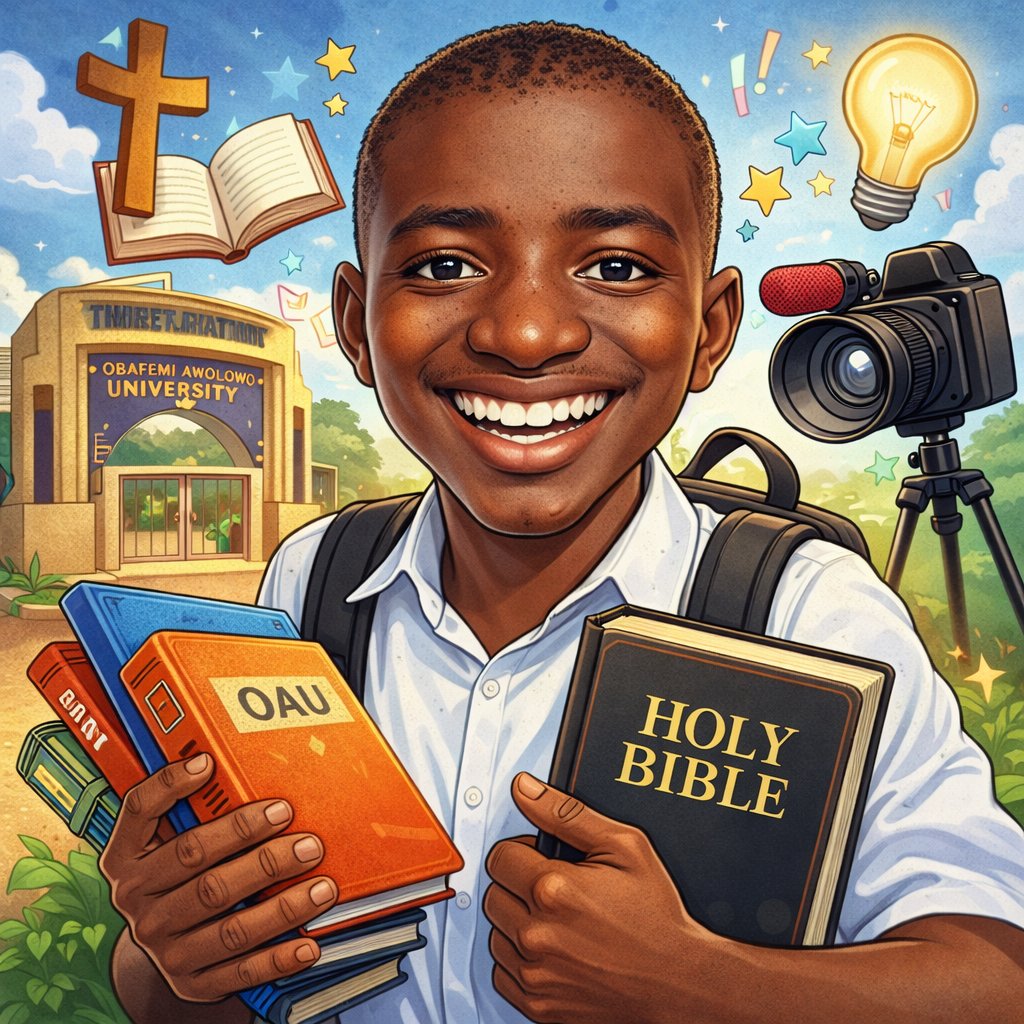
Guide camera crop, eye line, hand pose, and background density so the caricature still reads as a premium portrait.

Add props, workspace details, and role cues that explain what the subject does without turning the image into a cluttered...
Keep face shape, hairstyle, and signature details recognizable while still pushing playful exaggeration.
Guide camera crop, eye line, hand pose, and background density so the caricature still reads as a premium portrait.
Add props, workspace details, and role cues that explain what the subject does without turning the image into a cluttered poster.
Move from one approved caricature prompt to profile photos, creator banners, team pages, and campaign thumbnails faster.
Upload a selfie or portrait with clear facial features, natural lighting, and minimal blur before you stylize anything.
Define expression, exaggeration level, profession cues, and background style in one prompt before testing variants.
Compare a few versions while protecting identity, role signals, and visual cleanliness across the batch.
Pick the cleanest caricature portrait, then export profile, thumbnail, and social-ready crops from the same direction.
Direct full-length version. Each block covers one use case to keep the page readable and actionable.
Teams use ai ai caricature generator when they want more personality than a normal headshot but still need something usable for profile photos, speaker cards, launch posts, or team pages. That is why ai ai caricature generator on Anydraw AI is built around prompt clarity, recognizable features, and export-ready framing.
If the source image is noisy, heavily filtered, or taken from too far away, ai ai caricature generator will exaggerate the wrong details. Better source photos make ai ai caricature generator portraits look playful instead of broken.
Keep the instruction short and specific. Instead of stacking ten style words, tell ai ai caricature generator exactly which traits must stay real, which features may be pushed, and what professional or creator context should appear around the subject.
When ai ai caricature generator pushes every feature at once, the result stops looking personal. Controlled exaggeration keeps ai ai caricature generator outputs expressive, confident, and usable for public-facing pages.
If you want more energy, add one gesture or one prop instead of changing everything. That gives ai ai caricature generator enough movement to feel alive without sacrificing the portrait read at thumbnail size.
The cleanest ai ai caricature generator pages use soft background storytelling. Let the face stay dominant, keep props readable, and avoid turning ai ai caricature generator into an infographic disguised as a portrait.
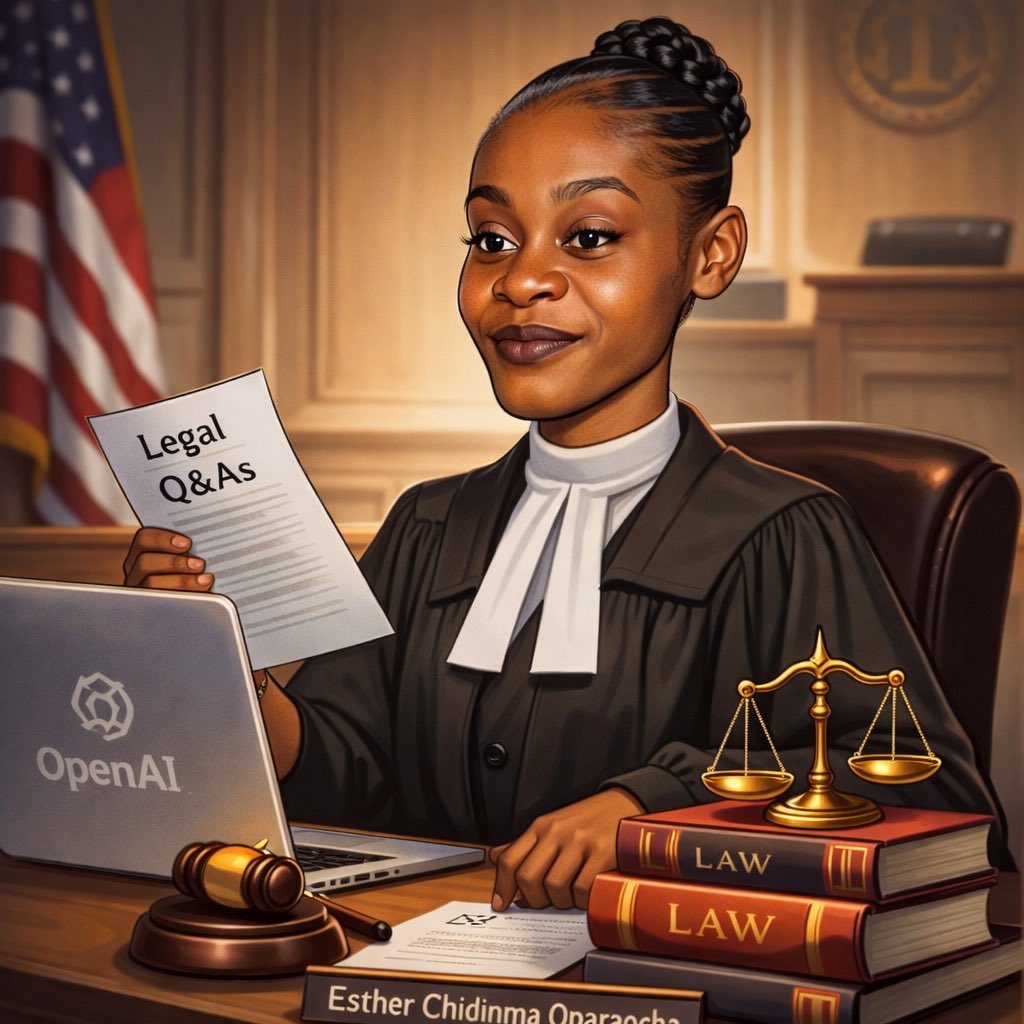
Export rules matter too. Decide whether ai ai caricature generator is being used for square avatars, vertical creator cards, or wider social banners before the final pass so the portrait crop stays intentional.
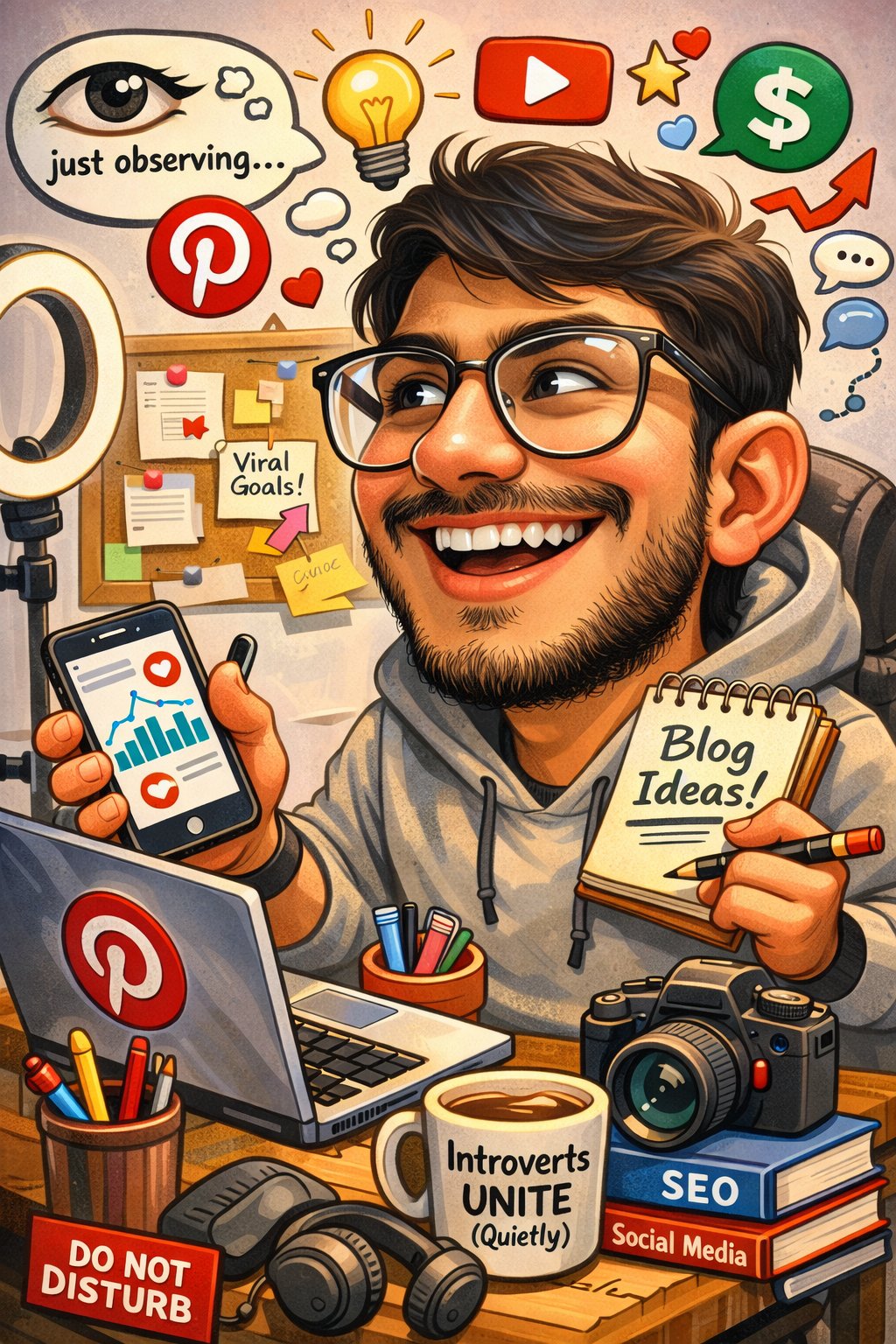
A strong ai ai caricature generator result should feel exaggerated but not grotesque, polished but not plastic, and expressive without obvious watermark, logo clutter, or broken anatomy. This short checklist prevents avoidable rework.
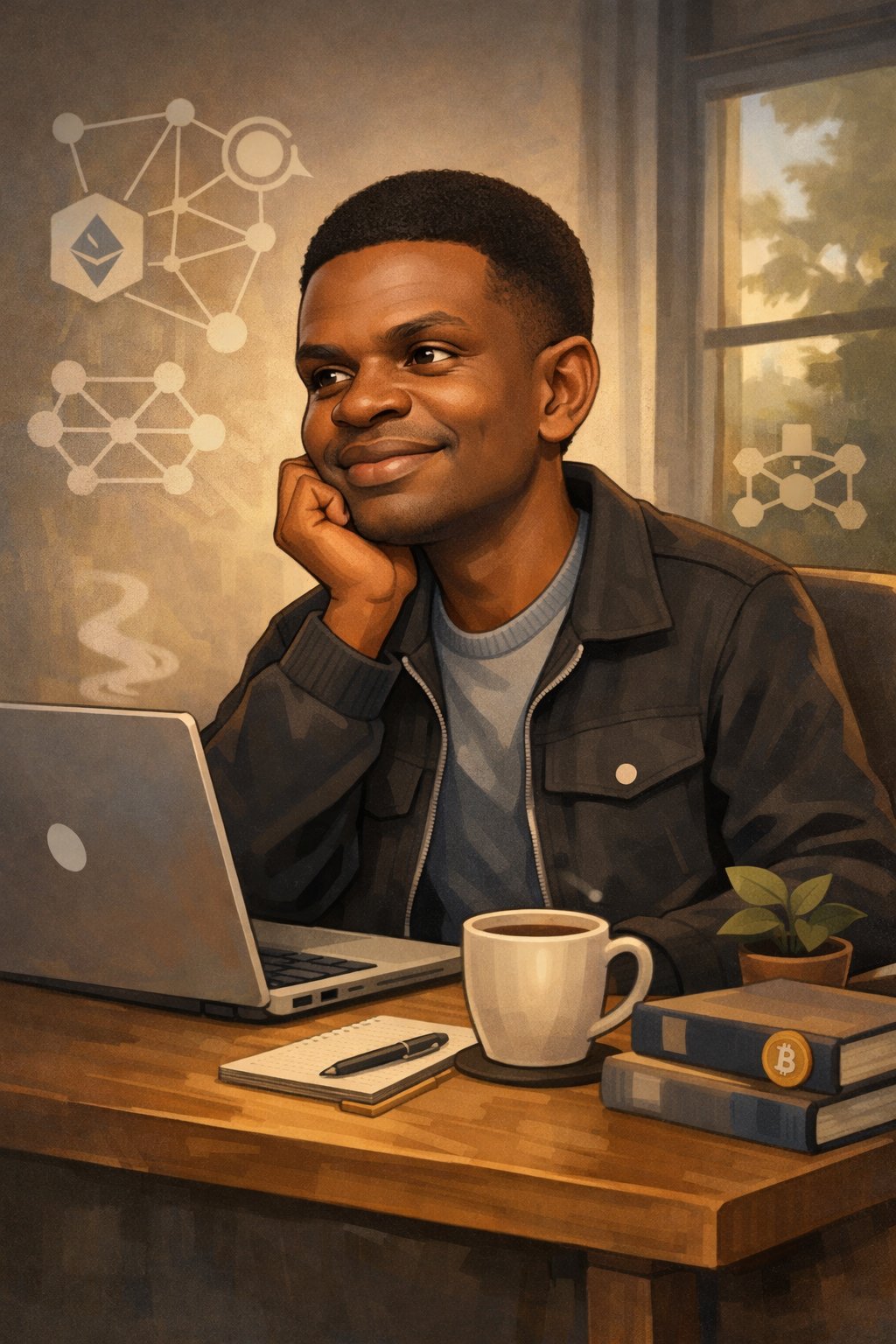
Because ai ai caricature generator keeps the portrait recognizable, teams can reuse the same approved prompt direction across series artwork, launch recaps, and community content. That makes ai ai caricature generator a practical identity system, not just a one-off trend.
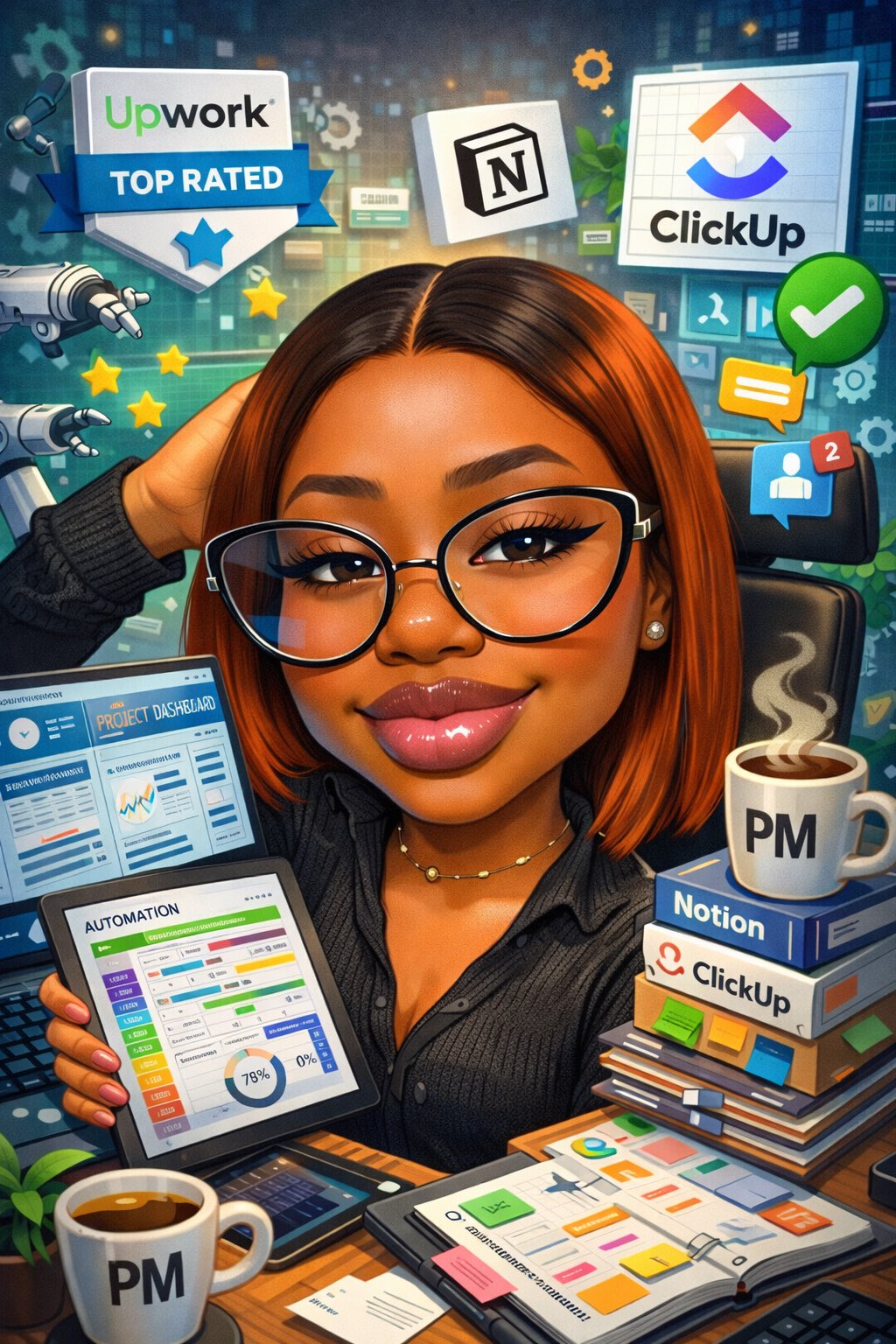
Another frequent mistake is using props or backgrounds to compensate for a weak source photo. Fix the portrait input first, then let ai ai caricature generator add controlled exaggeration and job context. That recovery path keeps ai ai caricature generator outputs sharper, faster, and more consistent over time.
User Feedback
Each page uses fixed user avatars and practical workflow feedback.

Nina P.
Creator Manager
★★★★★
“AI Caricature Generator helped us create profile-ready caricatures that still looked like the real person instead of a random cartoon.”

Leo M.
Community Lead
★★★★★
“We use ai caricature generator when we want more personality in campaign visuals without losing identity consistency.”
Sara D.
Brand Designer
★★★★★
“The prompt-plus-portrait workflow made it easier to create role-based caricatures for team pages, creator cards, and launch posts.”
Short answers before you generate.
Generate, compare, and publish a cleaner caricature portrait in one workflow.